GUIKit Example: Scribble
GUIKit Example: Scribble
The functionality provided by GUIKit has been superseded by the interface construction and controls functions native to the built-in Wolfram Language.
Needs["GUIKit`"]expr = Widget["Panel", {
Widget["MathPanel", {
"preferredSize" -> Widget["Dimension", {"width" -> 300, "height" -> 300}],
BindEvent["mouseDragged",
Script[
mouseDraggedFunc[
PropertyValue[{"#", "x"}], PropertyValue[{"#", "y"}]];
] ]}, Name -> "canvas", WidgetLayout -> {"Stretching" -> {Maximize, Maximize}}],
Script[
pts = {{0, 0}};
createGraphics[] :=
If[WidgetReference["g"] === Null,
InvokeMethod[{"canvas", "createImage"},
PropertyValue[{"canvas", "width"}], PropertyValue[{"canvas", "height"}], Name -> "offscreen"];
PropertyValue[{"offscreen", "graphics"}, Name -> "g"] ;
SetPropertyValue[{"g", "color"}, Widget["Color", InitialArguments -> {0, 0, 0}]];
];
mouseDraggedFunc[x_, y_] := (createGraphics[];
InvokeMethod[{"g", "drawLine"}, pts[[-1, 1]], pts[[-1, 2]], x, y];
SetPropertyValue[{"canvas", "image"}, WidgetReference["offscreen"]];
InvokeMethod[{"canvas", "repaintNow"}];
AppendTo[pts, {x, y}];
);
]
}];Scribble[] := GUIRunModal[expr];Example
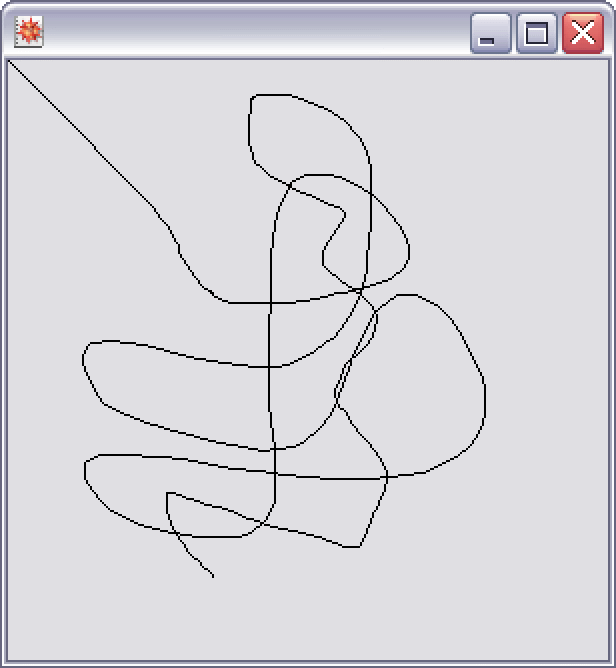
This is the J/Link scribble pad example implemented with the GUIKit` package.
Scribble[]