Deploy an Animation to the Web
WORKFLOW
Deploy an Animation to the Web
Create a list of animation frames
To deploy an animation to the web, start by creating a list of animation frames:
animation = Table[Graphics[Disk[{0, 0}, r], PlotRange -> 1.1, ImageSize -> 100], {r, 0, 1, .1}]- Specify a fixed PlotRange so that the frames of the animation do not autoscale.
Deploy the animation as a GIF
Deploy the animation to a webpage as an animated GIF:
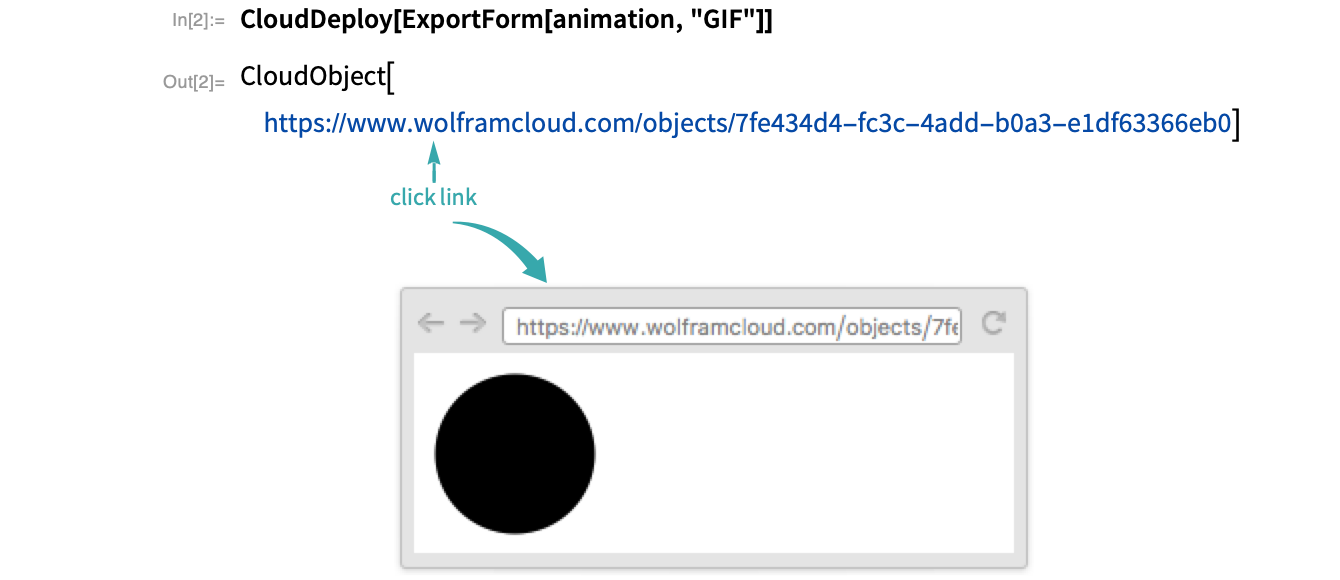
By default, only you have access to the deployed animation. Add Permissions->"Public" to give access to everyone:
CloudDeploy[ExportForm[frames, "GIF"], Permissions -> "Public"]- Use "AnimationRepetitions"Infinity in ExportForm to deploy an endless loop animation.
Notes
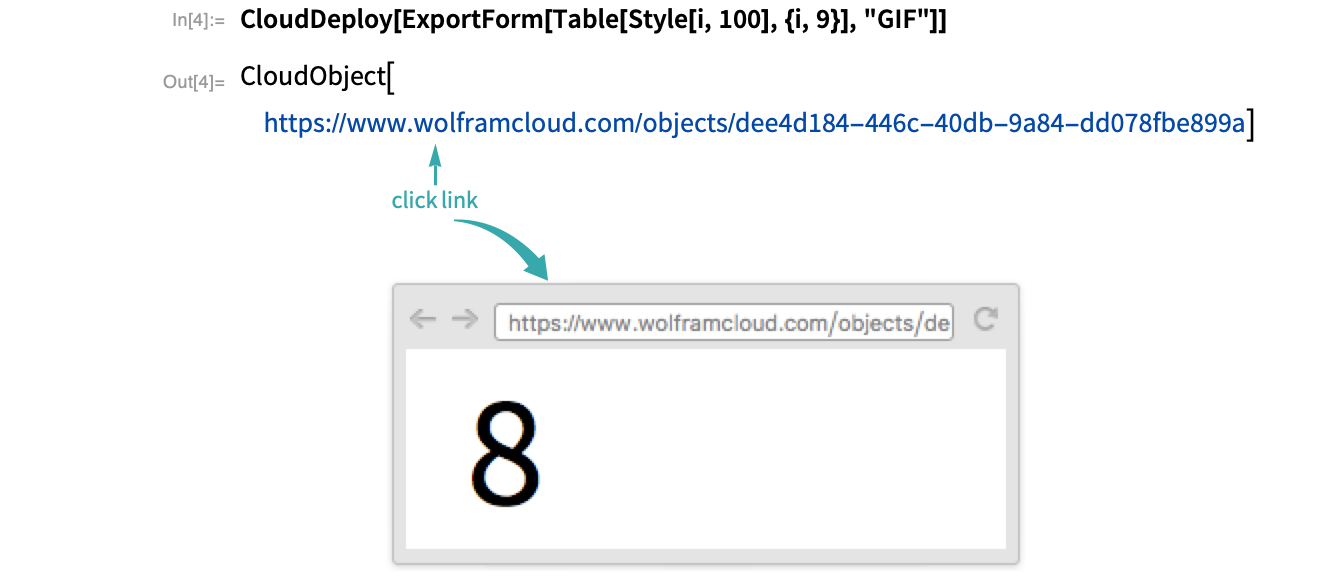
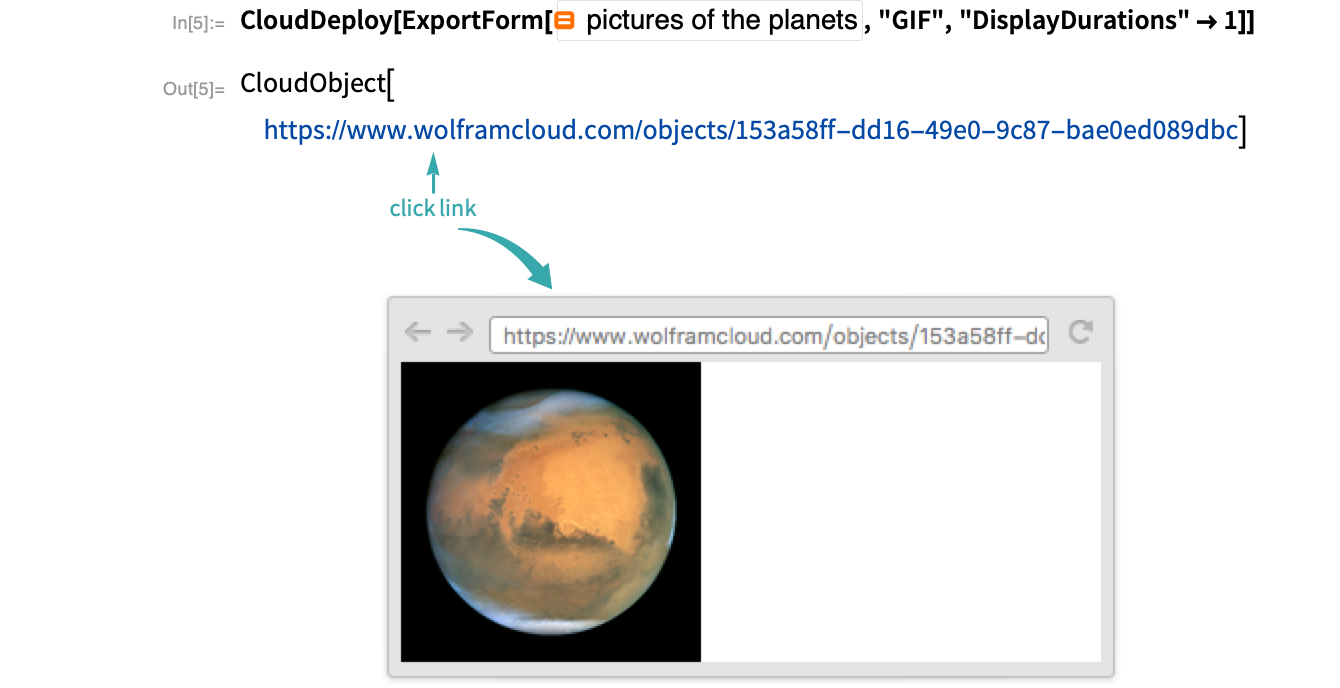
When making animations of 3D graphic rotations, use SphericalRegionTrue to prevent autoscaling:
Table[Graphics3D[Cuboid[], ViewPoint -> 10Append[AngleVector[a], .5], SphericalRegion -> True], {a, 0, π / 2, π / 8}]