Suppress Error Messages
WORKFLOW
Suppress Error Messages
In a Single Evaluation...
Some evaluations may issue error messages:
1 / 0
To suppress the error messages, wrap the input expression with Quiet:
Quiet[1 / 0]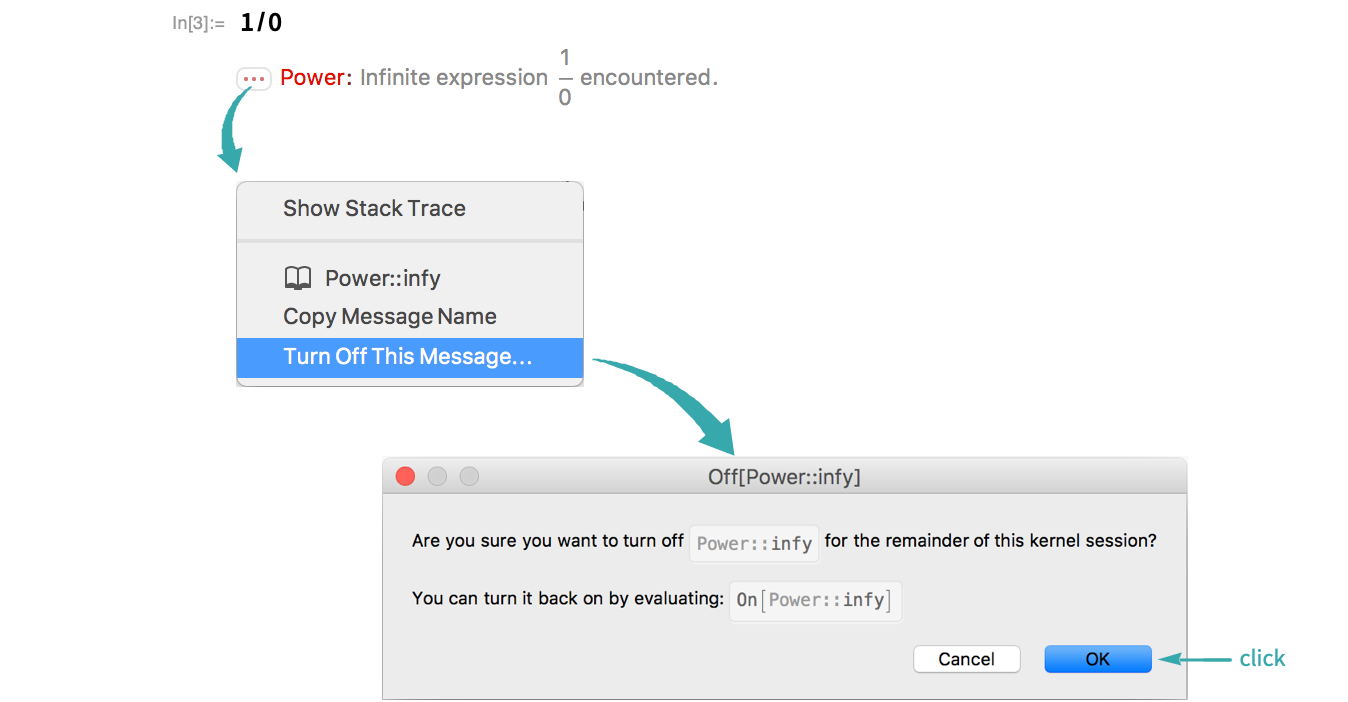
For an Entire Session Programmatically by Name...
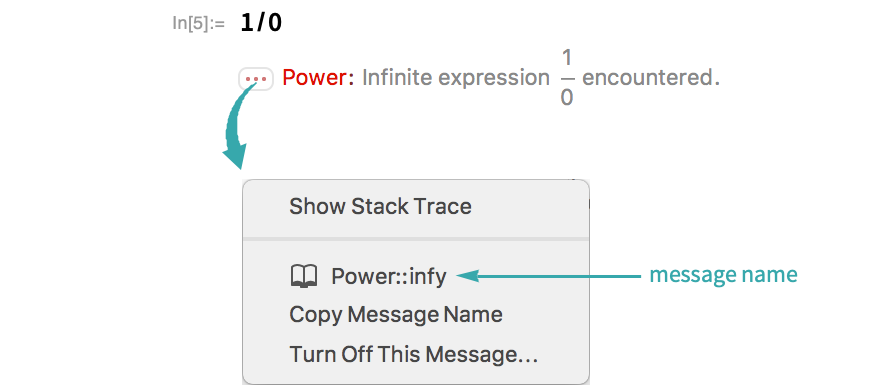
It is sometimes useful to turn off an error message programmatically. To do so, you need the message’s name.
If an evaluation has issued a message, you can see its name by clicking the "More information" icon on its left:
Use Off to turn that message off for the remainder of the session:
Off[Power::infy]Subsequent evaluations will not produce that message:
1 / 0Turn the message back on again with On:
On[Power::infy]The message is restored:
1 / 0