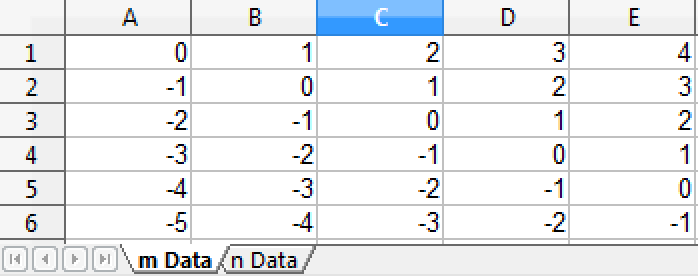
How to | Export a Spreadsheet
You may want to export data from the Wolfram Language to a spreadsheet. Excel is one example of a common spreadsheet format that the Wolfram Language supports.
Selected examples from the video:
Use Table with two variables to set up a table of values (stored as m):
m = Table[i - j, {i, 5}, {j, 6}]To view your data as it will appear in a spreadsheet, display it in TableForm:
m//TableFormUse Export to export the data to Excel format ("XLS") with the file name you specify:
Export["mfile.xls", m, "XLS"]You can leave out the format if you specify the file extension:
Export["mfile.xls", m]To view your spreadsheet, open the file with Excel or any other compatible spreadsheet program.
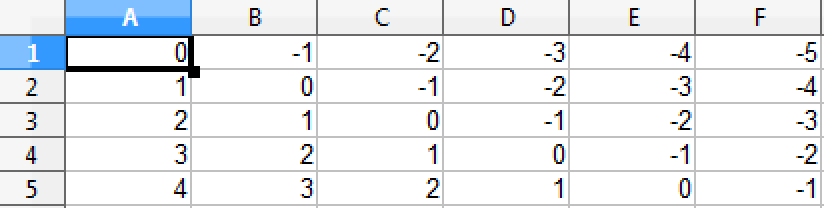
To make the rows of the spreadsheet appear in columns, and vice versa, use Transpose.
Export["mfile.xls", Transpose[m]]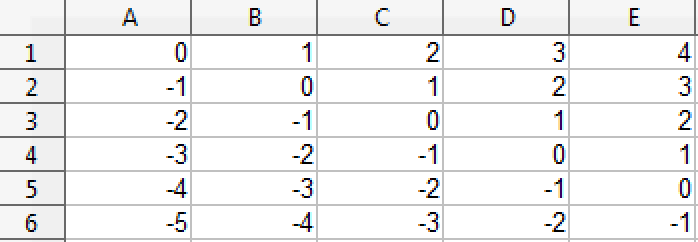
The Wolfram Language also allows you to export data to multiple individual spreadsheets in a single Excel file.
Set up some more data to export and display it in TableForm:
n = Table[i - j, {i, 3}, {j, 7}]n//TableFormPlace the datasets in a list to export them to separate spreadsheets in a single Excel file:
Export["mfile2.xls", {m, n}]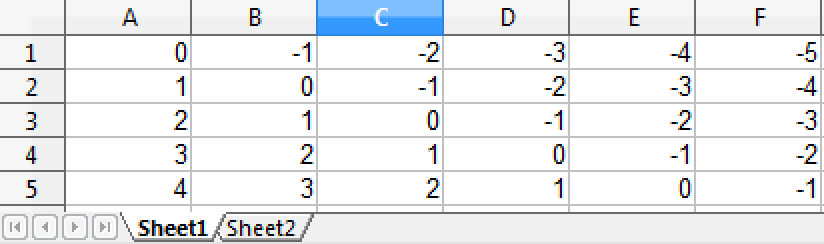
The sheets are by default named Sheet1 and Sheet2. You can also specify the names of the sheets:
Export["mfile2.xls", {"m Data" -> m, "n Data" -> n}]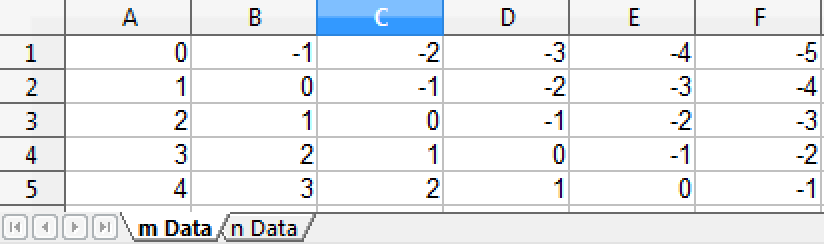
Use Export to move transposed data to separate, named sheets:
Export["mfile2.xls", {"m Data" -> Transpose[m], "n Data" -> Transpose[n]}]