

DialogReturn
DialogReturn[expr]
closes a dialog window, returning the expression expr from the dialog.
closes a dialog window, returning Null.
Details
- If DialogReturn[expr] is used inside a dialog put up by DialogInput, then expr will be the value returned by DialogInput.
- If DialogReturn[expr] is used inside a dialog created by CreateDialog, expr will be evaluated and then discarded.
Examples
open all close allBasic Examples (2)
Put up a dialog window that returns 123 when the button is clicked:
res = DialogInput[Button["text", DialogReturn[123]]];
resDialogReturn[] returns Null:
res = DialogInput[Button["text", DialogReturn[]]];
res//FullFormScope (3)
Create a dialog input window that returns a user input:
res = DialogInput[{name = ""}, DialogNotebook[{TextCell["Type a name"], InputField[Dynamic[name], String], Button["Proceed", DialogReturn[name]]}]];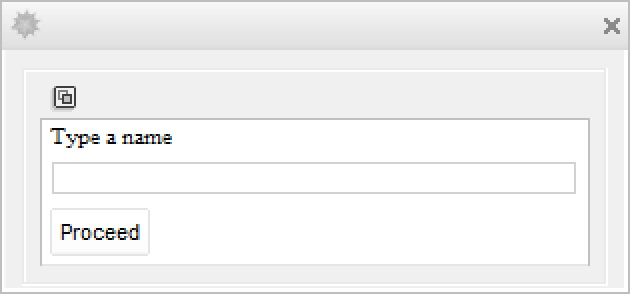
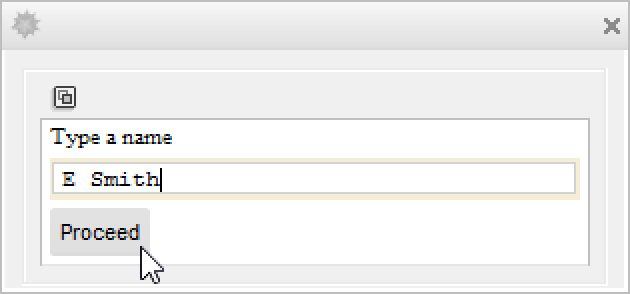
Enter a string in the field and click Proceed to return the string:
resThis input puts up a dialog window and does not wait for a return value:
name = "";
CreateDialog[{TextCell["Type a name"], InputField[Dynamic[name], String], Button["Proceed", DialogReturn[res = name]]}];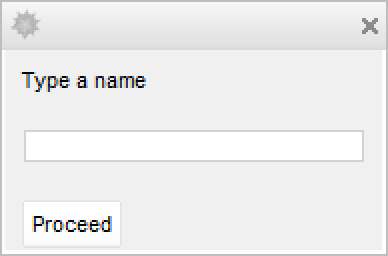
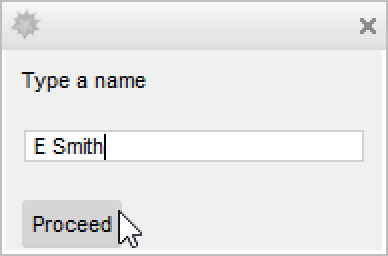
Typing in the dialog window dynamically changes name but has no immediate effect on res:
The kernel evaluates other inputs while the dialog window is open:
{res, name}After the Proceed button is clicked, the effect of DialogReturn[res=name] can be seen:
{res, name}Return different values, depending which button is clicked:
res = DialogInput[DialogNotebook[{
	Row[{DefaultButton[DialogReturn[True]], CancelButton[DialogReturn[False]]}]
	}]];
Properties & Relations (3)
This uses DialogReturn[] to return from the dialog notebook:
DialogInput[DialogNotebook[{TextCell["Click to proceed"], Button["OK", DialogReturn[]]}]]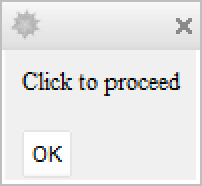
DefaultButton[] can be used instead of an explicit DialogReturn[]:
DialogInput[DialogNotebook[{TextCell["Click to proceed"], DefaultButton[]}]]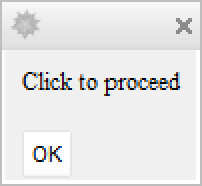
CancelButton[] implicitly uses DialogReturn[$Canceled]:
res = DialogInput[DialogNotebook[{TextCell["Click to proceed"], CancelButton[]}]];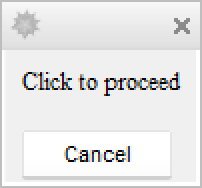
resText
Wolfram Research (2007), DialogReturn, Wolfram Language function, https://reference.wolfram.com/language/ref/DialogReturn.html.
CMS
Wolfram Language. 2007. "DialogReturn." Wolfram Language & System Documentation Center. Wolfram Research. https://reference.wolfram.com/language/ref/DialogReturn.html.
APA
Wolfram Language. (2007). DialogReturn. Wolfram Language & System Documentation Center. Retrieved from https://reference.wolfram.com/language/ref/DialogReturn.html