

GalleryView
GalleryView[{expr1,expr2,…}]
represents an object in which the expri are displayed in a browsable gallery layout.
GalleryView[{assoc1,assoc2,…}]
uses each of the associations associ to define the display of an item in the gallery.
Details and Options
- CloudDeploy[GalleryView[…]] yields a cloud object containing an active version of the gallery.
- Items given as associations can have the following elements:
-
"Content" main content, often an image or hyperlink "Title" title to display "Description" description to display - GalleryView has the option Pagination, which controls how items should be laid out between pages. Possible values include:
-
n n items per page {n,m} an array of n rows and m columns on each page
Examples
open all close allBasic Examples (1)
Deploy GalleryView to the Wolfram Cloud:
CloudDeploy[GalleryView[Table[ArrayPlot[RandomReal[1, {10, 20}], ColorFunction -> "Rainbow"], 12]]]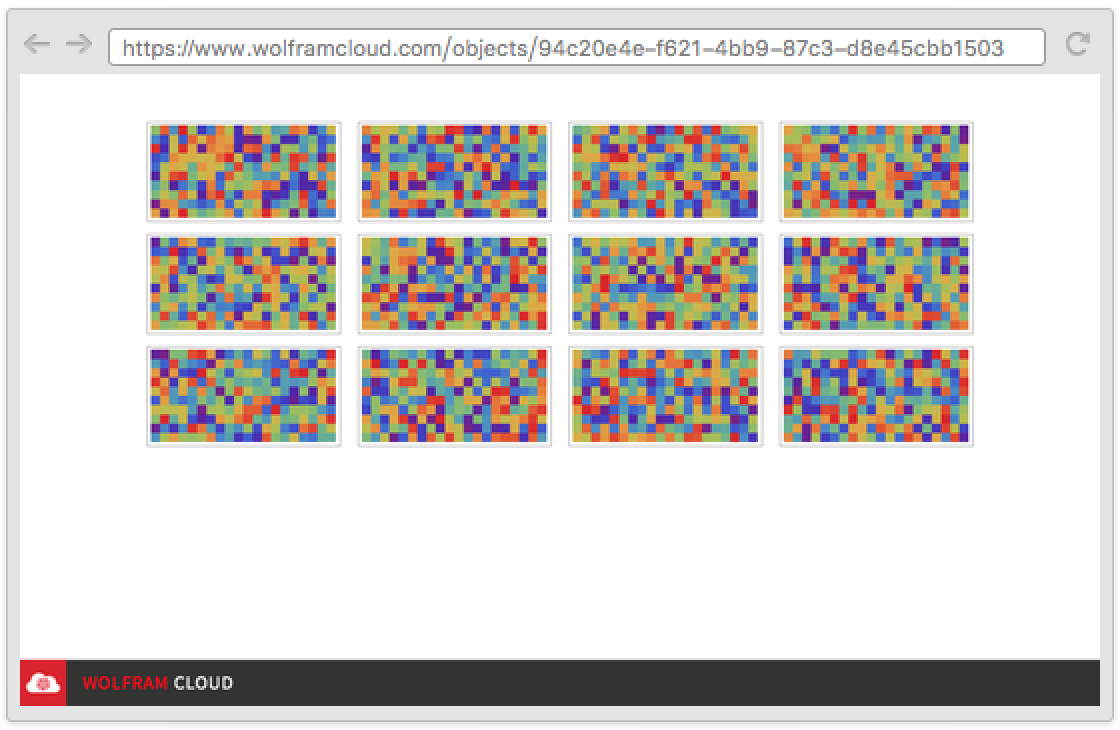
To create a list of freshly generated expressions each time a user visits the CloudObject, you can use Delayed:
CloudDeploy[Delayed[GalleryView[Table[ArrayPlot[RandomReal[1, {10, 20}], ColorFunction -> "BlueGreenYellow"], 8]]]]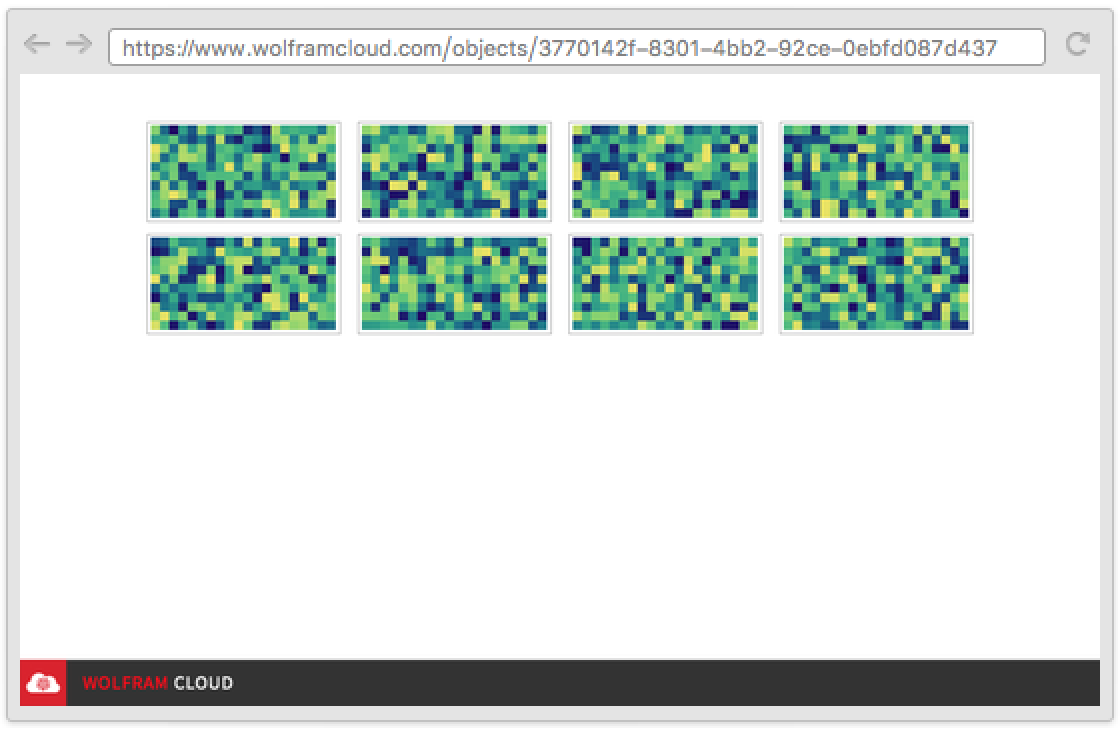
Scope (2)
Association can be used to specify item layout:
CloudDeploy[GalleryView[Table[<|"Content" -> Graphics[{RandomColor[], Disk[]}], "Title" -> RandomChoice[{"Disk", "Circle", "Sign"}], "Description" -> "Text goes here"|>, 4]]]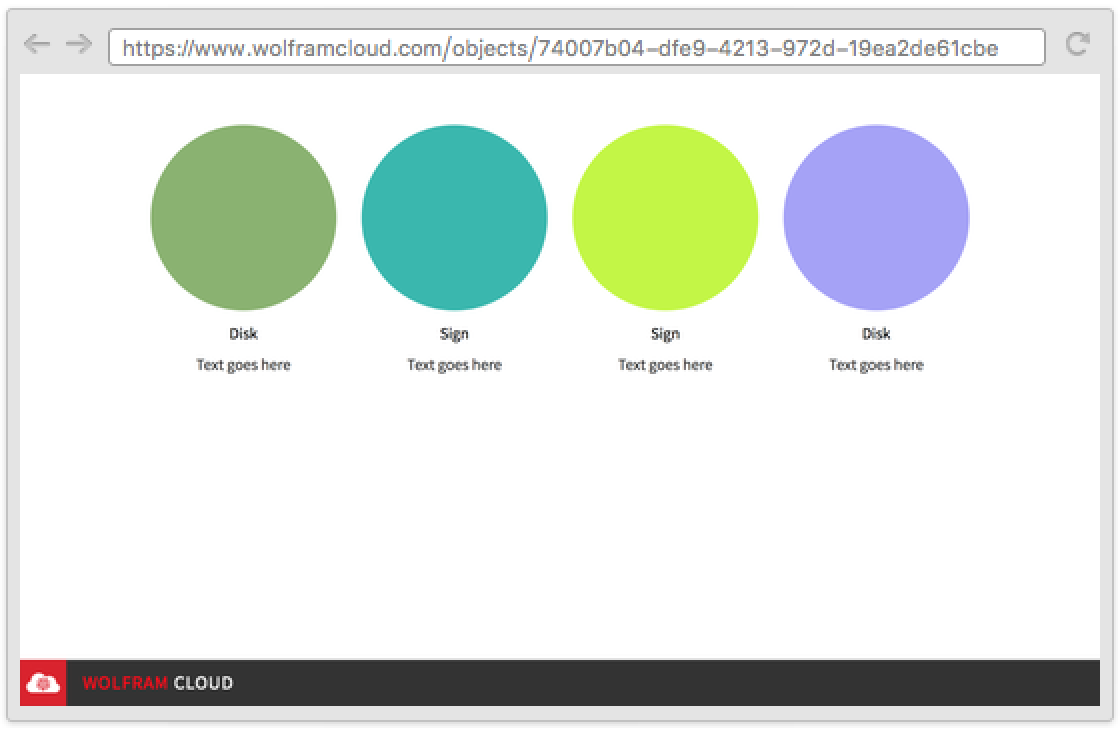
Hyperlink can be used to make items clickable:
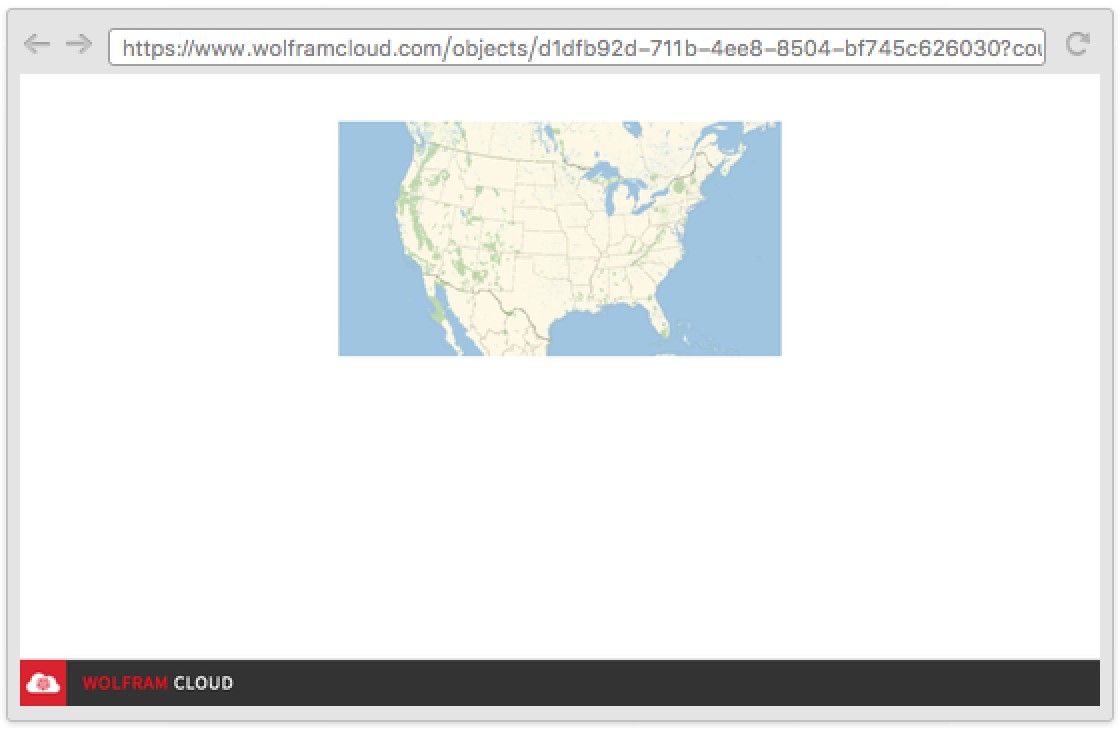
api = CloudDeploy[APIFunction["country" -> "Country", GeoGraphics[#country]&, "HTML"]];CloudDeploy[GalleryView[Map[Hyperlink[Graphics[{RandomColor[], Disk[], White, Style[Text[#], 30]}], URLBuild[api, {"country" -> #}]]&, {"Italy", "Spain", "USA", "UK"}]]]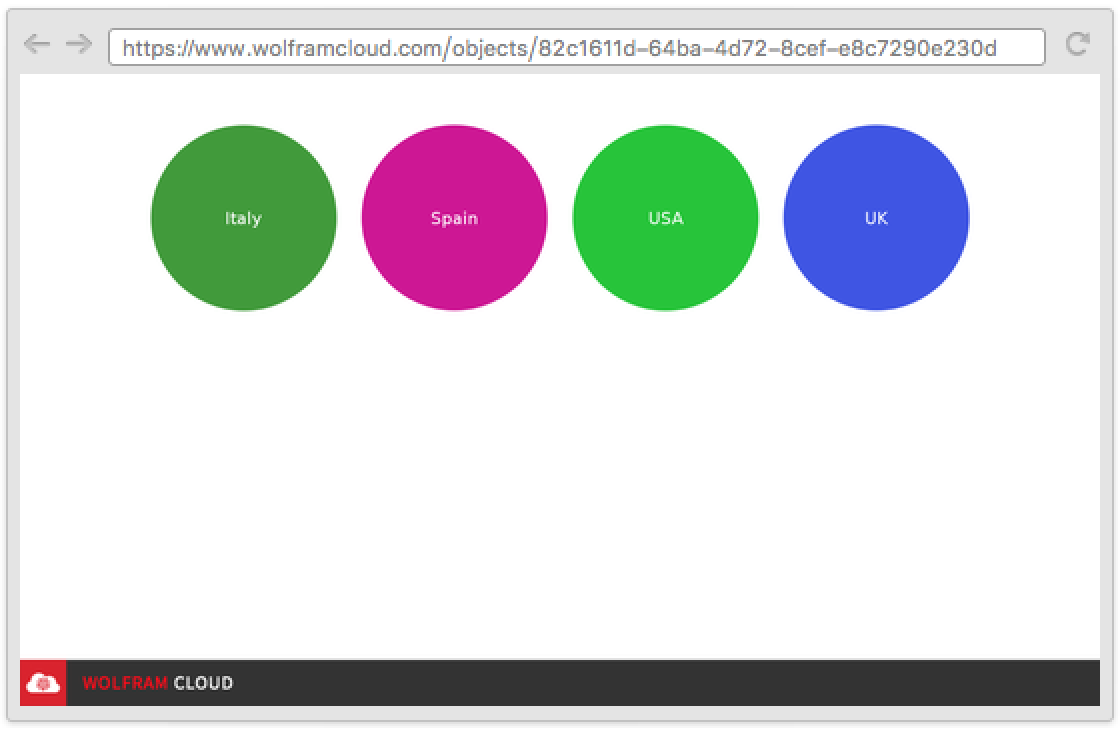
Clicking a disk opens another CloudObject:
Options (3)
AppearanceRules (1)
Use AppearanceRules to specify a title and description for your page:
CloudDeploy[GalleryView[Table[Graphics[{RandomColor[], Disk[]}], 3], AppearanceRules -> <|"Title" -> "Colors", "Description" -> "A collection of my favorite colors"|>]]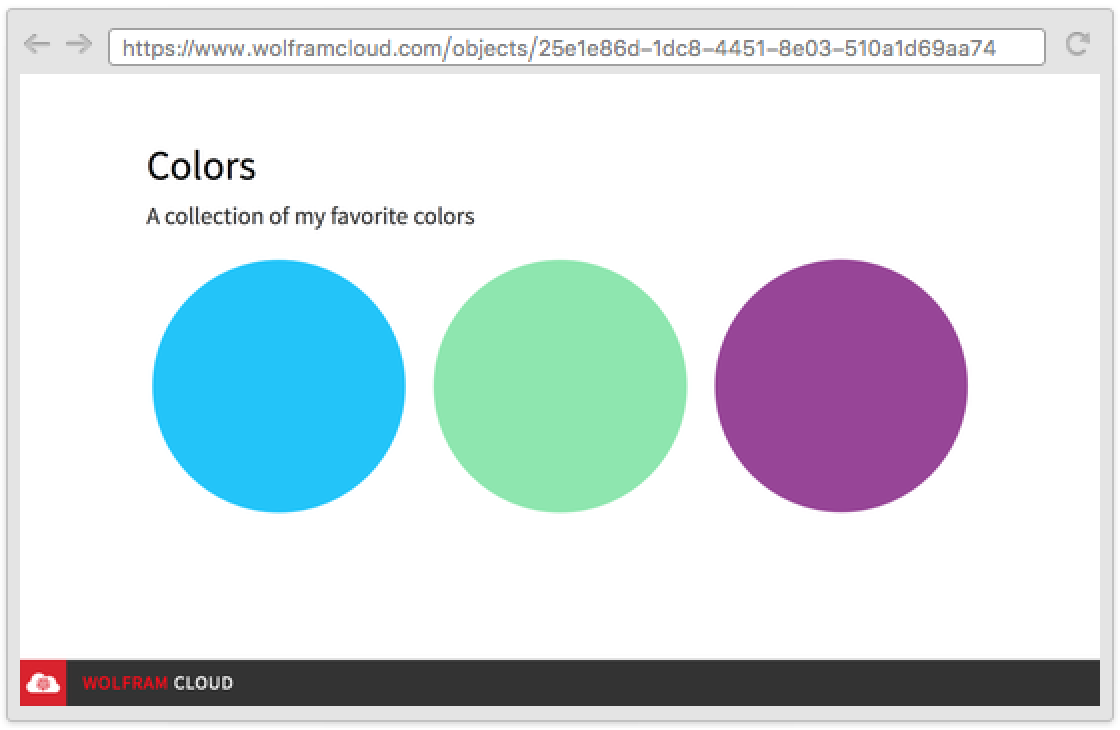
PageTheme (1)
PageTheme can be used to change the page style:
images = Table[ArrayPlot[RandomReal[1, {10, 20}], ColorFunction -> "Rainbow"], 3];
CloudDeploy[GalleryView[images, PageTheme -> "Black"]]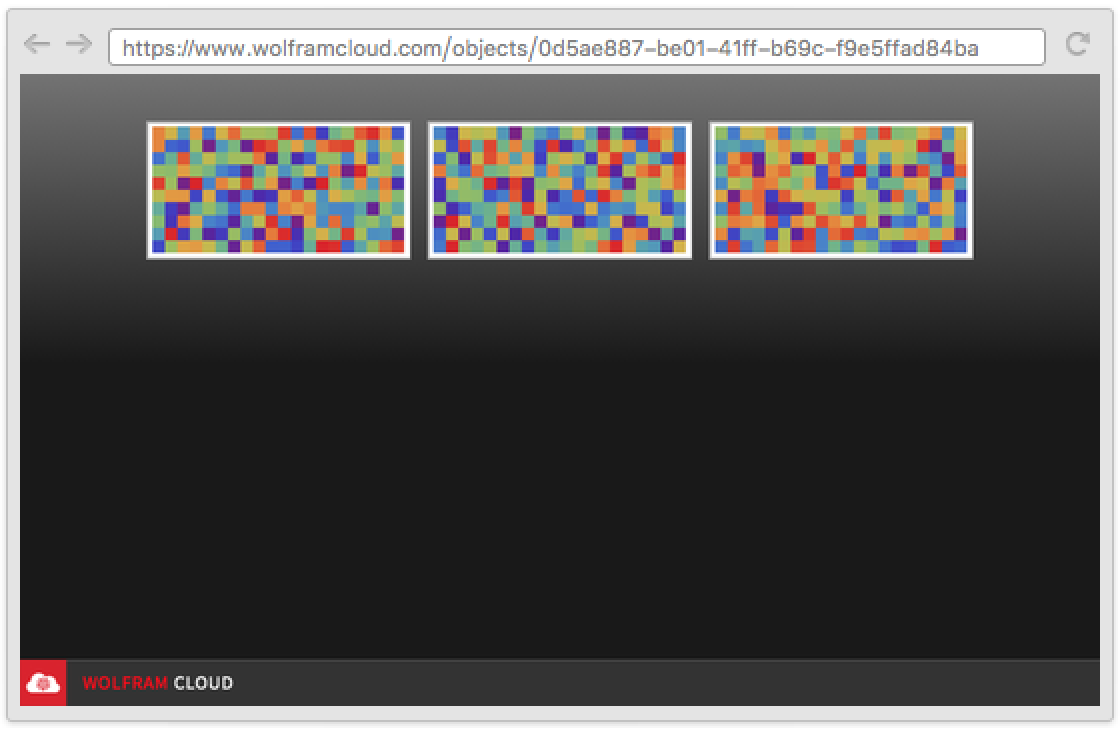
CloudDeploy[GalleryView[images, PageTheme -> "Blue"]]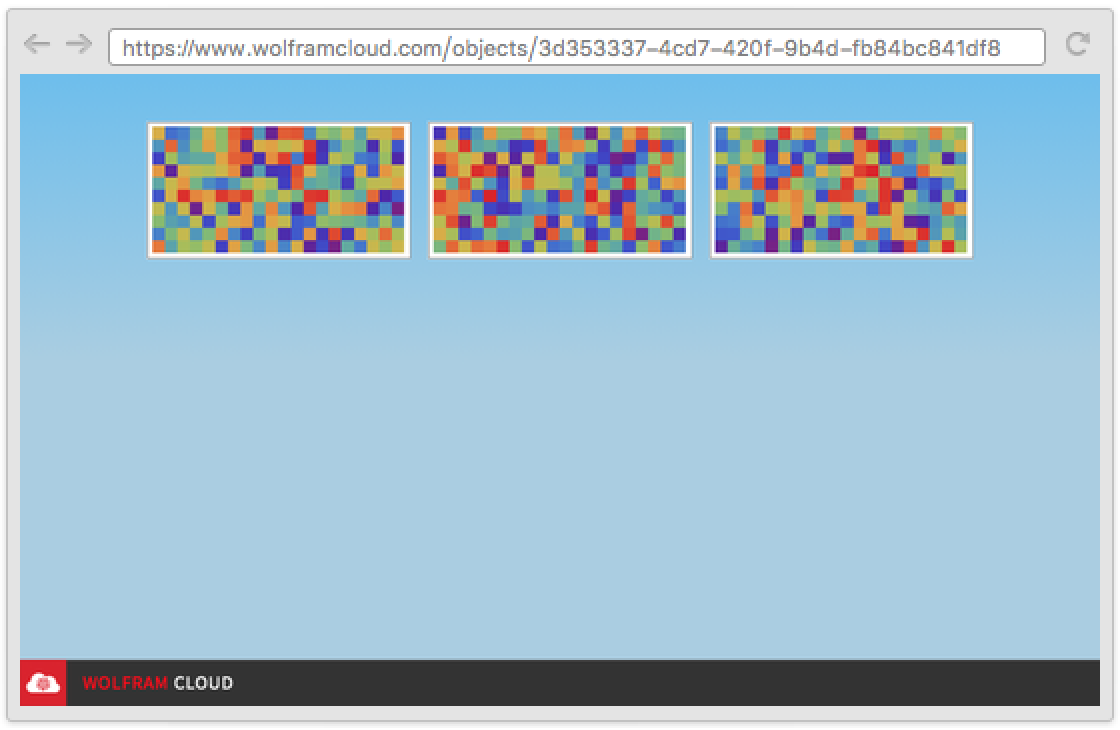
CloudDeploy[GalleryView[images, PageTheme -> "Red"]]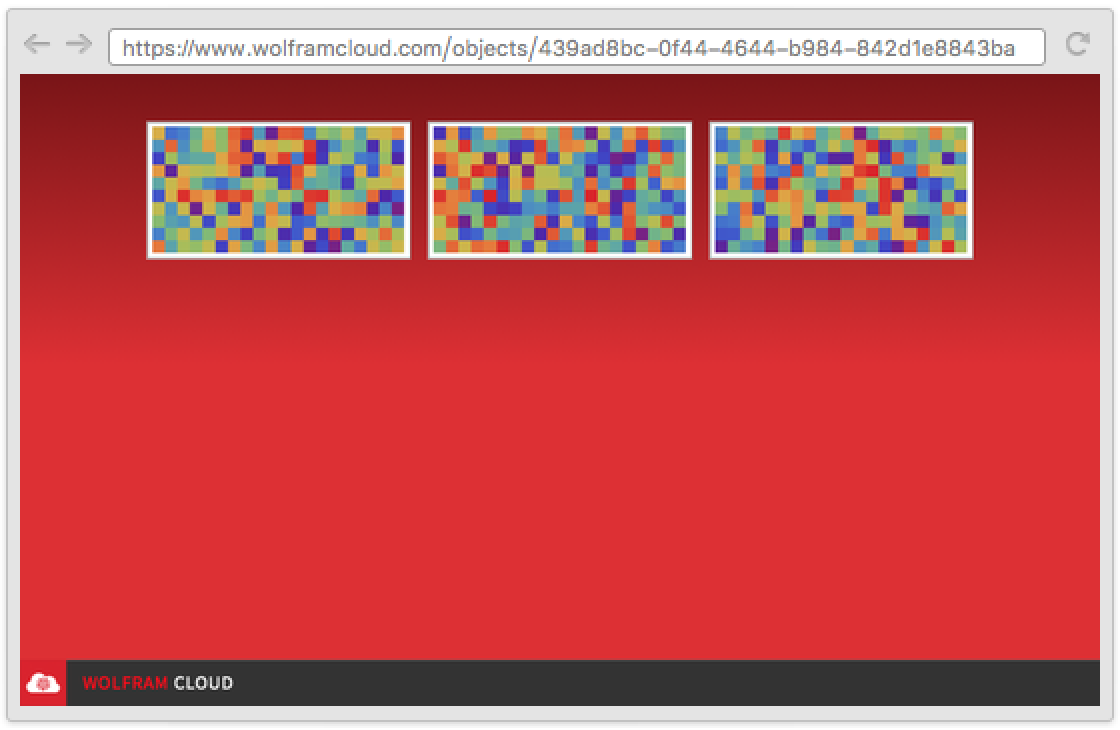
Pagination (1)
By default, GalleryView infers an optimal pagination layout:
CloudDeploy[GalleryView[Table[Graphics[{RandomColor[], Disk[]}], 3]]]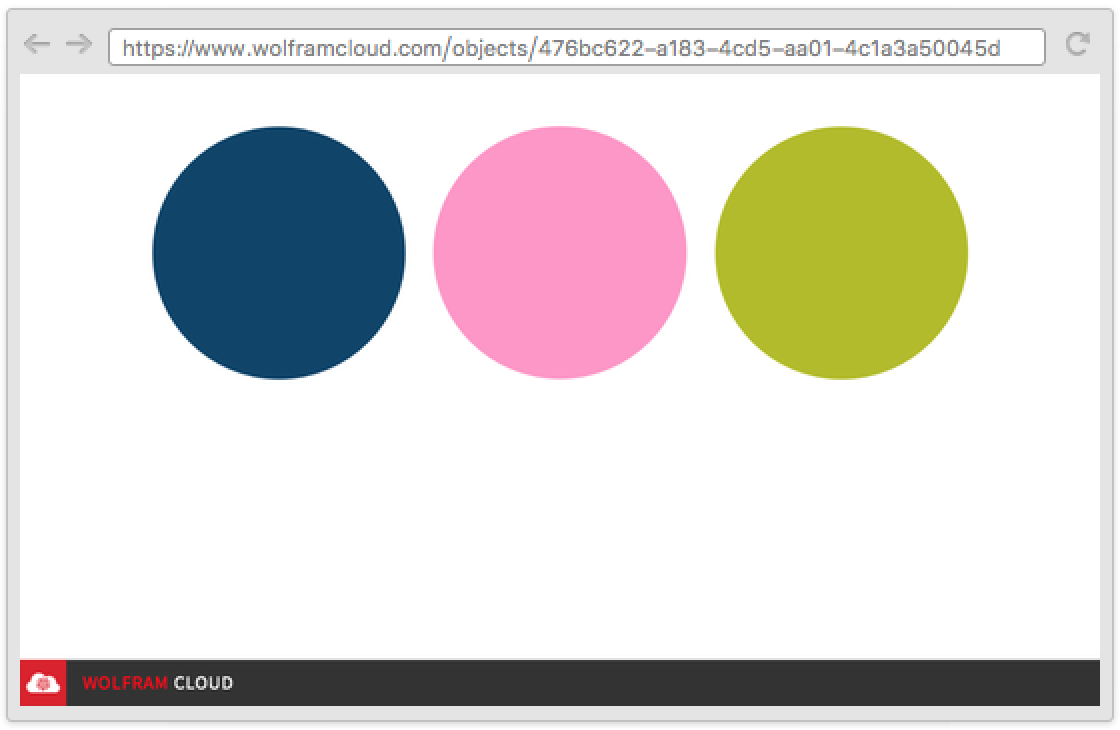
The Pagination option can be used to specify how to paginate results:
CloudDeploy[GalleryView[Table[Graphics[{RandomColor[], Disk[]}], 100], Pagination -> {2, 6}]]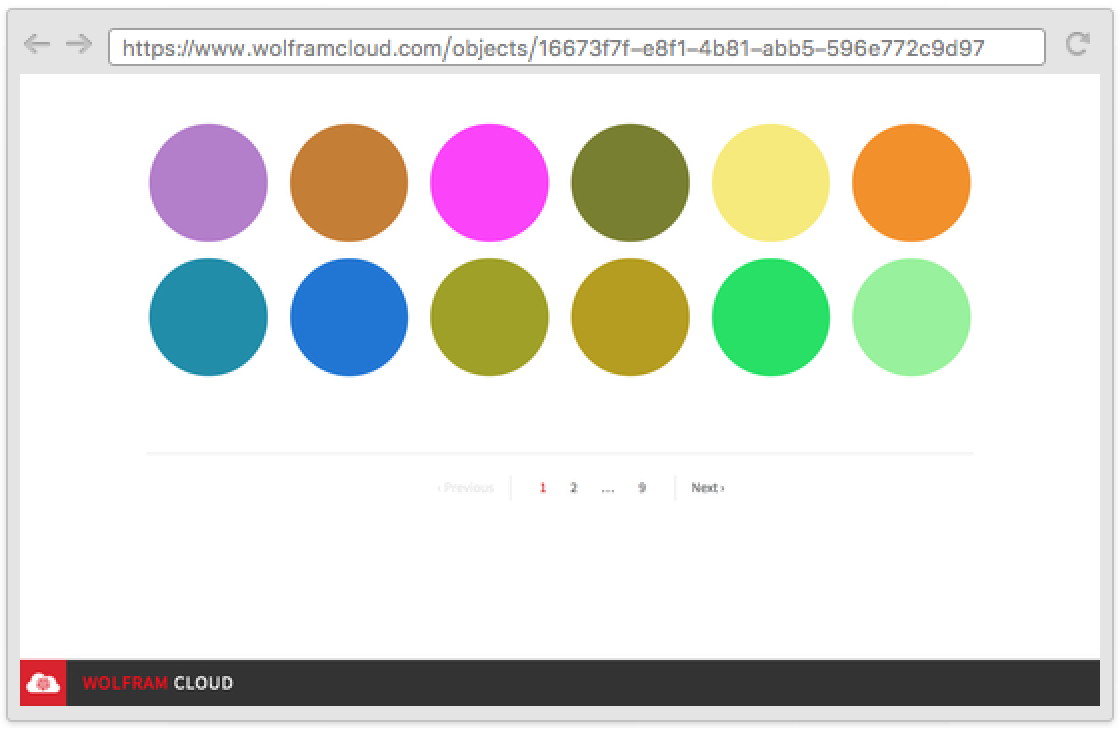
Possible Issues (1)
Cloud evaluations have restrictions on memory usage and evaluation time. The limitations for GalleryView are determined by your cloud plan, and the specific amounts can be found in CloudAccountData as the "DeployedMemoryLimit" and "DeployedEvaluationTimeLimit":
CloudAccountData /@ {"DeployedMemoryLimit", "DeployedEvaluationTimeLimit"}Text
Wolfram Research (2016), GalleryView, Wolfram Language function, https://reference.wolfram.com/language/ref/GalleryView.html.
CMS
Wolfram Language. 2016. "GalleryView." Wolfram Language & System Documentation Center. Wolfram Research. https://reference.wolfram.com/language/ref/GalleryView.html.
APA
Wolfram Language. (2016). GalleryView. Wolfram Language & System Documentation Center. Retrieved from https://reference.wolfram.com/language/ref/GalleryView.html