

HTTPResponse
HTTPResponse[body]
is an object that represents a successful response to an HTTP request, with the specified body and default metadata.
HTTPResponse[body,metadata]
represents a response to an HTTP request, including the specified body and metadata.
Details and Options
- HTTPResponse is usually stored in a CloudObject or specified as the result in an APIFunction or FormFunction.
- In HTTPResponse[body,…], body can be a string, a byte array object, or a list of integer byte values.
- The metadata in HTTPResponse is an association including the following possible elements:
-
"StatusCode" 200 HTTP status code "ContentType" "text/html" MIME type for content "Cookies" {} cookies to handle (using CookieFunction) "Headers" {} a list of rules giving HTTP response headers - Properties of an HTTPResponse object can be accessed using HTTPResponse[…]["prop"].
- Possible properties include all metadata items, together with:
-
"Body" response body as a string "BodyByteArray" response body as a ByteArray object "BodyBytes" response body as a list of byte values "CharacterEncoding" character encoding in the response body (e.g. "UTF8") "Properties" list of available properties "StatusCodeDescription" plain text description of status code - HTTPResponse[…][] gives an association with values of all properties.
- HTTPResponse has the following option:
-
CharacterEncoding Automatic character encoding to apply to the response - The setting CharacterEncoding->"enc" specifies that the body in HTTPResponse[body,…] should be encoded using the encoding enc before being returned from a server as an HTTP response.
- The setting CharacterEncoding->None specifies that no change should be made to body before returning it.
- The Automatic setting for the CharacterEncoding option will use an encoding given from the "ContentType" metadata property if it includes a charset specification (as in "text/html; charset=latin1"). It will also use an encoding from the "CharacterEncoding" metadata property. If no encoding is otherwise given, then the "UTF8" encoding is used for text-based MIME types and None for other MIME types.
- If a specific encoding is given for the CharacterEncoding option, and the "ContentType" metadata property is a text-based MIME type, a charset specification will be automatically added to indicate the encoding to browsers.
Examples
open all close allBasic Examples (1)
Use URLRead to obtain a HTTPResponse:
response = URLRead["https://www.wolfram.com"]Get the HTTP status code from the response:
response["StatusCode"]Get the HTTP response headers:
response["Headers"]Get the content type of the response body:
response["ContentType"]Get the HTTP response body as a string:
Snippet[response["Body"], 6]Get the HTTP response body as a ByteArray:
response["BodyByteArray"]Scope (3)
Return a plain HTTPResponse:
CloudDeploy @ Delayed[HTTPResponse["Hello <strong>world</strong>"]]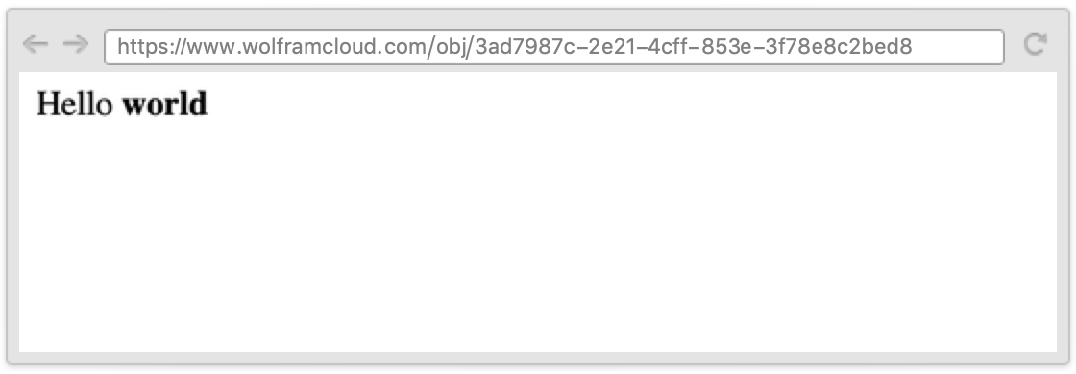
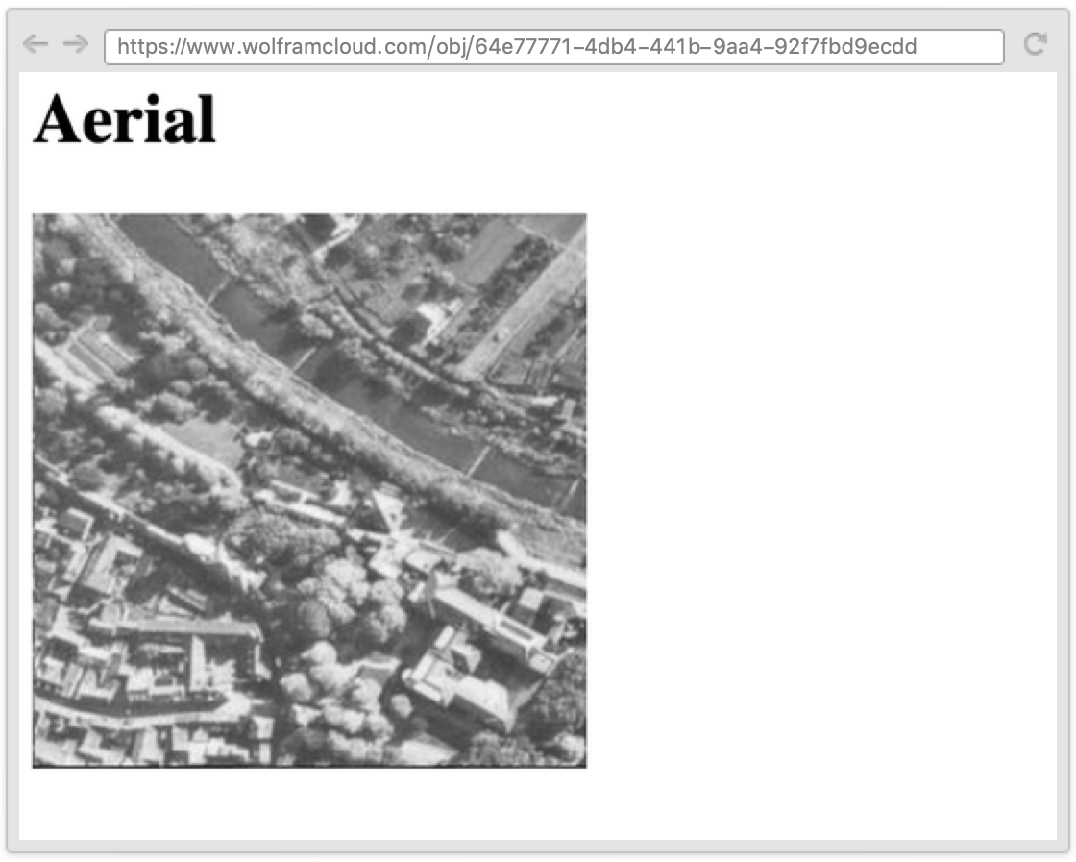
Use an XMLTemplate to output a result:
CloudDeploy @ Delayed[
	HTTPResponse @ TemplateApply[
	XMLTemplate["<h1><wolfram:slot id=1/></h1><wolfram:slot id=2/>"], {"Aerial", ExampleData[{"TestImage", "Aerial"}]}
	]
	]
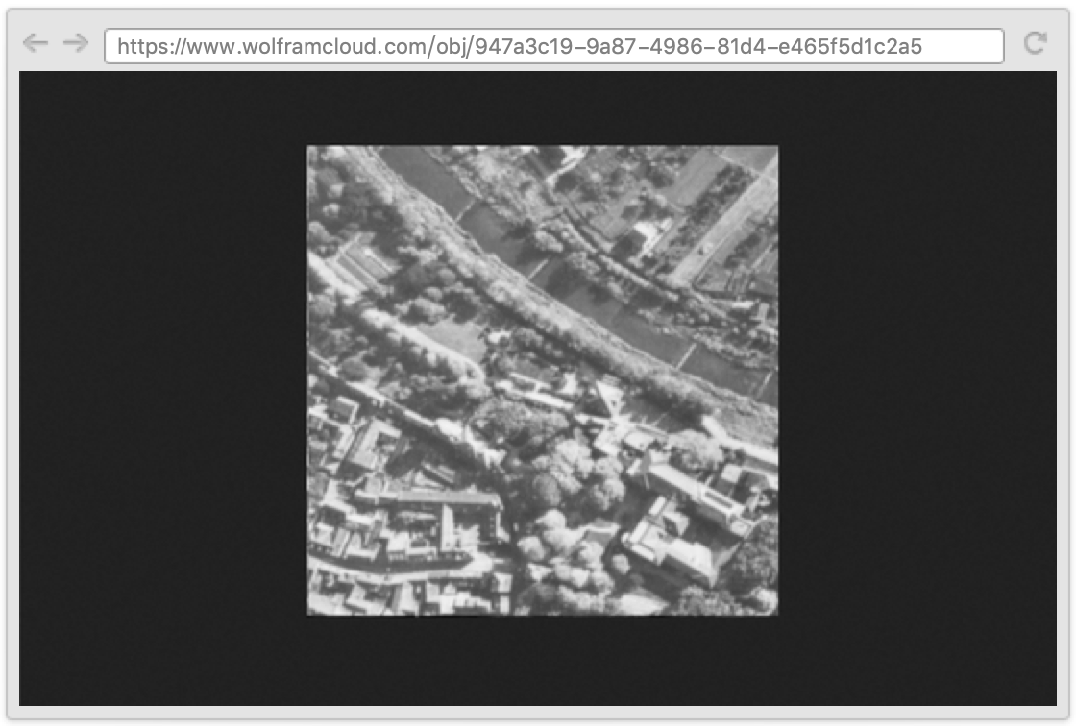
Return arbitrary body and content type:
CloudDeploy @ Delayed[
	HTTPResponse[
	ExportString[ExampleData[{"TestImage", "Aerial"}], "PNG"],
	<|"ContentType" -> "image/png"|>
	]
	]
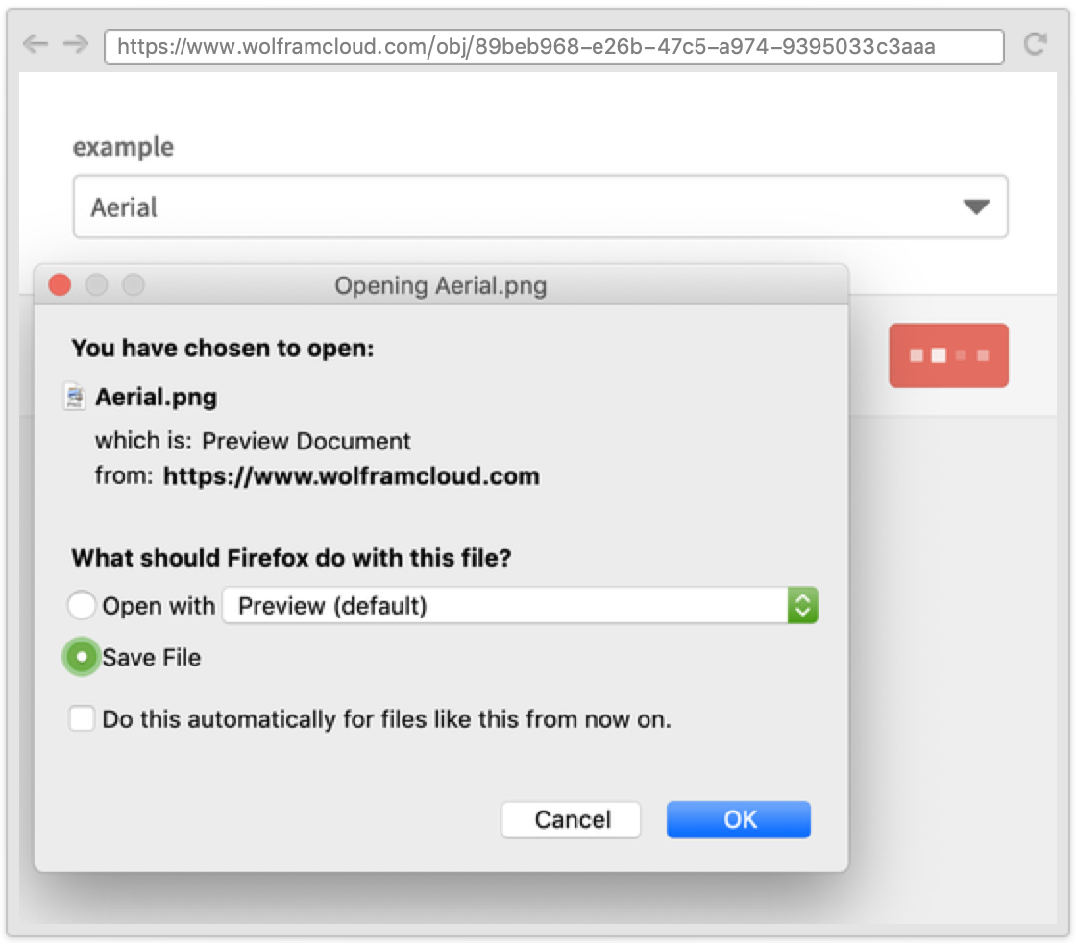
Force the browser to download the content:
CloudDeploy @ FormFunction[
	{"example" -> ExampleData["TestImage"][[All, 2]]},
	HTTPResponse[
	ExportByteArray[ExampleData[{"TestImage", #example}], "PNG"],
	<|"ContentType" -> "image/png",
	"Headers" -> {"content-disposition"  -> "attachment; filename=" <> #example <> ".png"}|>
	] &
	]
Open the form and select from the list:
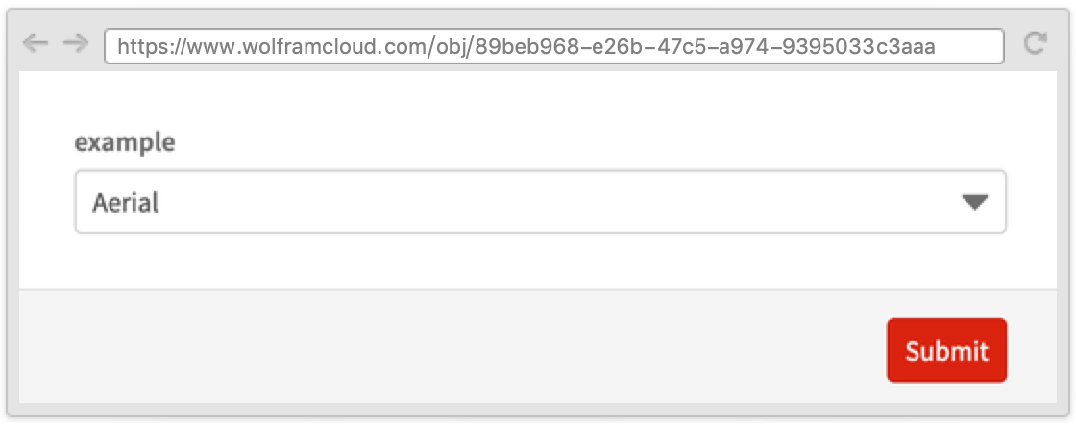
The selected image will be downloaded after clicking the "Submit" button:
Properties & Relations (1)
Import the response by using Import:
response = URLRead[CloudExport[RandomImage[], "PNG"]]Import[response]Text
Wolfram Research (2014), HTTPResponse, Wolfram Language function, https://reference.wolfram.com/language/ref/HTTPResponse.html (updated 2016).
CMS
Wolfram Language. 2014. "HTTPResponse." Wolfram Language & System Documentation Center. Wolfram Research. Last Modified 2016. https://reference.wolfram.com/language/ref/HTTPResponse.html.
APA
Wolfram Language. (2014). HTTPResponse. Wolfram Language & System Documentation Center. Retrieved from https://reference.wolfram.com/language/ref/HTTPResponse.html