

NotebookOpen
NotebookOpen["name"]
opens an existing notebook with the specified name, returning the corresponding notebook object.
NotebookOpen["name",options]
opens a notebook and overrides the notebook's options with the specified options.
NotebookOpen["https://url",…]
opens a notebook from any accessible URL.
Details
- NotebookOpen[File["path"]] and NotebookOpen[URL["url"]] are also supported.
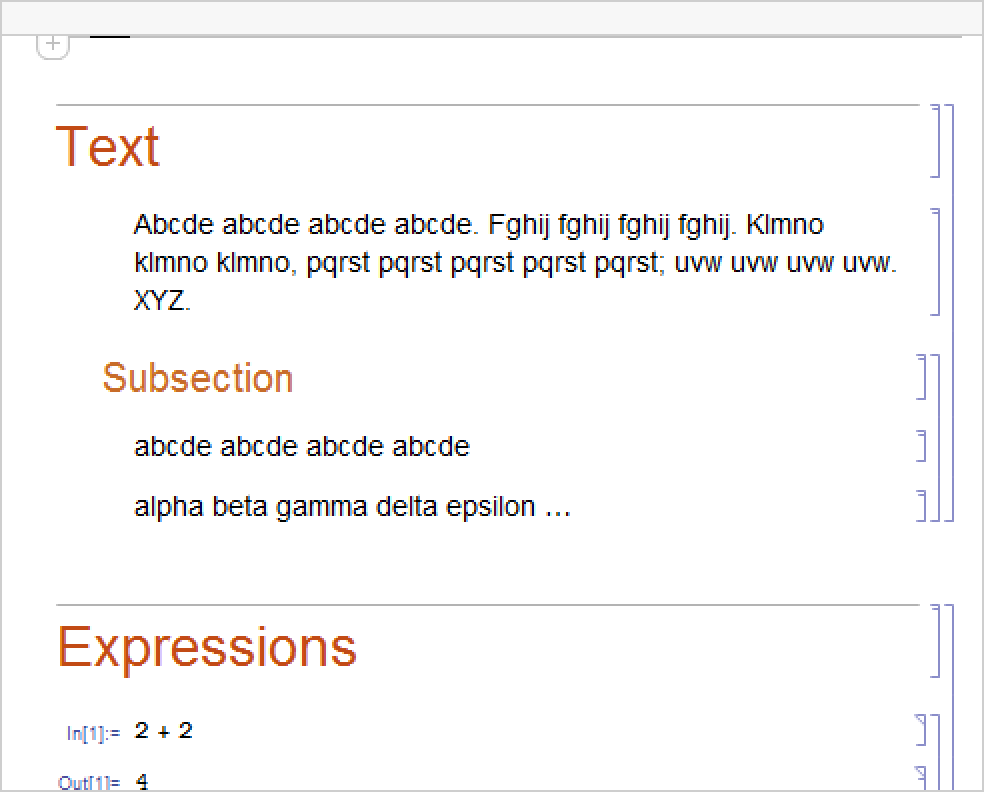
- NotebookOpen generally opens a new notebook window for the new notebook. If the notebook is already open, NotebookOpen will select the notebook and bring it to the front.
- NotebookOpen returns the NotebookObject corresponding to the opened notebook, or $Failed if the notebook cannot be found or opened.
- NotebookOpen searches the directories specified by the NotebookPath global option for the front end. »
- Any valid option for Notebook can be given as an option for NotebookOpen. The specified option will override the value in the notebook file.
- With the option Visible->False set, NotebookOpen will open a notebook with the option Visible->False set so that the notebook never displays onscreen. 822283278
- NotebookOpen initially sets the current selection to be before the first cell in the notebook.
Examples
open all close allBasic Examples (1)
Scope (3)
NotebookOpen["https://resources.wolframcloud.com/FunctionRepository/Unnamed-Function.nb"]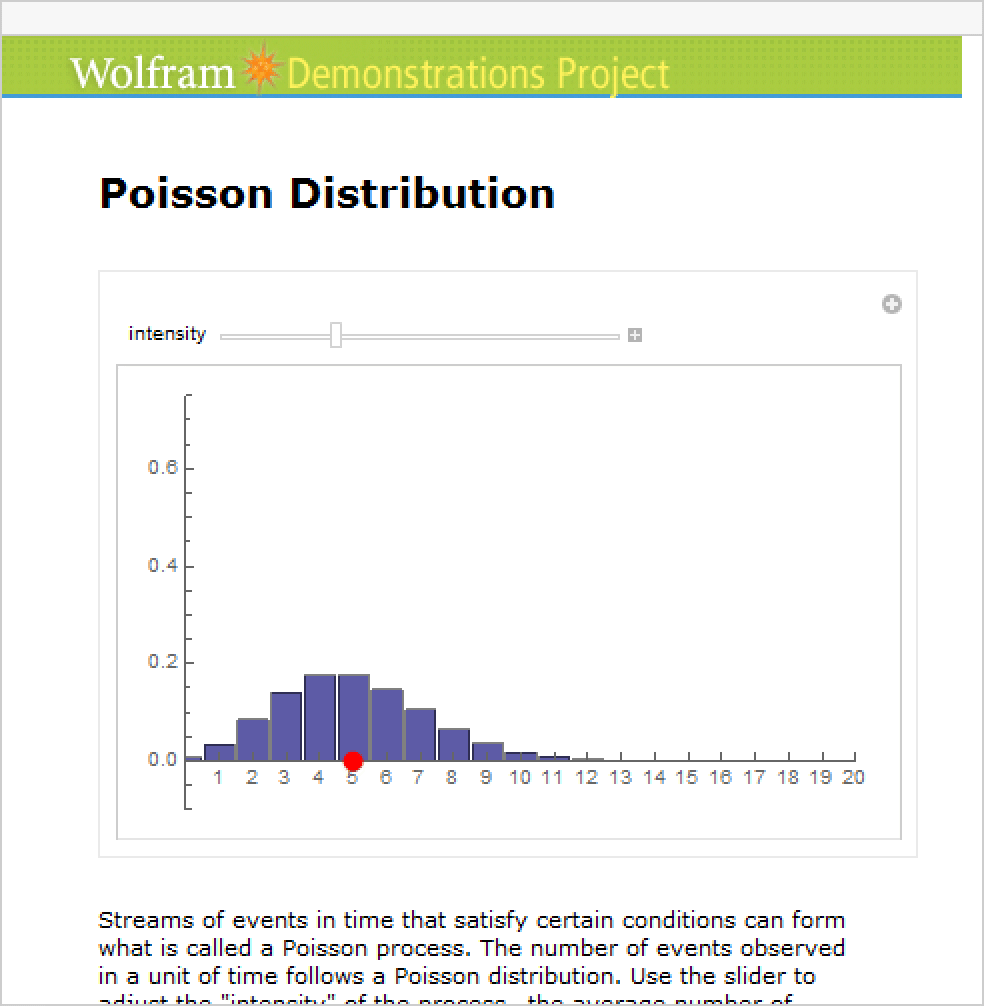
Open a notebook with an overridden notebook option such as WindowSize:
file = FileNameJoin[{$InstallationDirectory, "Documentation", "English", "System", "ExampleData", "document.nb"}];
NotebookOpen[file, WindowSize -> {200, 200}]Options[%, WindowSize]Open the notebook in a specific position, such as the upper left-hand corner of the screen:
nb = NotebookOpen[file, WindowMargins -> {{0, Automatic}, {Automatic, 0}}];
Options[%, WindowMargins]
Specifying options on an already open notebook affects the notebook:
NotebookOpen[file, WindowMargins -> {{100, Automatic}, {Automatic, 100}}];
Options[nb, WindowMargins]
Open the notebook invisibly with VisibleFalse:
file = FileNameJoin[{$InstallationDirectory, "Documentation", "English", "System", "ExampleData", "document.nb"}];nb = NotebookOpen[file, Visible -> False]Although invisible, the NotebookObject is still valid and can be operated on:
NotebookInformation[nb]Set the notebook to be visible at a later point using CurrentValue:
CurrentValue[nb, Visible] = True;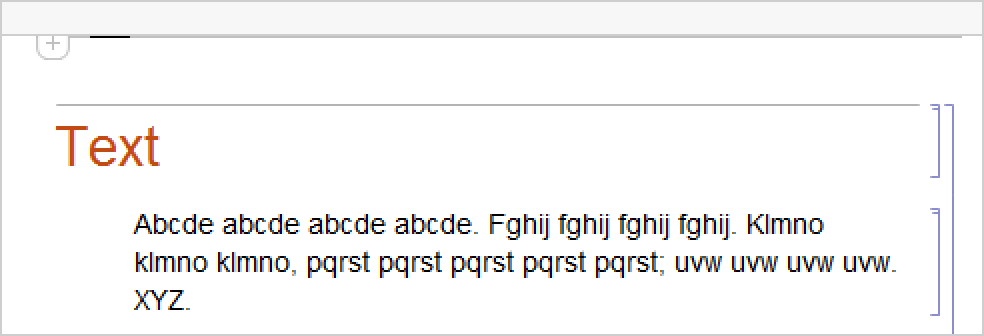
Generalizations & Extensions (1)
Use VisibleFalse to open the notebook invisibly:
file = FileNameJoin[{$InstallationDirectory, "Documentation", "English", "System", "ExampleData", "document.nb"}];Open the notebook in a specific position, such as the upper left-hand corner of the screen:
NotebookOpen[file, WindowMargins -> {{0, Automatic}, {Automatic, 0}}]Open the notebook at a given WindowSize:
NotebookOpen[file, WindowSize -> {200, 200}]NotebookOpen[file, Visible -> False]Although invisible, the NotebookObject is still valid and can be operated on:
NotebookInformation[%]Possible Issues (2)
A relative file name locates files relative to the front end's NotebookPath setting:
NotebookOpen["BasicMathAssistant.nb"]Set the current working directory:
SetDirectory[FileNameJoin[{$InstallationDirectory, "Documentation", "English", "System", "ExampleData"}]];NotebookOpen does not look in this directory for the specified file name:
NotebookOpen["document.nb"]To open a file in the current directory, give a path based on Directory[]:
NotebookOpen[FileNameJoin[{Directory[], "document.nb"}]];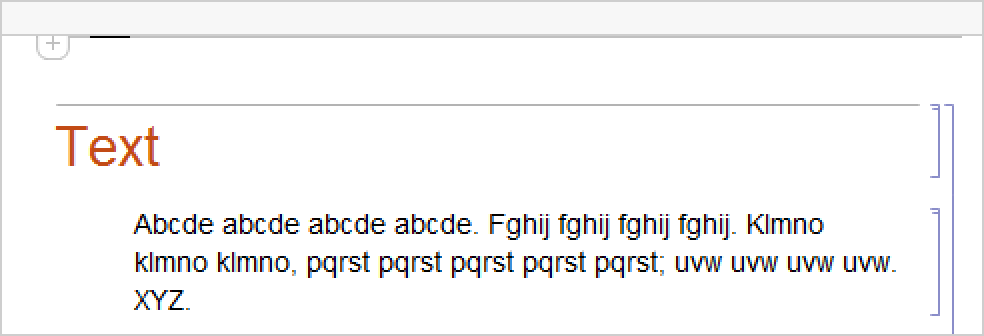
Return to the previous working directory:
ResetDirectory[];Text
Wolfram Research (1996), NotebookOpen, Wolfram Language function, https://reference.wolfram.com/language/ref/NotebookOpen.html (updated 2016).
CMS
Wolfram Language. 1996. "NotebookOpen." Wolfram Language & System Documentation Center. Wolfram Research. Last Modified 2016. https://reference.wolfram.com/language/ref/NotebookOpen.html.
APA
Wolfram Language. (1996). NotebookOpen. Wolfram Language & System Documentation Center. Retrieved from https://reference.wolfram.com/language/ref/NotebookOpen.html