

NotebookRead
NotebookRead[notebook]
gives the expression corresponding to the current selection in the specified notebook object.
NotebookRead[obj]
gives the expression corresponding to the given cell or box object.
NotebookRead[{obj1,obj2,…}]
gives a list of expressions corresponding to the obji.
Details and Options
- NotebookRead is the basic way to get into the kernel pieces of notebooks that are being manipulated by the front end.
- NotebookRead can take a NotebookObject, CellObject, or BoxObject.
- If a list of CellObject or BoxObject expressions is given, then a list of equal length will be returned, with the expressions corresponding to each object.
- If an object is no longer valid, NotebookRead returns $Failed. If a list of objects is given, then $Failed will be returned for each of the invalid objects.
- The following options can be given:
-
CellContext None context to substitute for $CellContext` StripCellGrouping False whether to strip cell grouping when reading contiguously selected cells - When NotebookRead[notebook] reads a contiguous selection of cells, selected cell groups are returned as Cell[CellGroupData[…]] expressions by default. The option setting StripCellGroupingTrue will force selected cells to be returned as a flat list regardless of grouping.
Examples
open all close allBasic Examples (4)
This creates a document notebook:
nb = CreateDocument[{"This is the quadratic formula:", (-b±Sqrt[b ^ 2 - 4 a c]) / (2 a)//TraditionalForm}]SelectionMove[nb, Next, Cell]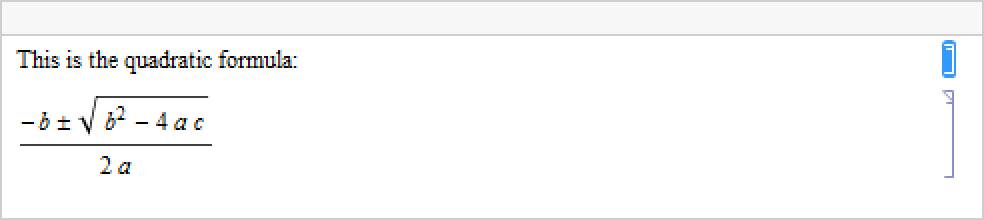
This reads the cell and returns its Cell expression:
NotebookRead[nb]Read a CellObject:
NotebookRead[EvaluationCell[]]NotebookRead[{PreviousCell[], EvaluationCell[]}]Read a BoxObject:
Button["click", Print[NotebookRead[EvaluationBox[]]]]
Scope (1)
Create a notebook and move the selection to the first "T":
nb = CreateWindow[DocumentNotebook[{CellGroup[{TextCell["Text Group", "Section"], TextCell["Mary had a little lamb.", "Text"], TextCell["Its fleece was white as snow.", "Text"]}], CellGroup[{TextCell["Graphics Group", "Section"], ExpressionCell[ Plot[Exp[-x ^ 2], {x, -3, 3}], "Output"]}]}]];SelectionMove[nb, Before, CellContents];
SelectionMove[nb, All, Character]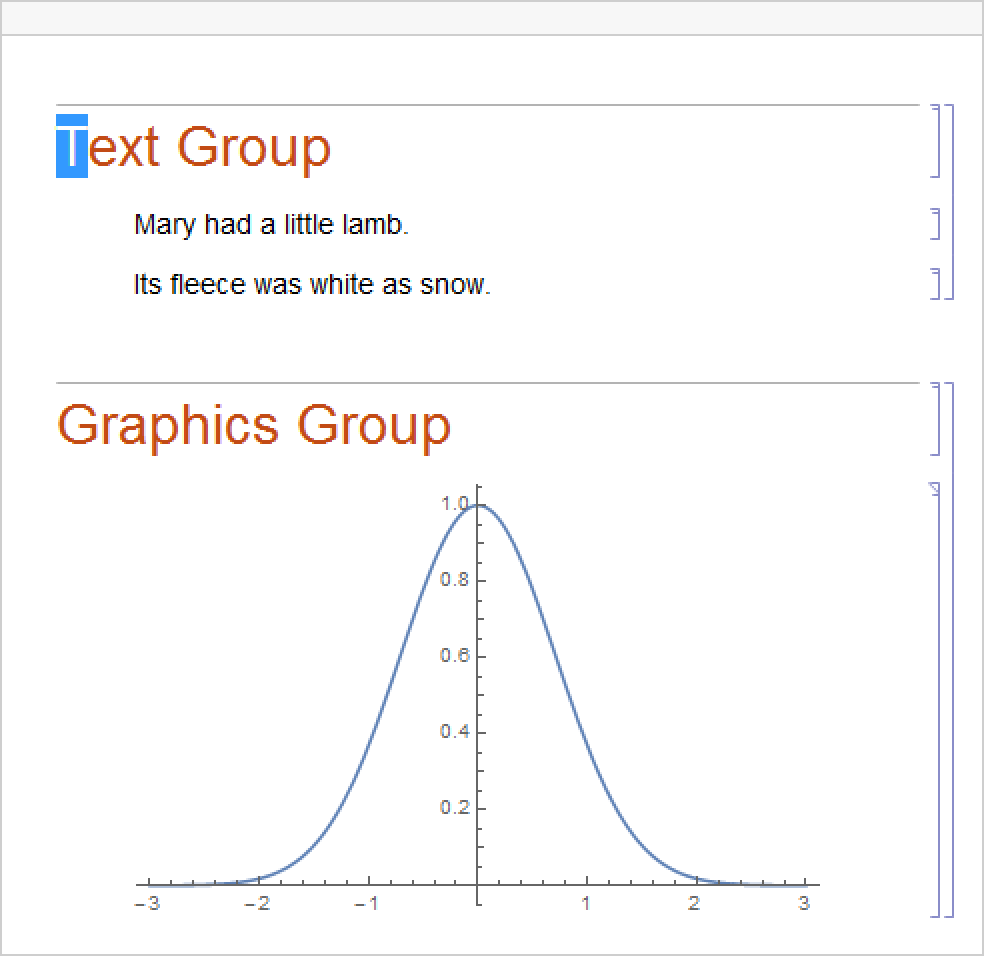
NotebookRead[nb]Select multiple cells and read the content:
SelectionMove[nb, All, CellGroup]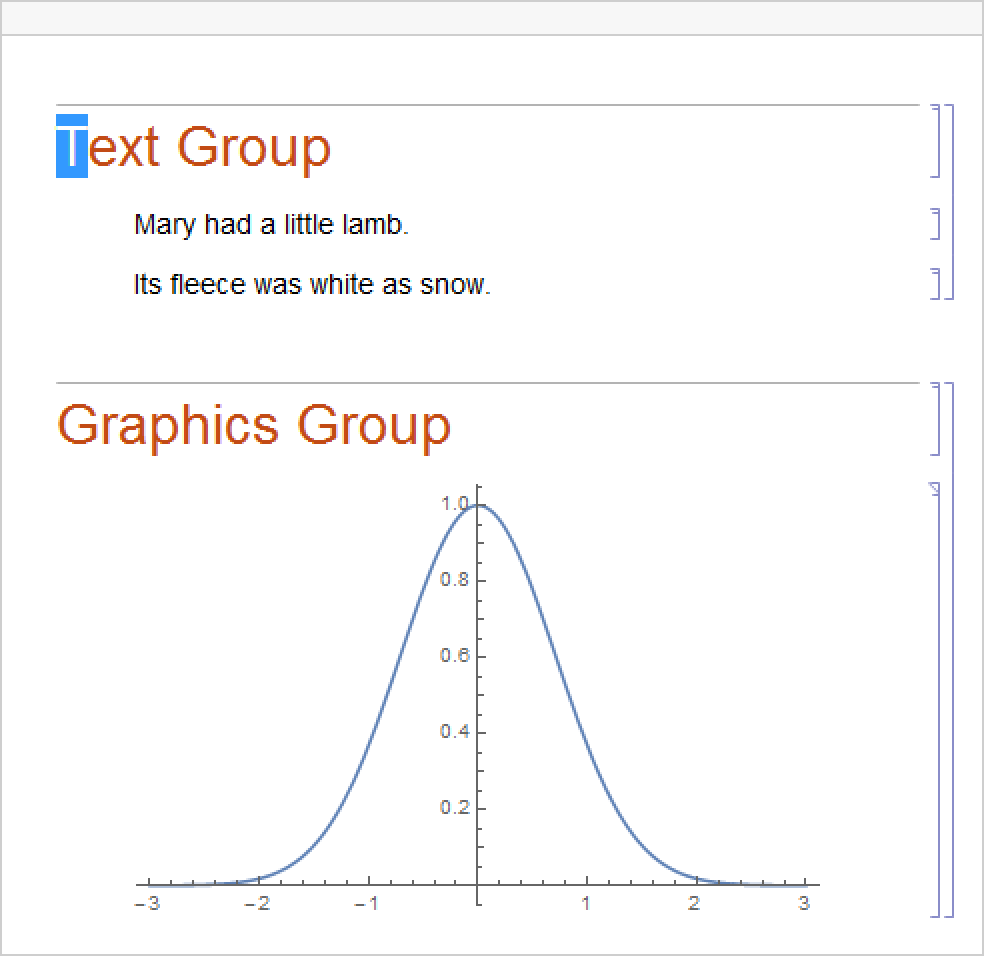
NotebookRead[nb]SelectionMove[nb, Next, CellContents, 2]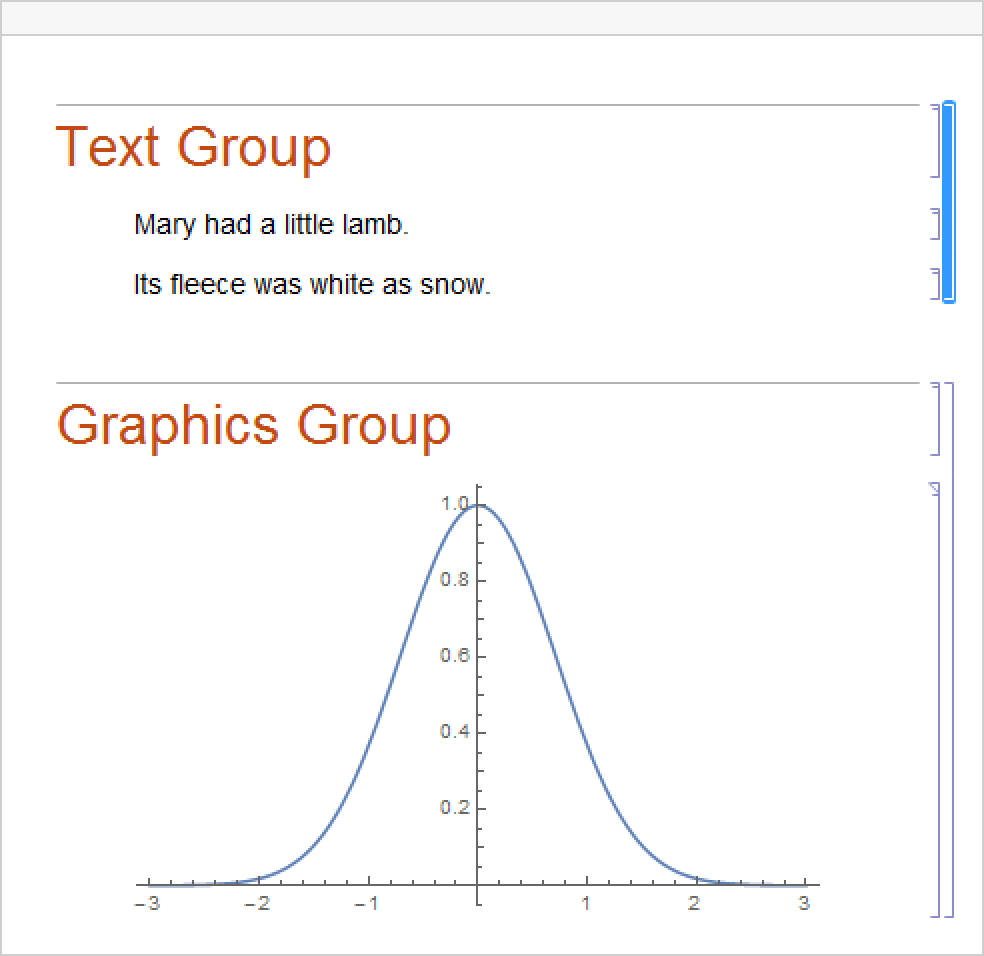
grbox = NotebookRead[nb];ToExpression[grbox]Options (2)
CellContext (1)
Create a target cell with a raw expression in it:
CellPrint[ExpressionCell[Interpretation["func", Sin[x]], "Print", CellTags -> "CellContextExample"]]
Read the cell using NotebookRead:
NotebookRead[Cells[CellTags -> "CellContextExample"]]Use CellContext to substitute a value for the $CellContext` context:
NotebookRead[Cells[CellTags -> "CellContextExample"], CellContext -> $Context]StripCellGrouping (1)
Reading a group of cells includes CellGroupData constructs by default:
nb = CreateDocument[{TextCell["abc", "Section"], TextCell["def", "Subsection"], TextCell["ghi", "Text"]}];
SelectionMove[nb, All, Notebook];
NotebookRead[nb]
Use StripCellGrouping to remove the grouping information:
NotebookRead[nb, StripCellGrouping -> True]Text
Wolfram Research (1996), NotebookRead, Wolfram Language function, https://reference.wolfram.com/language/ref/NotebookRead.html (updated 2024).
CMS
Wolfram Language. 1996. "NotebookRead." Wolfram Language & System Documentation Center. Wolfram Research. Last Modified 2024. https://reference.wolfram.com/language/ref/NotebookRead.html.
APA
Wolfram Language. (1996). NotebookRead. Wolfram Language & System Documentation Center. Retrieved from https://reference.wolfram.com/language/ref/NotebookRead.html