Interacting with 3D Graphics
Interacting with 3D Graphics
Move the pointer over the 3D graphic.
The pointer changes to the 3D rotate pointer  .
Drag to rotate the graphic:
.
Drag to rotate the graphic:
.
Drag to rotate the graphic:[image]Move the pointer to a corner of the display area of the 3D graphic.
The pointer changes to the 3D vertical rotate pointer  .
Click and move the pointer clockwise or counterclockwise.
.
Click and move the pointer clockwise or counterclockwise.
.
Click and move the pointer clockwise or counterclockwise. 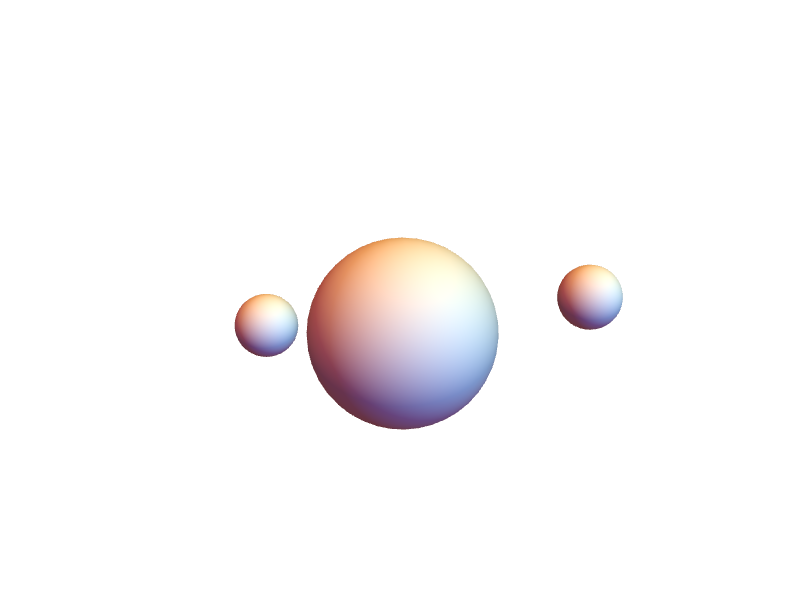
\!\(\*Graphics3DBox[«8»]\)Press and hold Shift and move the pointer over the 3D graphic.
The pointer changes to the 3D pan pointer  .
Drag to move the graphic:
.
Drag to move the graphic:
.
Drag to move the graphic:[image]