How to | Deploy a Web Page in the Wolfram Cloud
How to | Deploy a Web Page in the Wolfram Cloud
You can export a notebook as a web page in the Wolfram Cloud using CloudExport. You can also programmatically deploy content to web pages using CloudDeploy. Note: make sure that your Wolfram Cloud Account is set up to allow you to deploy web pages in the Wolfram Cloud.
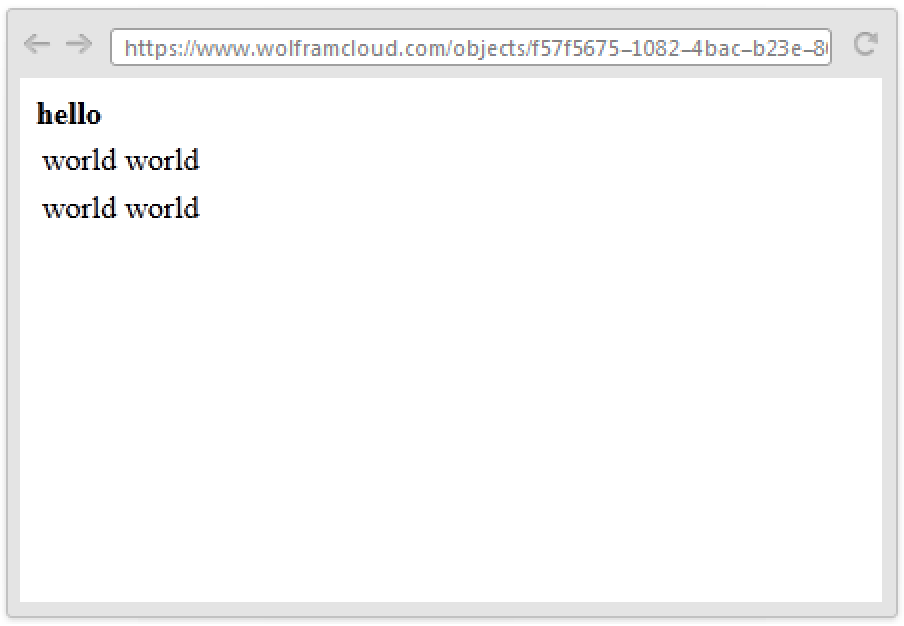
This deploys a simple HTML document to the cloud:
CloudExport["<html><body><strong>hello</strong><table><tr><td>world</td><td>world</td></tr><tr><td>world</td><td>world</td></tr></table></body></html>", "HTML"]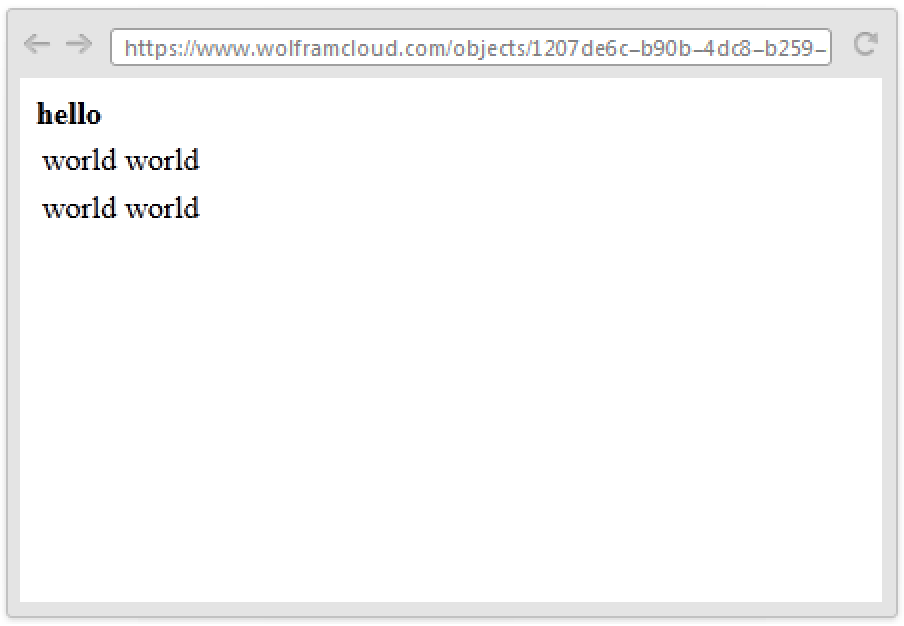
CloudDeploy can also be used with ExportForm to set up web pages on the cloud:
CloudDeploy[ExportForm["<html><body><strong>hello</strong><table><tr><td>world</td><td>world</td></tr><tr><td>world</td><td>world</td></tr></table></body></html>", "HTML"]]If the HTML you are deploying is not a complete document, the "HTMLFragment" format should be used.
This deploys an HTML fragment as a web page:
CloudExport["<strong>hello</strong><table><tr><td>world</td><td>world</td></tr><tr><td>world</td><td>world</td></tr></table>", "HTMLFragment", "FullDocument" -> True]Clicking the link shows that the fragment has been made into a full HTML document: