

AskConfirm
AskConfirm["key"]
is a construct for use inside AskFunction that asks for confirmation of the current value associated with "key" and allows this to be either confirmed or changed.
AskConfirm["key",fun]
applies the function fun to determine how to ask for confirmation.
AskConfirm["key","str"]
applies the string "str" as a string template to ask for confirmation.
Details
- AskConfirm returns the value associated with "key" when confirmation was accepted.
- If confirmation is not accepted, AskConfirm["key"] effectively rewinds evaluation inside an AskFunction back to the previous time a value for "key" was requested.
- In the context of the second argument of AskConfirm, the StringTemplate is applied with the association <"key"->key, "value"->value>.
- AskConfirm["key"] is typically equivalent to AskConfirm["key","The current value of key `key` is `value`. Do you want to change it?"].
Examples
open all close allBasic Examples (3)
AskConfirm can be used to rewind the evaluation to the point before a value was known:
CloudDeploy[AskFunction[Ask[{"sum", "what is 2+2?"} -> "Number"]; If[Ask["sum"] ≠ 4, AskConfirm["sum", "you said 2+2 = `value`. Do you want to change it?"]; "wrong", "correct"]]]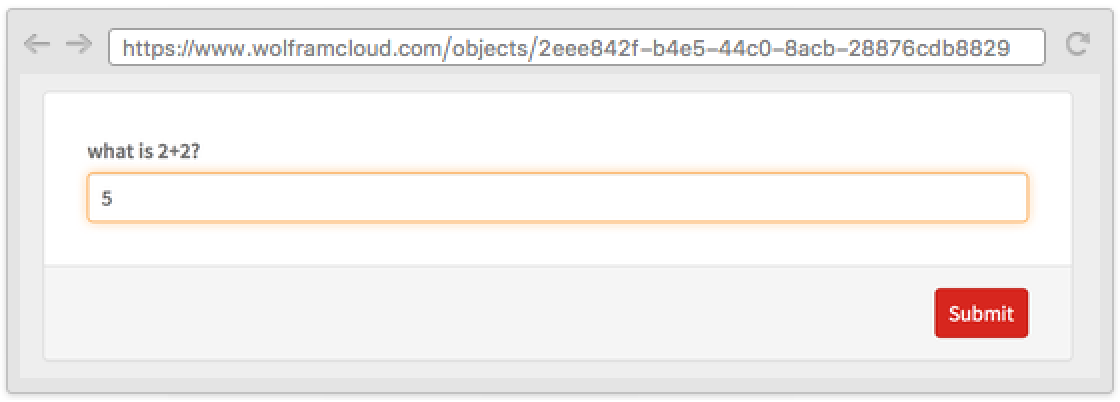
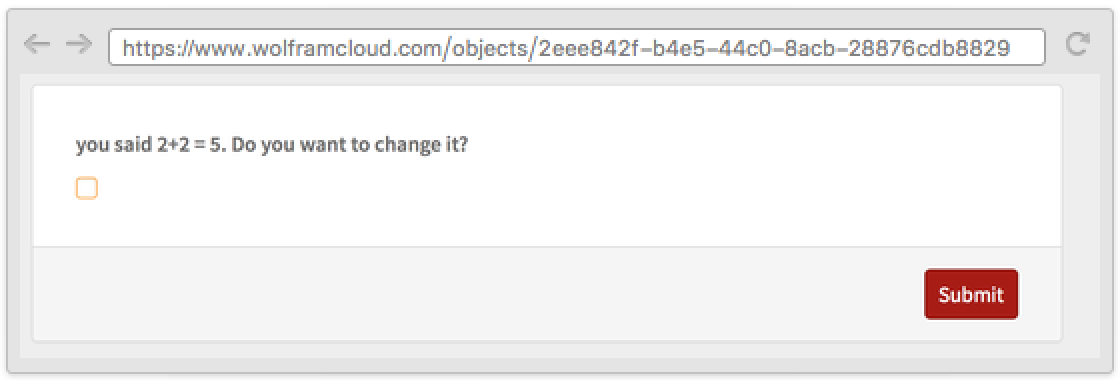
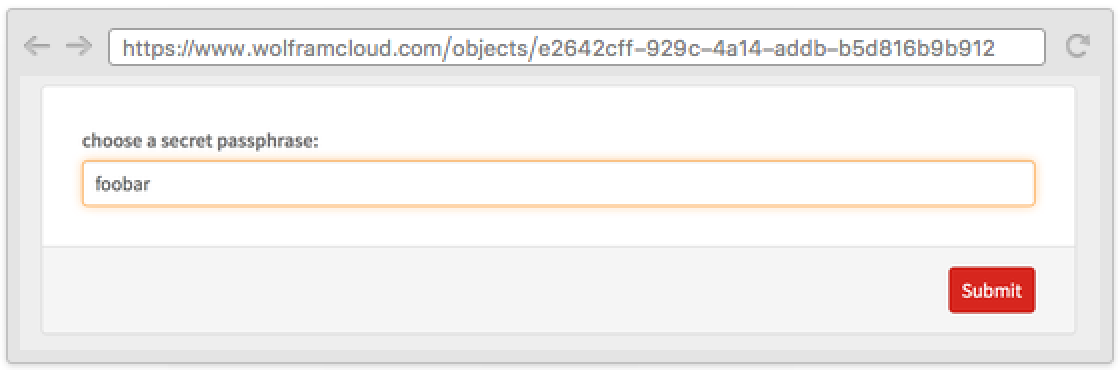
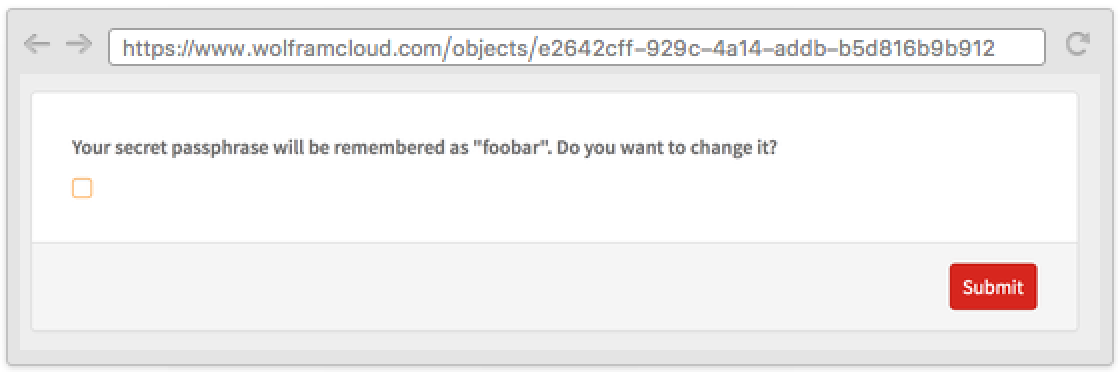
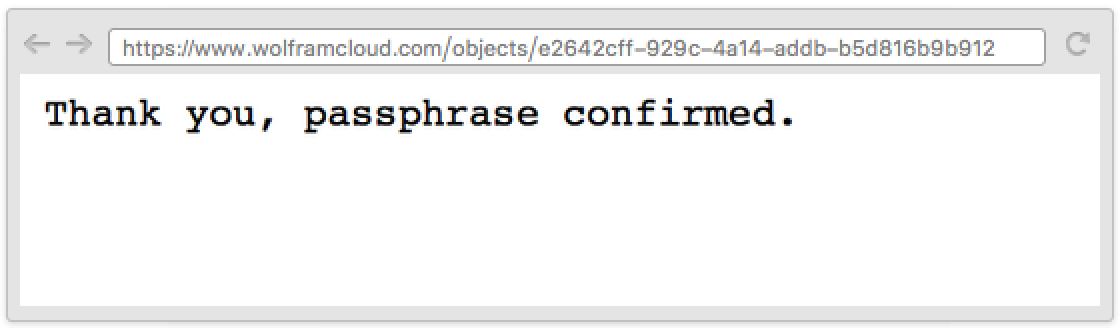
Confirm the user's answer with a custom message:
CloudDeploy[AskFunction[
	Ask[{"password", "choose a secret passphrase:"} -> "String"];AskConfirm["password", "Your secret passphrase will be remembered as \"`value`\". Do you want to change it?"];
	"Thank you, passphrase confirmed."
	]]
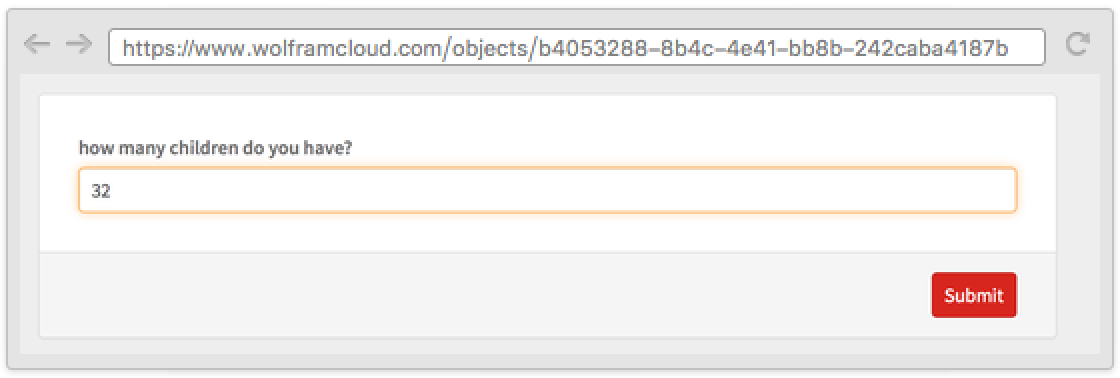
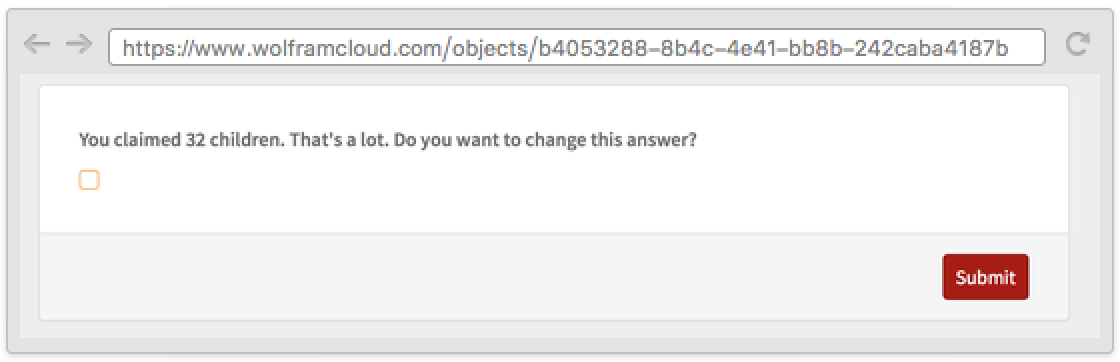
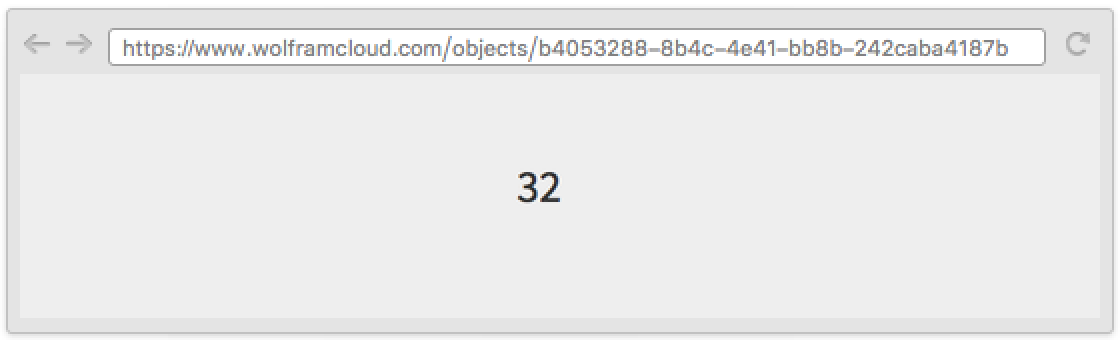
Confirm the user's answer if it seems unlikely:
CloudDeploy[AskFunction[
	If[Ask[{"number-of-children", "how many children do you have?"} -> "Integer"] > 19,
		AskConfirm["number-of-children", "You claimed `value` children. That's a lot. Do you want to change this answer?"]
	];
	Ask["number-of-children"]
	]]
Properties & Relations (1)
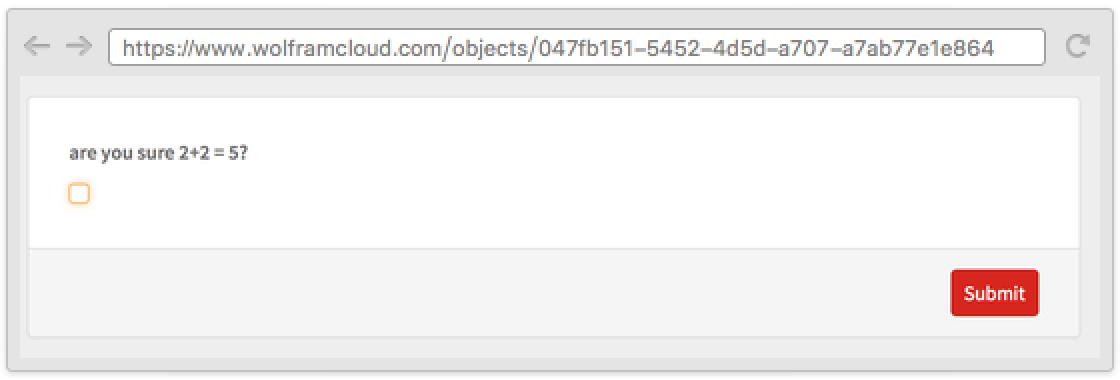
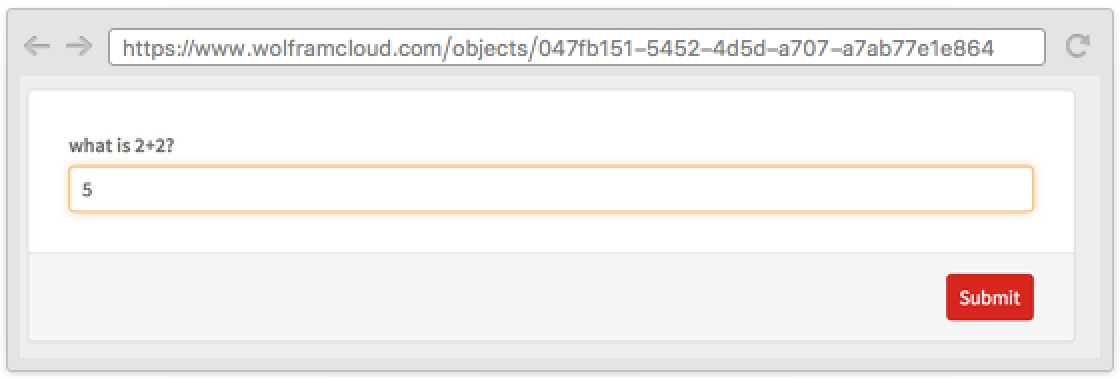
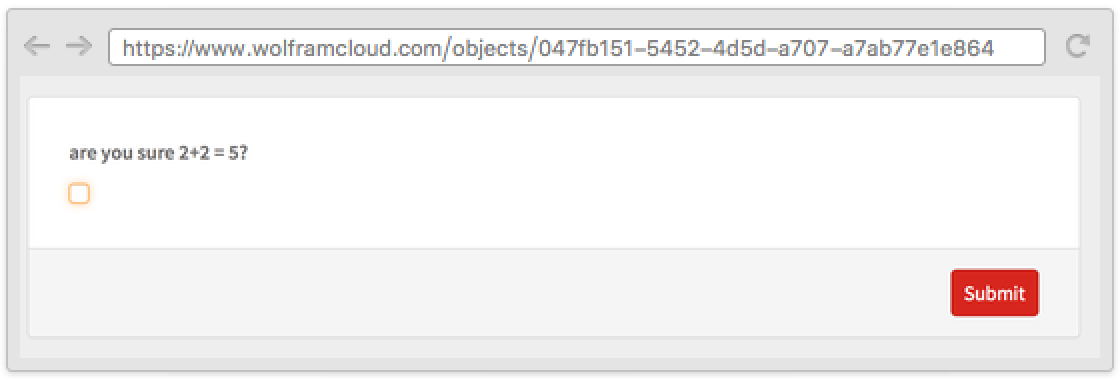
AskConfirm can be simulated by unsetting the value associated with a key:
CloudDeploy[AskFunction[Ask[{"sum", "what is 2+2?"} -> "Number"]; If[Ask["sum"] ≠ 4, If[!Ask[{"confirm", StringTemplate["are you sure 2+2 = ``?"][Ask["sum"]]} -> "Boolean"], Ask["sum"] =.]; "wrong", "correct"]]]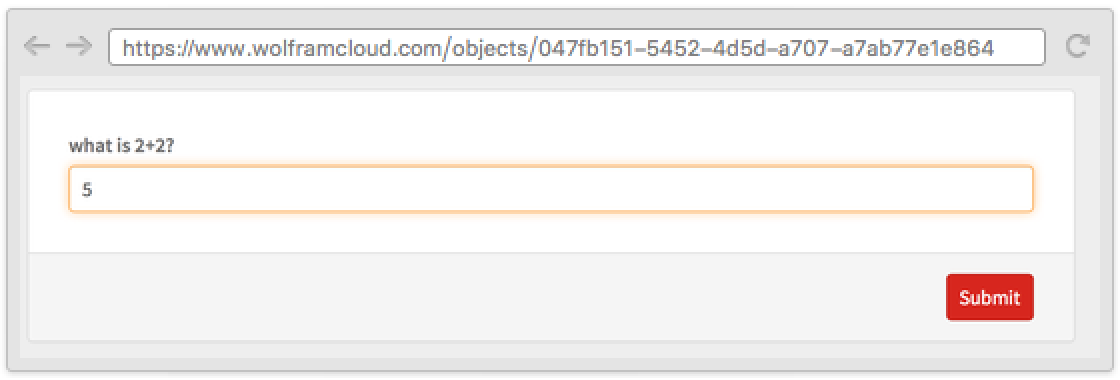
Text
Wolfram Research (2016), AskConfirm, Wolfram Language function, https://reference.wolfram.com/language/ref/AskConfirm.html.
CMS
Wolfram Language. 2016. "AskConfirm." Wolfram Language & System Documentation Center. Wolfram Research. https://reference.wolfram.com/language/ref/AskConfirm.html.
APA
Wolfram Language. (2016). AskConfirm. Wolfram Language & System Documentation Center. Retrieved from https://reference.wolfram.com/language/ref/AskConfirm.html