

AskFunction
AskFunction[body]
evaluates body, interactively asking for values specified by Ask[…] and related constructs.
AskFunction[{"key1"spec1,"key2"spec2,…},body]
specifies how values associated with the keyi should be asked for.
Details and Options
- The following special constructs can appear in the body of an AskFunction:
-
Ask[…] ask for the value of a key if not already known AskedValue[…] get the value of a key if it is known AskAppend[…] ask for a value and append it to the list of known values AskConfirm[…] confirm or change a value AskDisplay[…] display an expression with asked values inserted AskTemplateDisplay[…] display a template applied to the asked values AskedQ[…] test if the value of a key has been asked for - AskFunction[…][] evaluates in a notebook, displaying a form every time it encounters a construct that requires asking for a value.
- CloudDeploy[AskFunction[…]] yields a CloudObject corresponding to an active version of the AskFunction.
- AskFunction[…][<"keyk"->inputk>] represents an AskFunction where the value associated with "keyk" is taken to be inputk.
Examples
open all close allBasic Examples (1)
Set up an AskFunction:
ask = AskFunction[Ask["x" -> "Number"] + Ask["y" -> "Number"]];Activate it and fill in the inputs:
ask[]CloudDeploy[ask]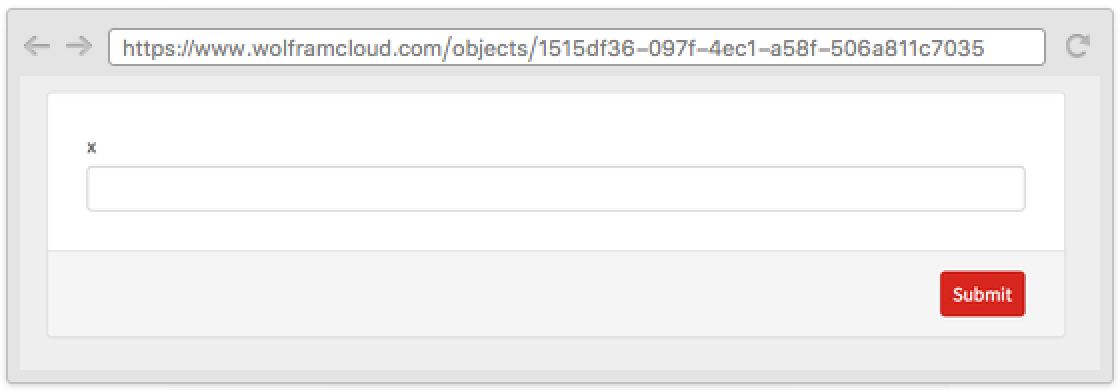
You can programmatically provide known values:
ask2 = ask[<|"x" -> "3"|>]Now only the second question will be asked:
ask2[]Scope (3)
Provide a first argument to AskFunction to specify how to ask for values:
CloudDeploy[AskFunction[<|"x" -> "Number", "y" -> "Number"|>, Ask["x"] ^ Ask["y"]]]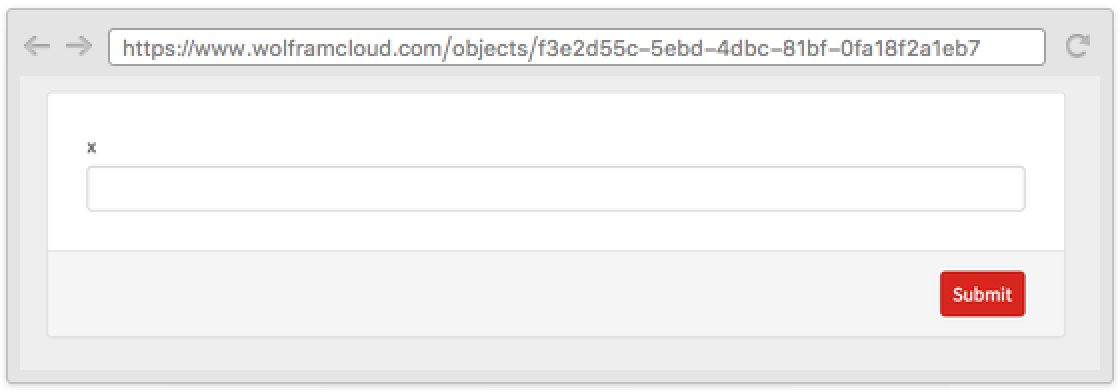
AskFunction uses the evaluation semantics of the Wolfram Language to skip the questions that are not needed:
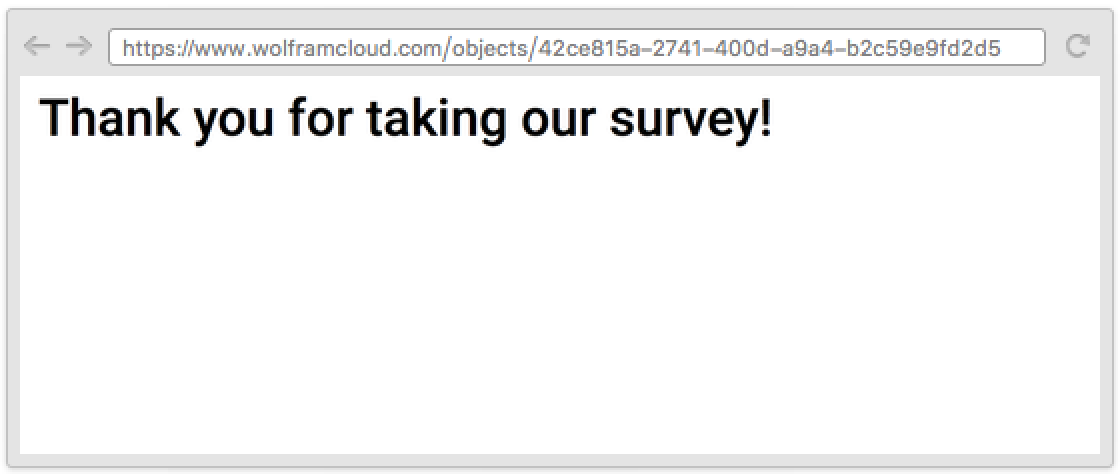
CloudDeploy[AskFunction[If[Ask[{"married", "Are you married?"} -> {"Yes" -> True, "No" -> False}], Ask[{"spouse-name", "What is the name of your spouse?"} -> "String"]]; Style["Thank you for taking our survey!", Bold, 36]]]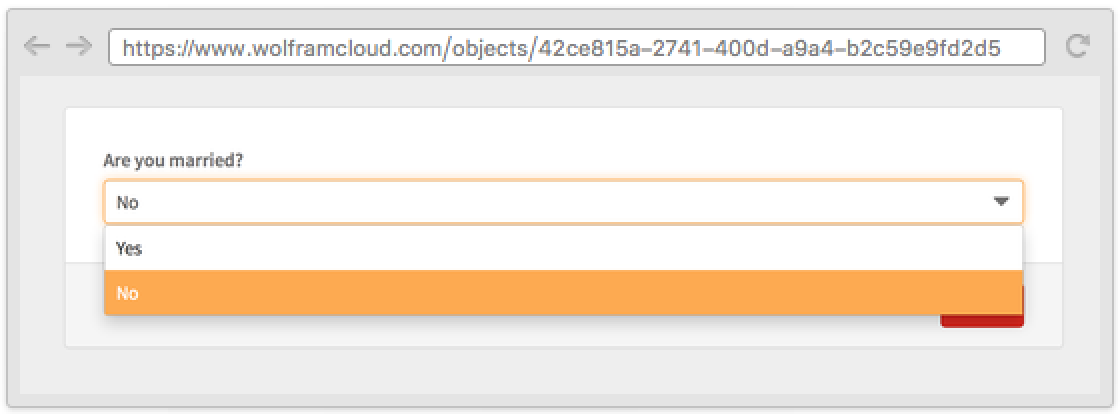
Selecting No skips the question about the spouse name:
Use the same syntax as FormFunction and FormObject to specify the appearance of the questions:
CloudDeploy[AskFunction[Ask["n" -> <|"Interpreter" -> Restricted["Integer", {1, 20}], "Control" -> Slider|>]!]]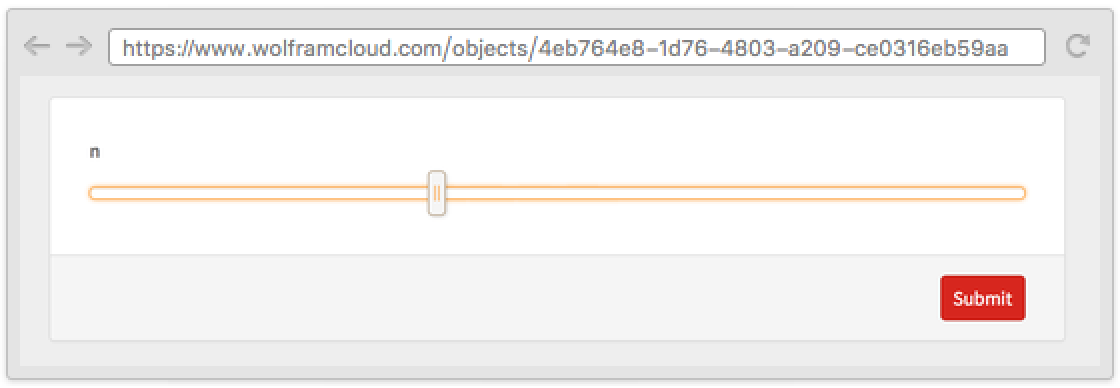

Properties & Relations (7)
Use AskFunction in conjunction with Ask for simple questions or to get the value associated with a key:
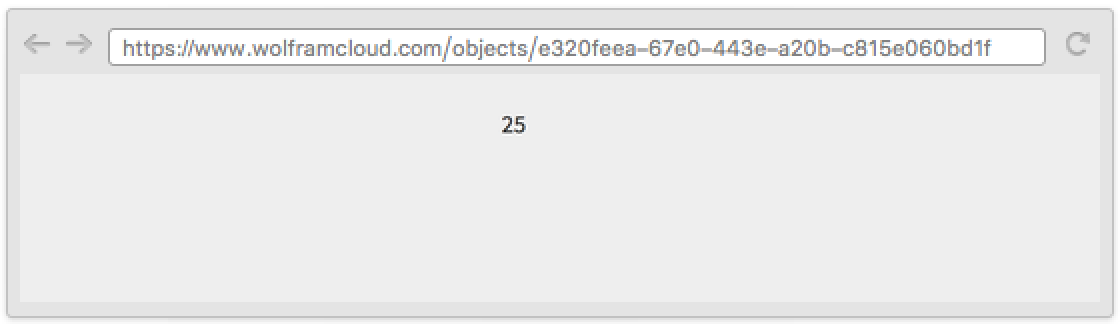
CloudDeploy[AskFunction[Ask[{"x", "Input a number"} -> "Integer"]; Ask["x"] ^ 2]]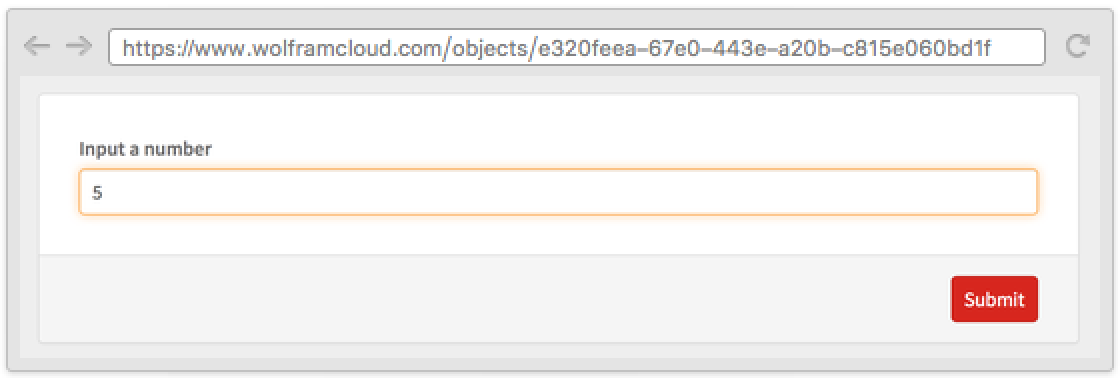
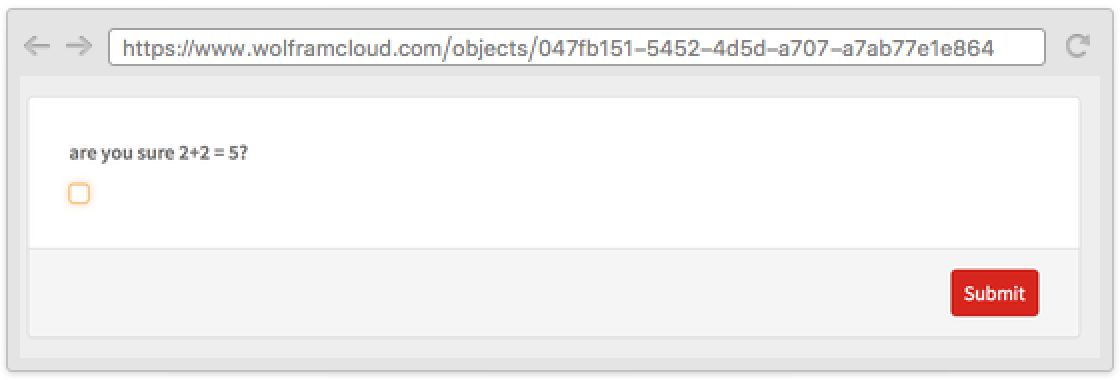
AskConfirm can be used to rewind the evaluation to the point before a value was known:
CloudDeploy[AskFunction[Ask[{"sum", "what is 2+2?"} -> "Number"]; If[Ask["sum"] ≠ 4, AskConfirm["sum", "are you sure 2+2 = `value`?"]; "wrong", "correct"]]]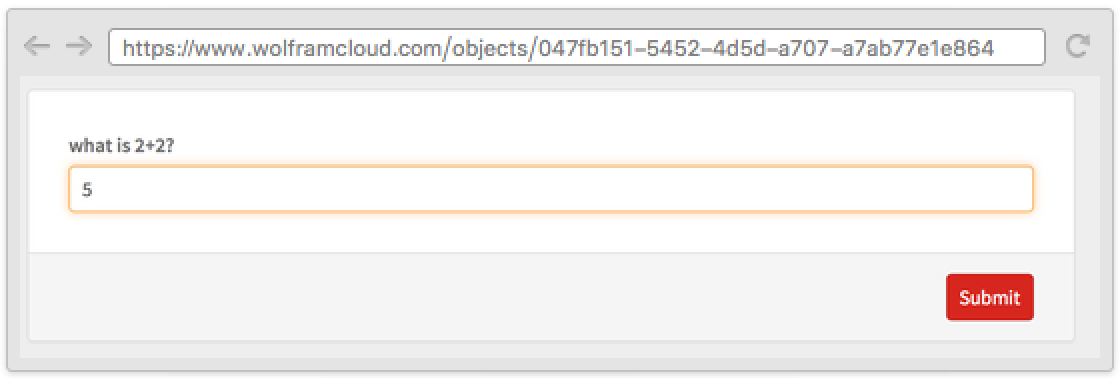
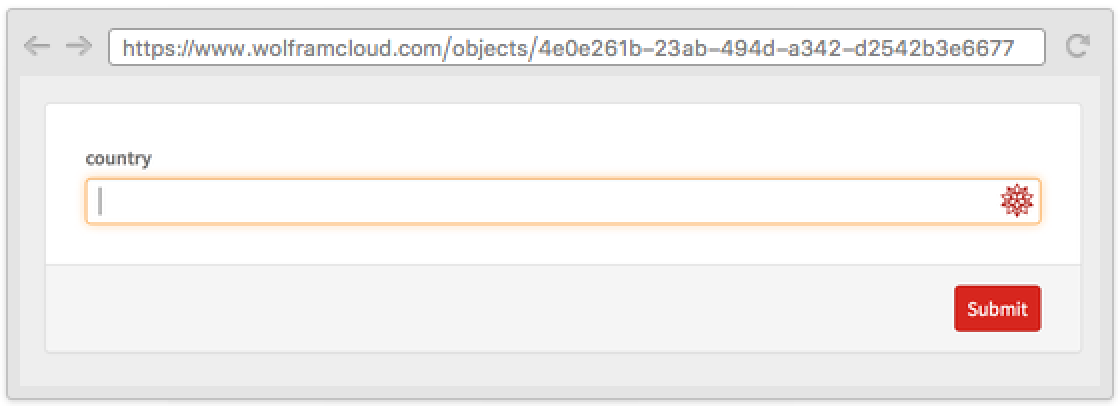
Use AskAppend to accumulate inputs:
CloudDeploy[AskFunction[AskDisplay["Enter three countries"];Do[AskAppend["country" -> "Country"], {3}];Ask["country"]]]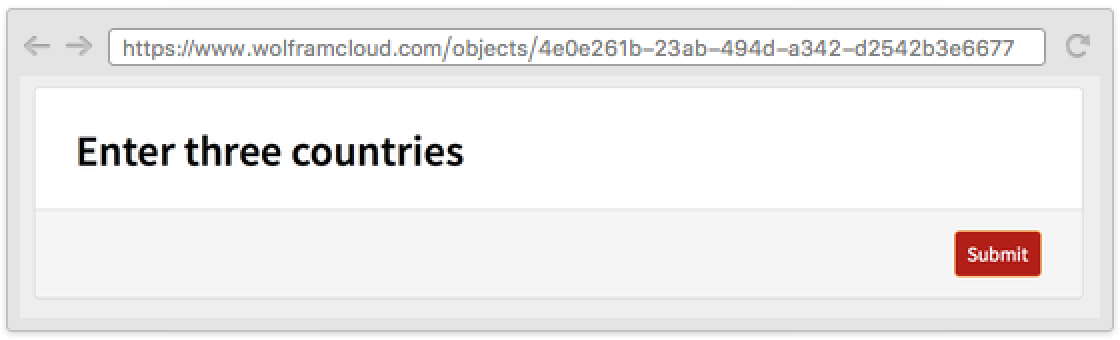

Use AskDisplay to display messages:
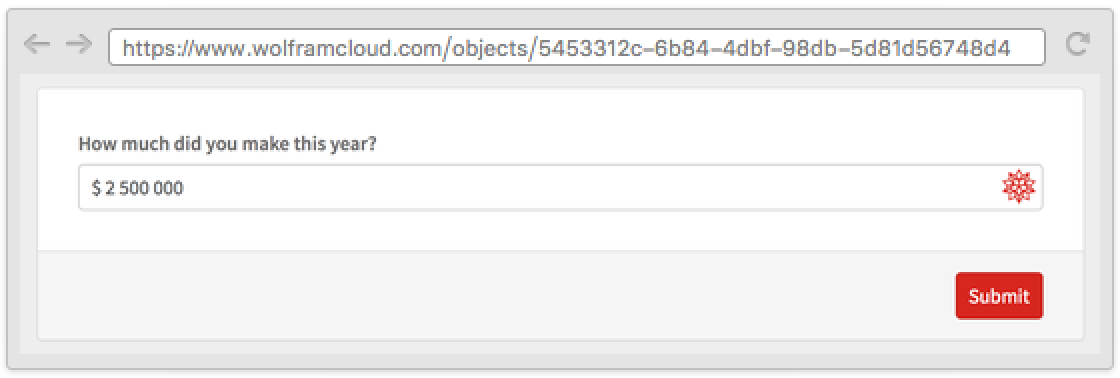
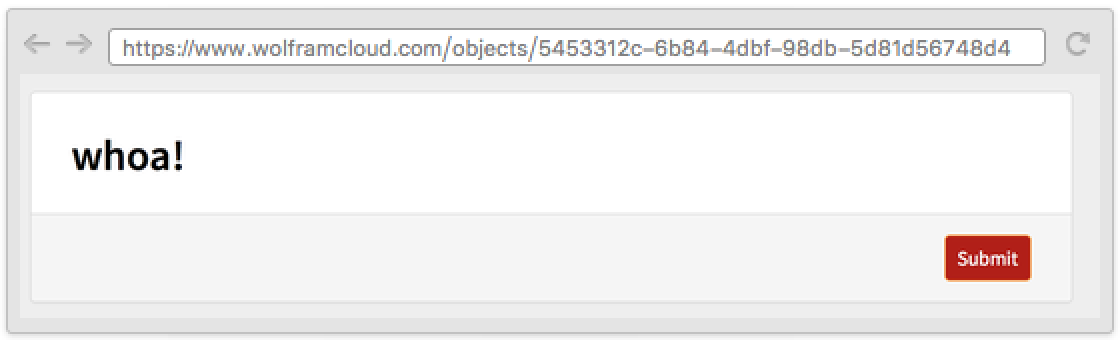
CloudDeploy[AskFunction[AskDisplay["Welcome to TaxReturnPro™!"];Ask[{"income", "How much did you make this year?"} -> "CurrencyAmount"];AskDisplay[ If[Ask["income"] > Quantity[1*10^6, "USDollars"], "whoa!", "puny…"]]]]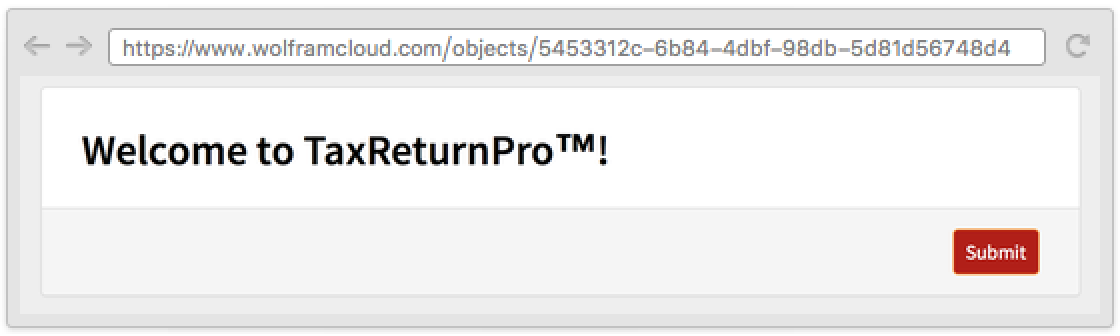
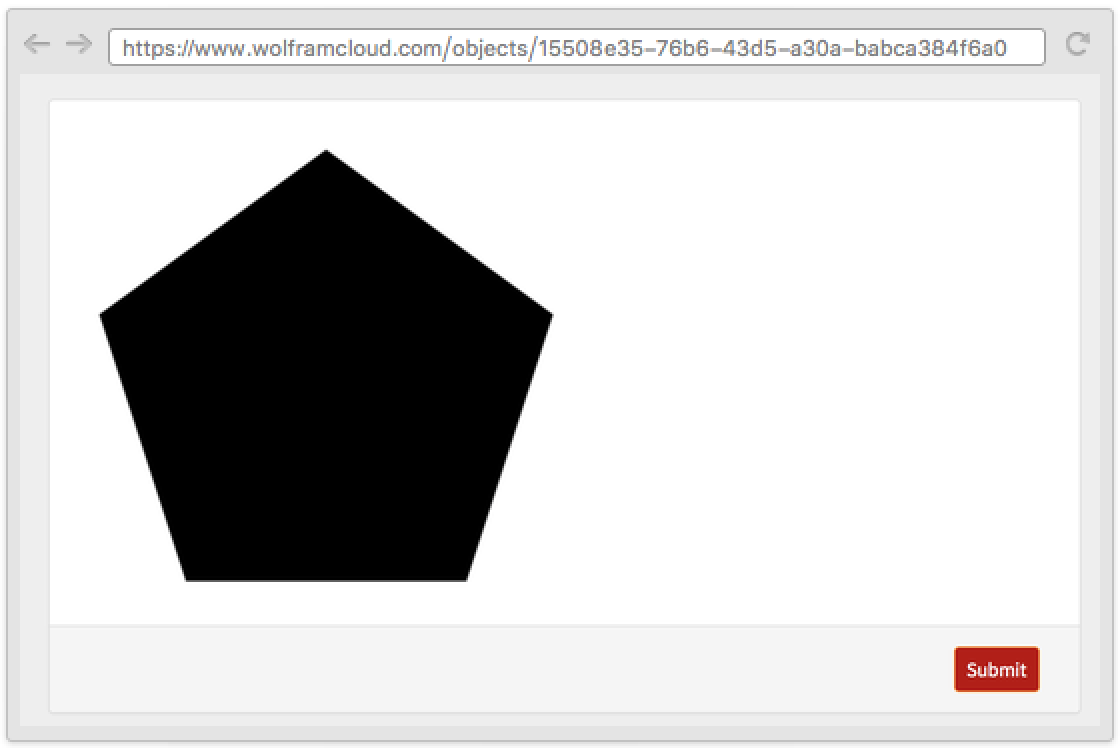
AskTemplateDisplay takes a function or a template to be applied to the current values:
CloudDeploy[AskFunction[Ask[{"n", "How many sides?"} -> Restricted["Integer", {3, Infinity}]]; AskTemplateDisplay[Graphics[RegularPolygon[#n]]&]]]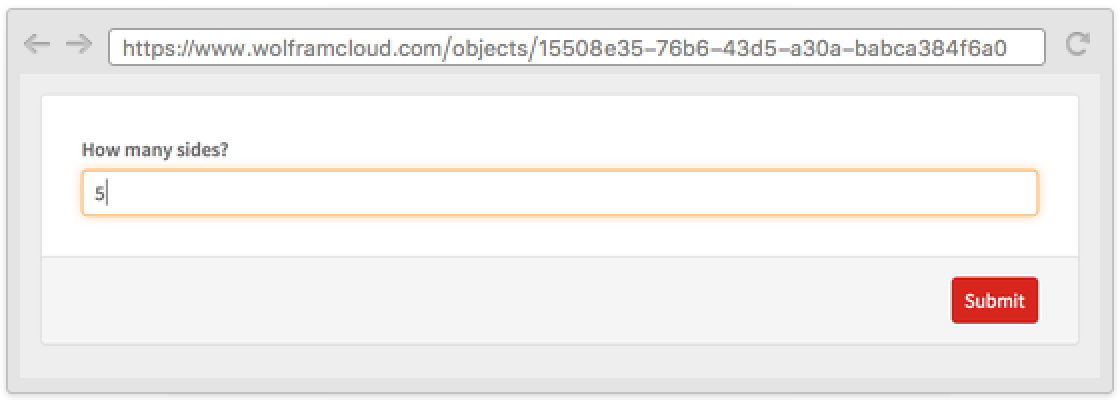
Use AskedQ to verify if a key has been asked:
CloudDeploy[AskFunction[<|{"name", "What's your name?"} -> "String"|>, While[!AskedQ["name"], Ask["name"]]]]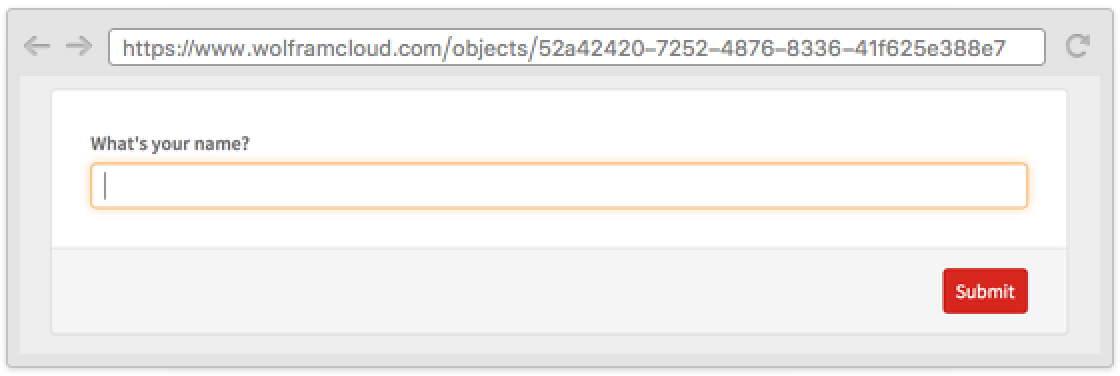
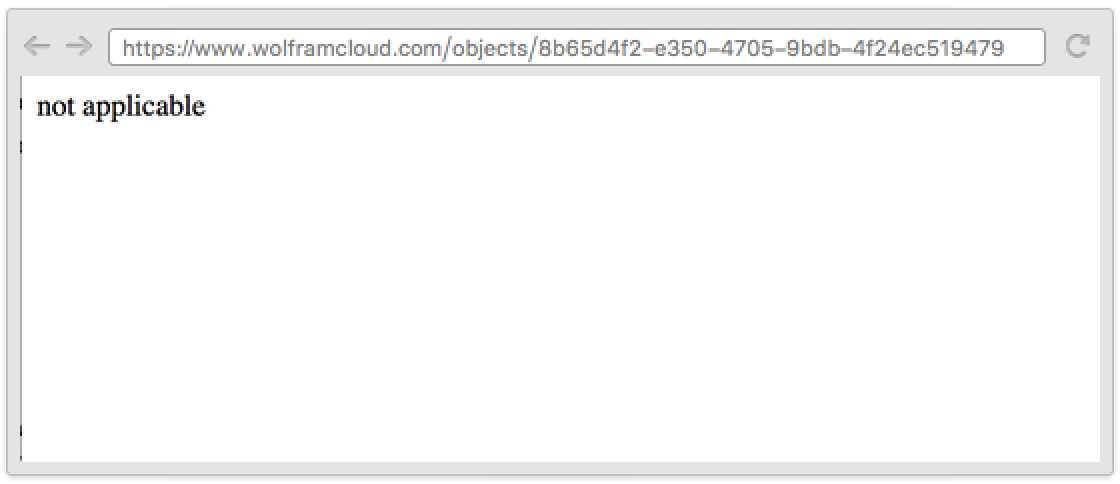
AskedValue returns the value without causing a form to be displayed:
CloudDeploy[AskFunction[If[Ask[{"age", "How old are you?"} -> "Number"] ≥ 21, Ask[{"drink", "Do you drink?"} -> {"Yes" -> True, "No" -> False}]]; Replace[AskedValue["drink"], { _Missing :> "not applicable", True -> "drinking", False -> "not drinking"}]]]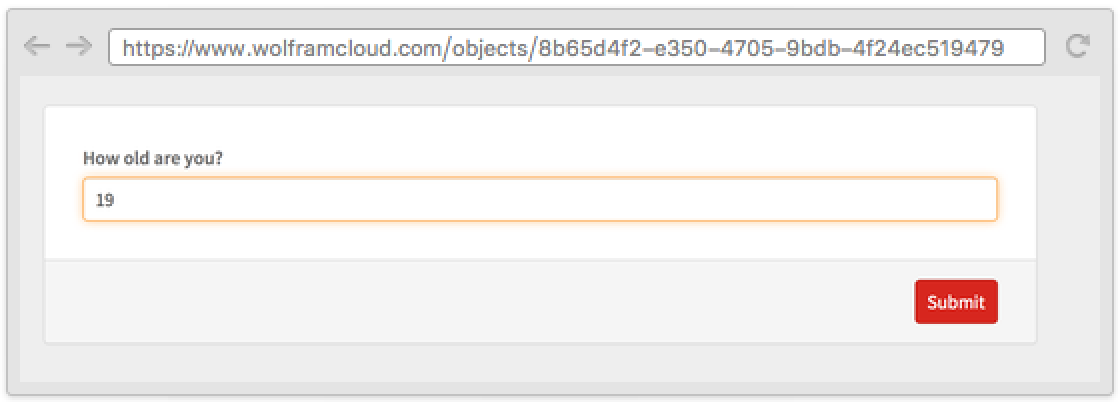
Possible Issues (2)
When AskFunction is deployed in the cloud, the body is reevaluated at each visit on a clean kernel. Because of this, functions that return random values might return different values at each step:
CloudDeploy[AskFunction[a = RandomInteger[{1, 10}];AskDisplay[a];AskDisplay[a]]]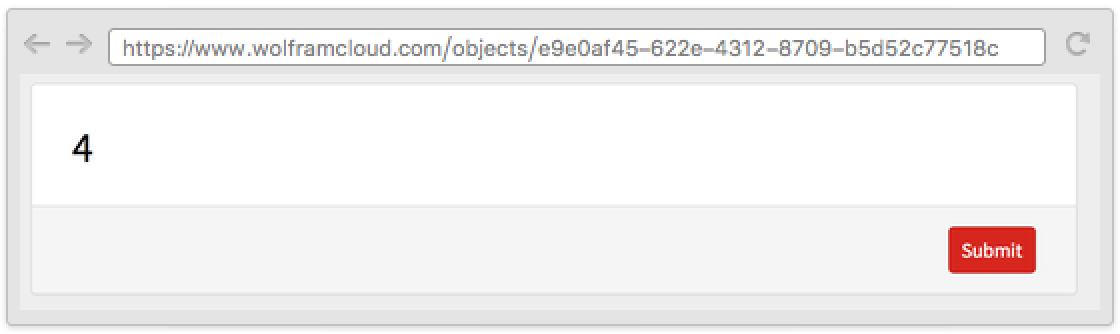
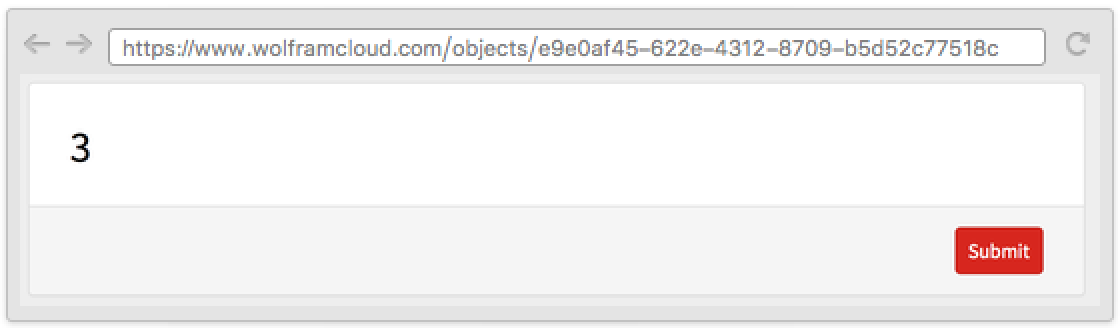
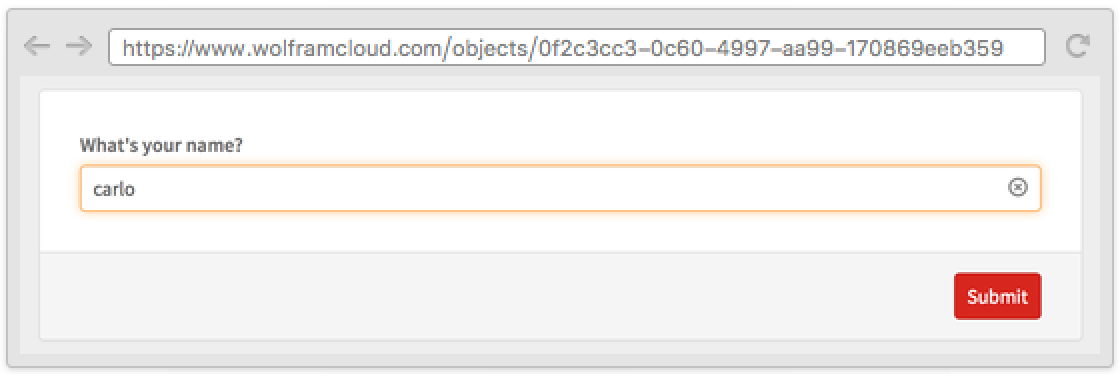
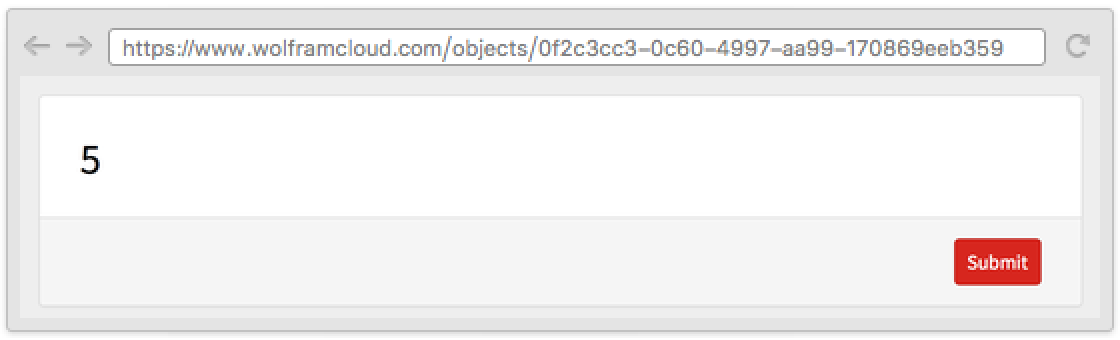
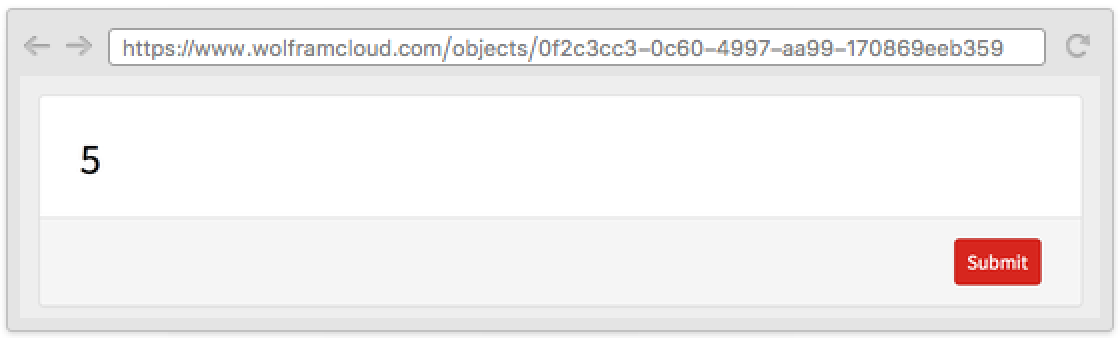
A possible workaround is using SeedRandom to initialize the pseudorandom number generator with a seed that depends on previous values or on values such as $RequesterAddress:
CloudDeploy[AskFunction[
	Ask[{"name", "What's your name?"} -> "String"];SeedRandom[Ask["name"]];a = RandomInteger[{1, 10}];AskDisplay[a];AskDisplay[a]
	]]
Cloud evaluations have restrictions on memory usage and evaluation time. The limitations for AskFunction are determined by your cloud plan, and the specific amounts can be found in CloudAccountData as the "DeployedMemoryLimit" and "DeployedEvaluationTimeLimit":
CloudAccountData /@ {"DeployedMemoryLimit", "DeployedEvaluationTimeLimit"}Text
Wolfram Research (2016), AskFunction, Wolfram Language function, https://reference.wolfram.com/language/ref/AskFunction.html.
CMS
Wolfram Language. 2016. "AskFunction." Wolfram Language & System Documentation Center. Wolfram Research. https://reference.wolfram.com/language/ref/AskFunction.html.
APA
Wolfram Language. (2016). AskFunction. Wolfram Language & System Documentation Center. Retrieved from https://reference.wolfram.com/language/ref/AskFunction.html