

ThemeColor
ThemeColor["name"]
represents a named color setting that is resolved according to the current notebook theme.
Details
- ThemeColor["name"] evaluates to itself.
- When applied as part of a style setting, the notebook front end resolves the value to a color as part of the process of rendering.
- ThemeColor may use a "light" or "dark" version of the color settings depending upon whether the notebook is running in light or dark mode. The setting of light or dark mode is based upon the value of the LightDark option. »
- Typical values for "name", with typical defaults in light mode, include:
-
"Foreground" 
foreground text and related elements "Background" 
background color of the notebook "Accent1" 
title‐ and section‐related styles "Accent2" 
title‐ and section‐related styles "Accent3" 
cell labels and brackets "Accent4" 
entity coloring "Accent5" 
quantity coloring "Accent6" 
chat/LLM coloring "Accent7" 
external code coloring "Accent8" 
error colors "Accent9" 
hyperlink coloring - Additional values for "name" that represent syntax highlighting colors:
-
"Syntax1" 
undefined symbol style "Syntax2" 
local function variables "Syntax3" 
strings "Syntax4" 
local variables to scoping constructs "Syntax5" 
comments "Syntax6" 
head highlight surrounding selection "Syntax7" 
matching operator surrounding selection "Syntax8" 
known symbols "SyntaxError1" 
syntax warnings "SyntaxError2" 
unmatched operator "SyntaxError3" 
syntax errors that triggered a failed evaluation "SyntaxError4" 
scoping conflicts "SyntaxError5" 
head highlight when brackets are mismatched "SyntaxError6" 
matching operator highlight when brackets are mismatched - "Syntax4" is used for scoping constructs such as Module, Block, With, DynamicModule and pattern variables used in a RuleDelayed.
- "SyntaxError1" is used for a variety of advisory warnings used to highlight code constructs that are technically allowed but probably represent an error or typo. Examples include the use of unrecognized options in a system function and a system function with more arguments specified than the documentation allows for.
- ThemeColor looks up its color values in the theme specified by the NotebookTheme option. »
Examples
open all close allBasic Examples (2)
Scope (3)
Style["abc", FontColor -> ThemeColor["Accent4"]]Style["abc", Background -> ThemeColor["Syntax7"]]Use as a color directive in graphics:
Graphics[{ThemeColor["Accent9"], Disk[]}]Graphics3D[{ThemeColor["Accent9"], Sphere[]}, Lighting -> "Neutral"]Properties & Relations (3)
The value of a ThemeColor can vary between light and dark mode:
CreateDocument[Graphics[{ThemeColor["Accent9"], Disk[]}], LightDark -> "Light"]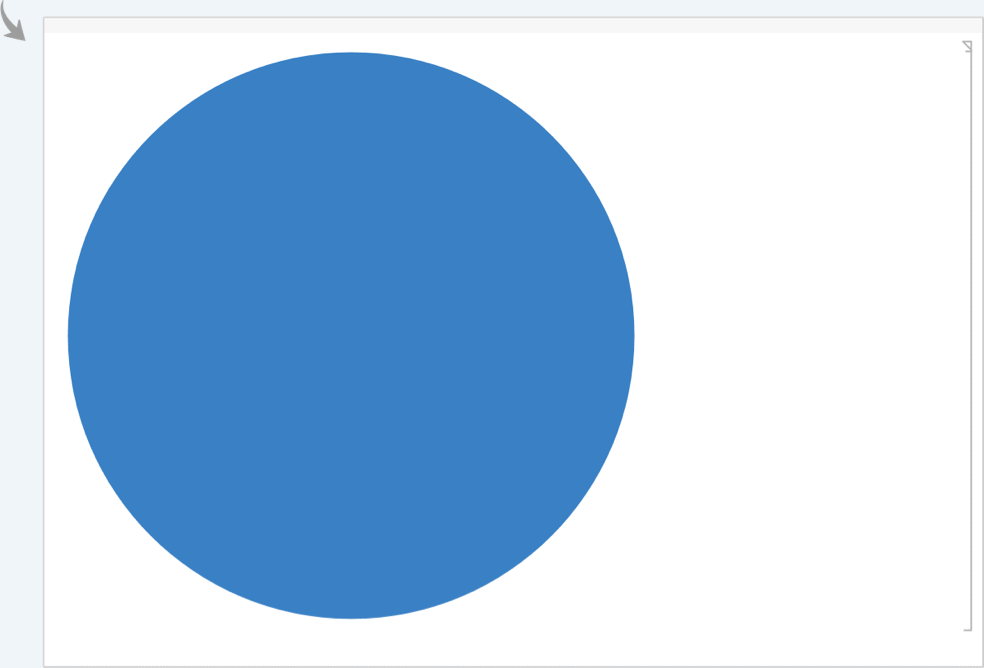
CreateDocument[Graphics[{ThemeColor["Accent9"], Disk[]}], LightDark -> "Dark"]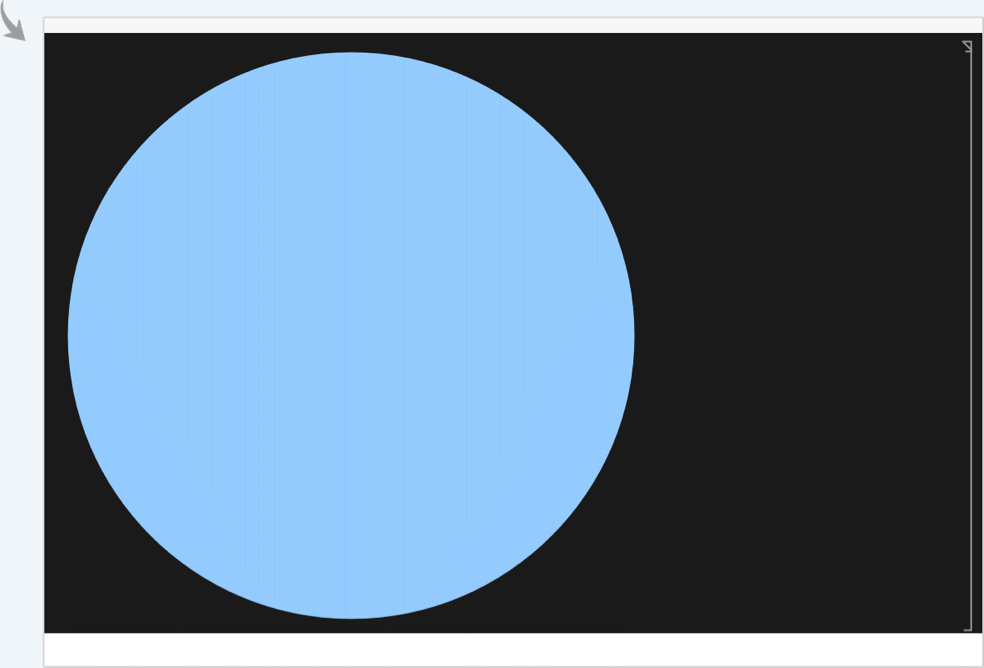
Use Normal to resolve a given ThemeColor to a literal color directive:
Normal[ThemeColor["Accent1"]]//InputFormAbsoluteCurrentValue[NotebookTheme] provides a dictionary of theme colors and values:
AbsoluteCurrentValue[NotebookTheme]Possible Issues (2)
The kernel does not resolve the color, and so ThemeColor cannot be used for color computation:
ColorDistance[ThemeColor["Accent1"], Red]
For this reason, ThemeColor does not satisfy ColorQ:
ColorQ[ThemeColor["Accent1"]]Use Normal to resolve the color end get a ColorQ value:
{ColorDistance[Normal[ThemeColor["Accent1"]], Red], ColorQ[Normal[ThemeColor["Accent1"]]]}Unrecognized names evaluate without error and display as gray:
ThemeColor["Unknown"]If used as a color directive or option setting, it simply displays as gray:
Panel["Using an unknown theme color", Background -> ThemeColor["Unknown"]]Text
Wolfram Research (2025), ThemeColor, Wolfram Language function, https://reference.wolfram.com/language/ref/ThemeColor.html (updated 2026).
CMS
Wolfram Language. 2025. "ThemeColor." Wolfram Language & System Documentation Center. Wolfram Research. Last Modified 2026. https://reference.wolfram.com/language/ref/ThemeColor.html.
APA
Wolfram Language. (2025). ThemeColor. Wolfram Language & System Documentation Center. Retrieved from https://reference.wolfram.com/language/ref/ThemeColor.html