



FormPage
Listing of Field Types »FormPage[formspec,func]
represents an active page that takes input from a form and generates results on the same page by applying func to the values obtained from the form whose structure is defined by formspec.
FormPage[{"name1"type1,…},func]
represents an active form page with fields named namei interpreted as types typei.
FormPage[{{"name1",label1}type1,…},func]
uses labeli as the label for the field named namei.
FormPage[{namespec1type1default1,…},func]
uses defaulti as the default for the field specified by namespeci.
FormPage[formspec,func,form]
lays out the page according to the layout specification form.
FormPage[formspec,func,initformresform]
uses initform as the initial layout specification and resform as the layout specification for result pages.
Details and Options
- CloudDeploy[FormPage[…]] yields a cloud object containing an active form page.
- FormPage[formspec,func][<"namek"->inputk,…>] inserts the inputs given into the initial form specified by the FormPage object.
- Setting[FormPage[formspec,func]] evaluates to func applied to the current values of the form.
- In FormPage[formspec,func,layout], possible specifications for layout include:
-
"ResultBelow" display results below the form "ResultAbove" display results above the form {elem1,elem2,…} display layout elements in the specified order - In FormPage[formspec,func,{elem1,elem2,…}], possible elemi include:
-
"Form" the form as specified by formspec "Result" results generated by applying func "Button" button for submitting the form - Overall options for FormPage include:
-
AppearanceRules Automatic association giving overall appearance rules FormLayoutFunction Automatic function to generate layout for the form FormProtectionMethod Automatic method for spam protection PageTheme Automatic overall theme to use for the form ImageFormattingWidth $ImageFormattingWidth wrapping width for output formatting ImageSize Automatic overall image size for output
Examples
open all close allBasic Examples (1)
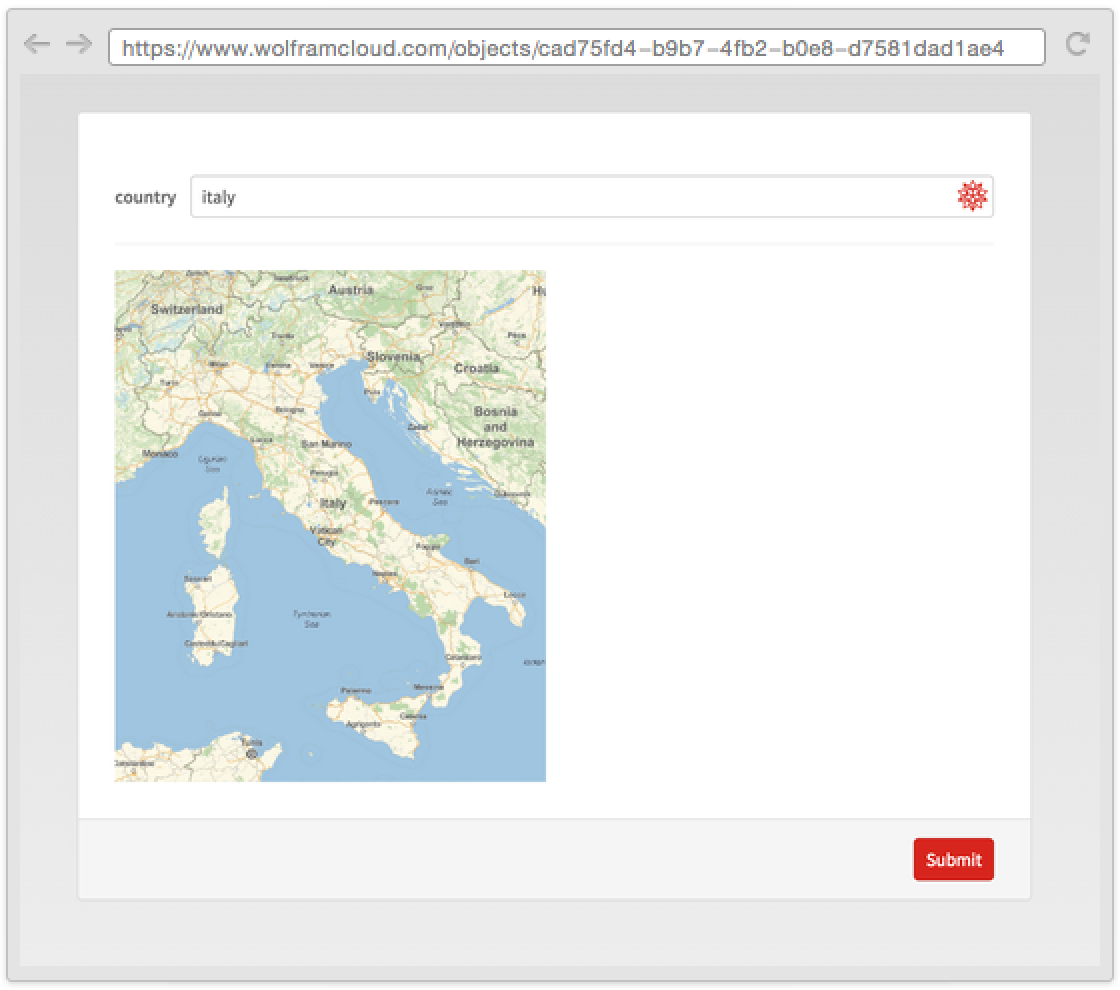
Use FormPage to continuously interact with a webpage:
CloudDeploy[FormPage["country" -> "Country", GeoGraphics[#country]&]]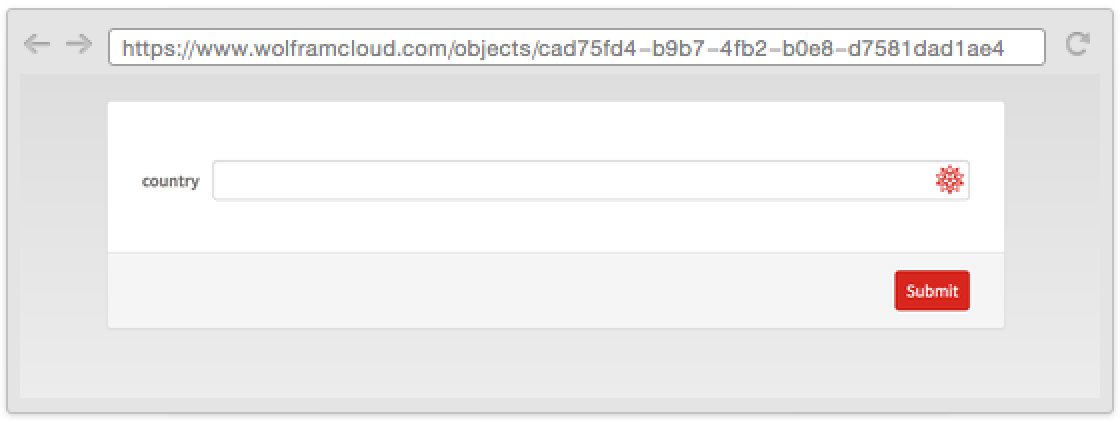
Scope (31)
Interpreter Specifications (6)
Use rich Interpreter specifications:
CloudDeploy[FormPage[{"x" -> Restricted["Integer", {1, 10}]}, func]]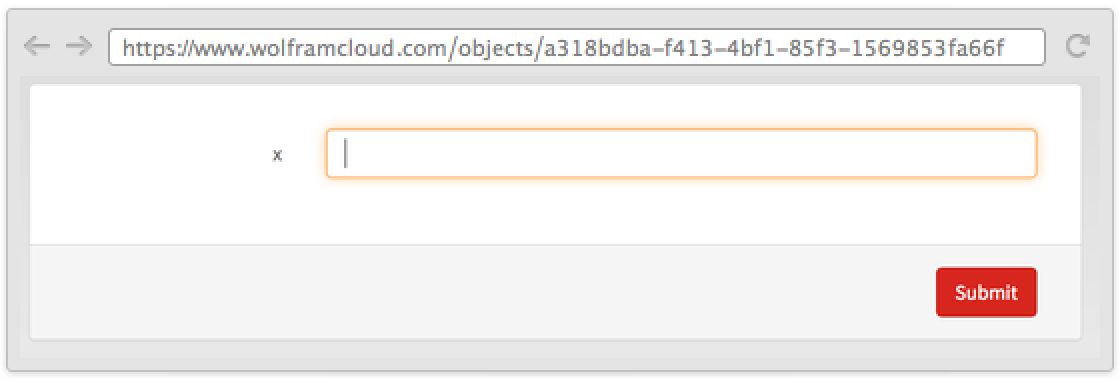
The Interpreter head is optional, but useful to specify options or other arguments to Interpreter:
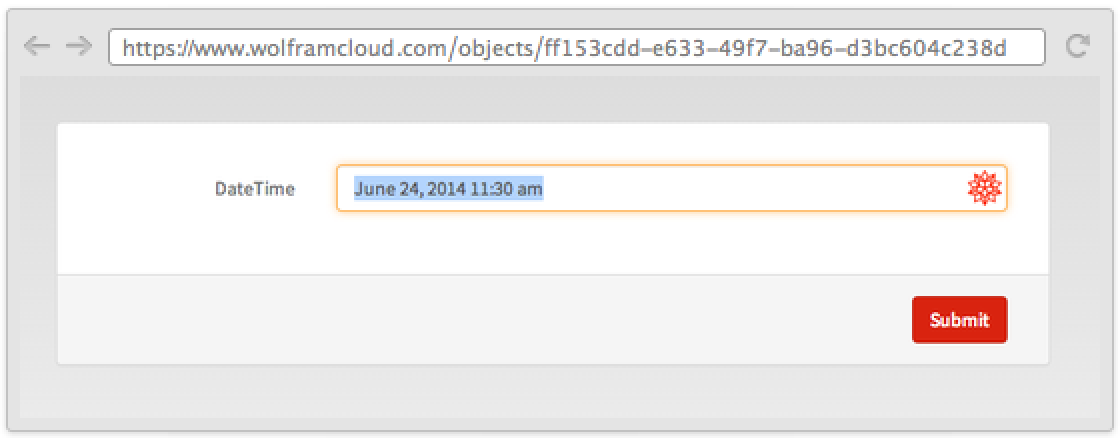
CloudDeploy[FormPage[{"x" -> Interpreter["StructuredDate", TimeZone -> 2], "y" -> Interpreter[ToExpression, Positive]}, func]]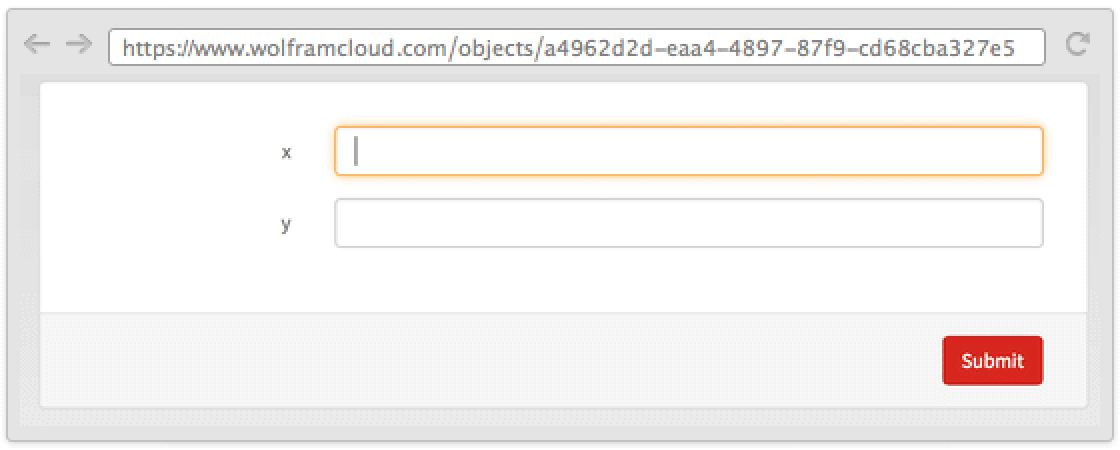
A list can be used to create a menu:
CloudDeploy[FormPage[{"x" -> {1, 2, 3}}, func]]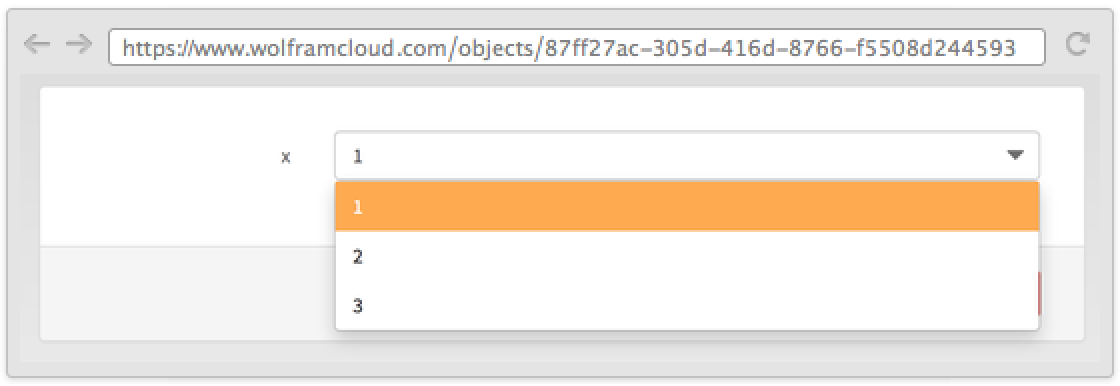
CloudDeploy[FormPage[{"question" -> {"Yes" -> True, "No" -> False}}, func]]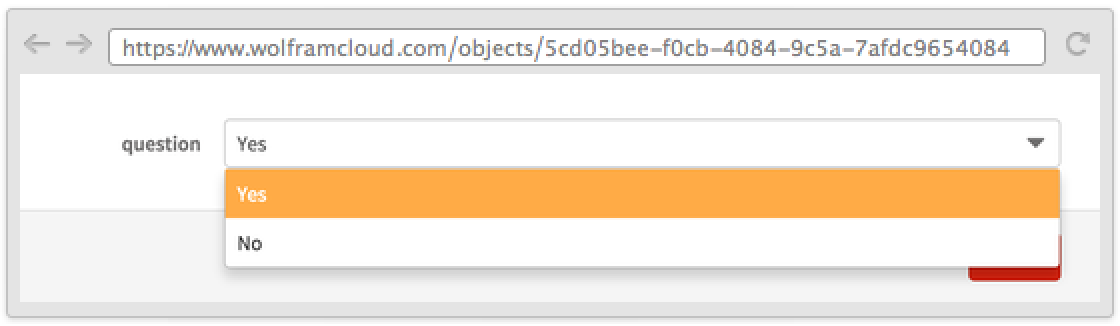
An entity list can be used as a menu:
CloudDeploy[FormPage[{"Country" -> EntityList["Country"]}, func]]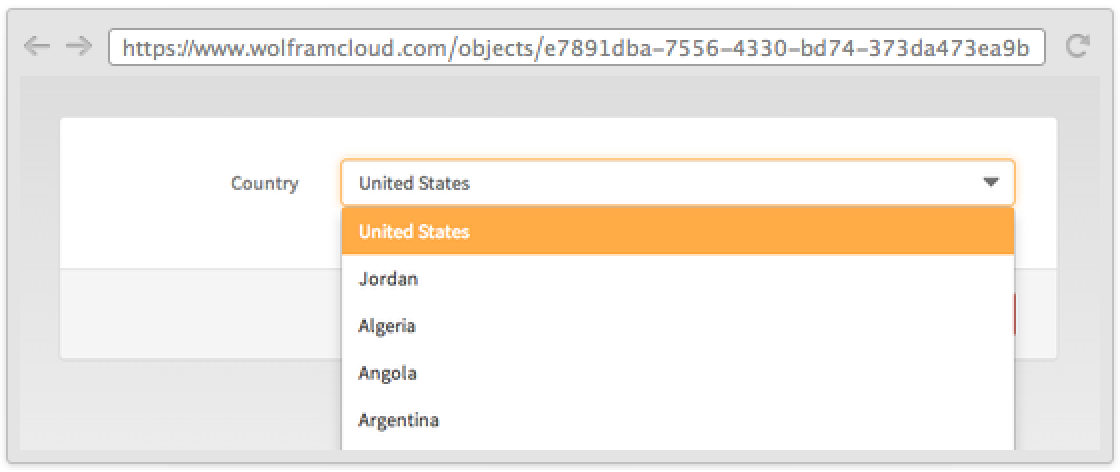
Choices can be any expression:
CloudDeploy[FormPage[{"Image" :> Map[ImageResize[ExampleData[#], {100, 100}] &, ExampleData["TestImage"][[1 ;; 6]]]}, Composition[EdgeDetect, First]]]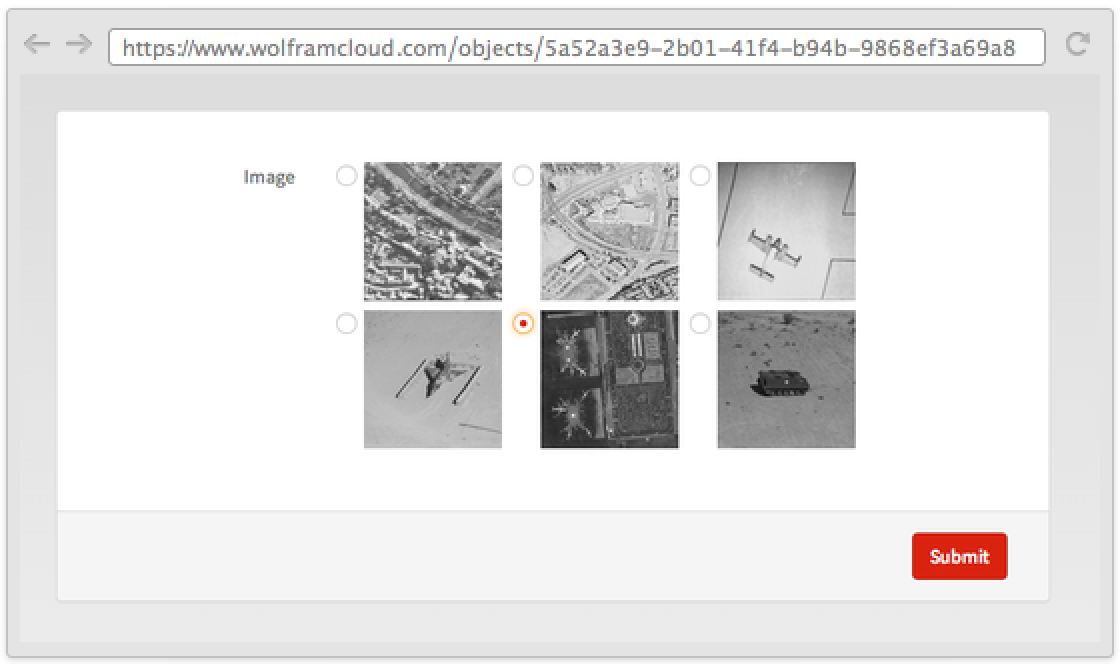
A list of rules allows for label specification:
CloudDeploy[FormPage[{"x" -> {"A" -> 1, "B" -> 2, "C" -> 3}}, func]]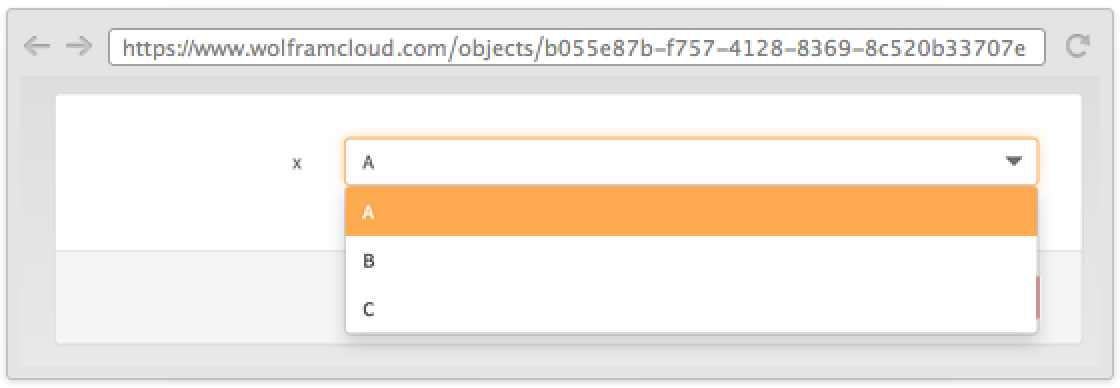
Defaults (3)
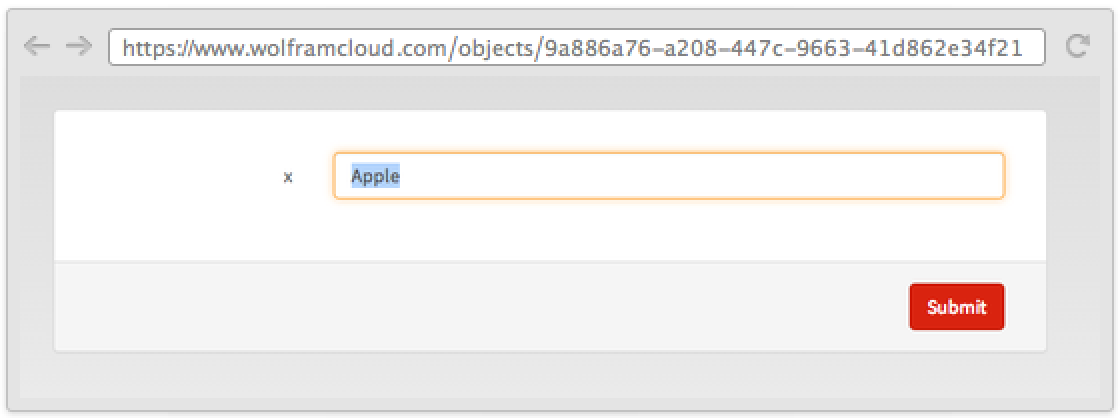
Specify a default for a field; fields that have a default are not required:
Setting @ FormPage[{"first" -> "String", "second" -> "Number" -> 3}, f]["first" -> "str"]Fields can be optional without having a default:
Setting@FormPage[{"first" -> "String", "second" -> <|"Interpreter" -> "Number", "Required" -> False|>}, f]["first" -> "str"]Use RuleDelayed to evaluate a new default every time:
Setting@FormPage[{"name" -> "String", "date" -> <|"Interpreter" -> "DateTime", "Default" :> DateObject[]|>}, f][<|"name" -> "Bob", "date" -> None|>]Input (2)
Label (1)
CloudDeploy[FormPage[{"x", "First Name"} -> "String", Identity]]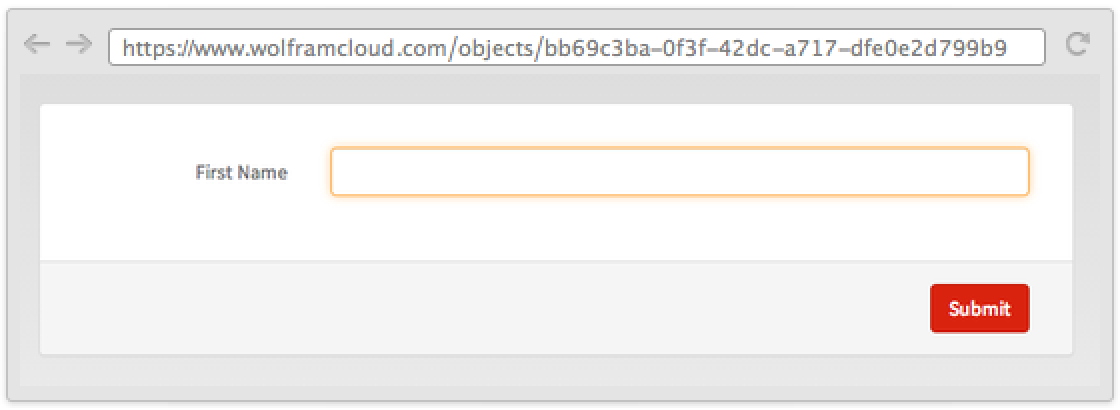
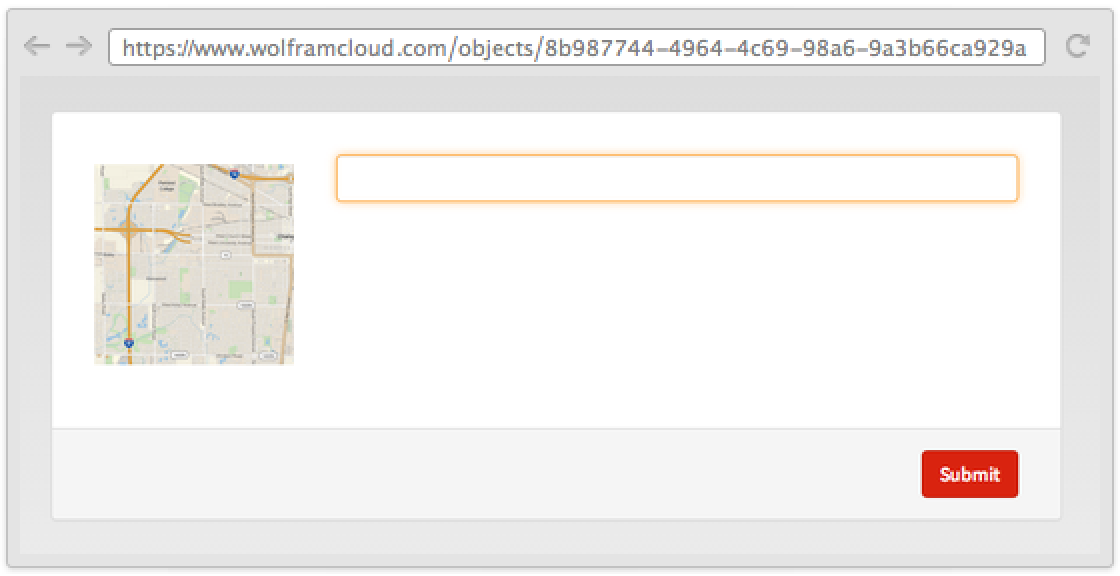
You can use RuleDelayed and return any expression:
CloudDeploy[FormPage["pc" -> <|"Label" :> "PC: " <> $MachineID|>, Identity]]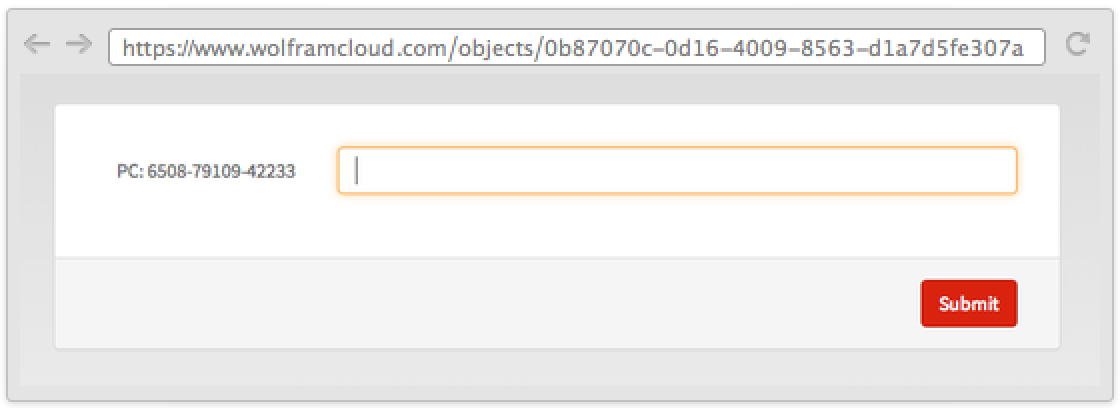
CloudDeploy[FormPage[
	"pc" -> <|"Label" :> GeoGraphics[
	$GeoLocation,
	GeoRange -> Quantity[2, "Miles"]
	]|>,
	Identity
	]]
Use None to remove the label:
CloudDeploy[FormPage["Query" -> <|"Label" -> None, "Hint" -> "Search"|>, Identity]]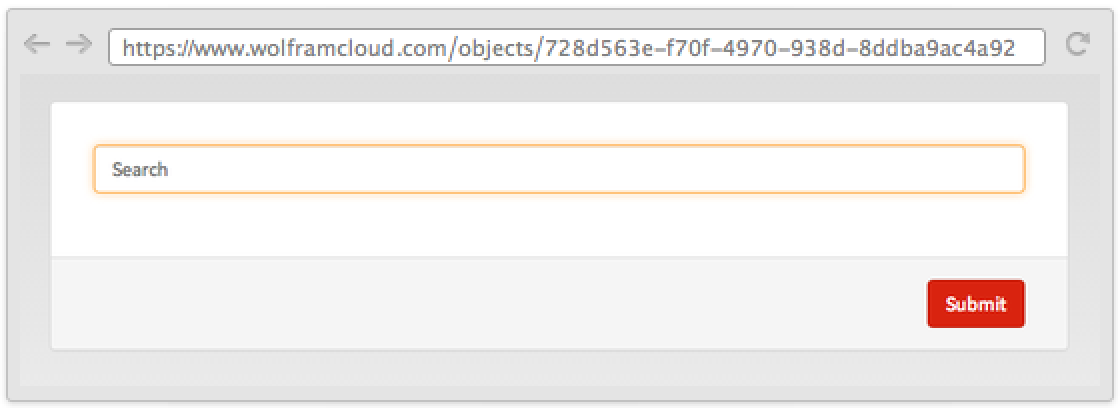
CloudDeploy[FormPage[{
	"First" -> <|"Label" -> None, "Hint" -> "First Name"|>,
	"Last"  -> <|"Label" -> None, "Hint" -> "Last Name"|>
	}, Identity]]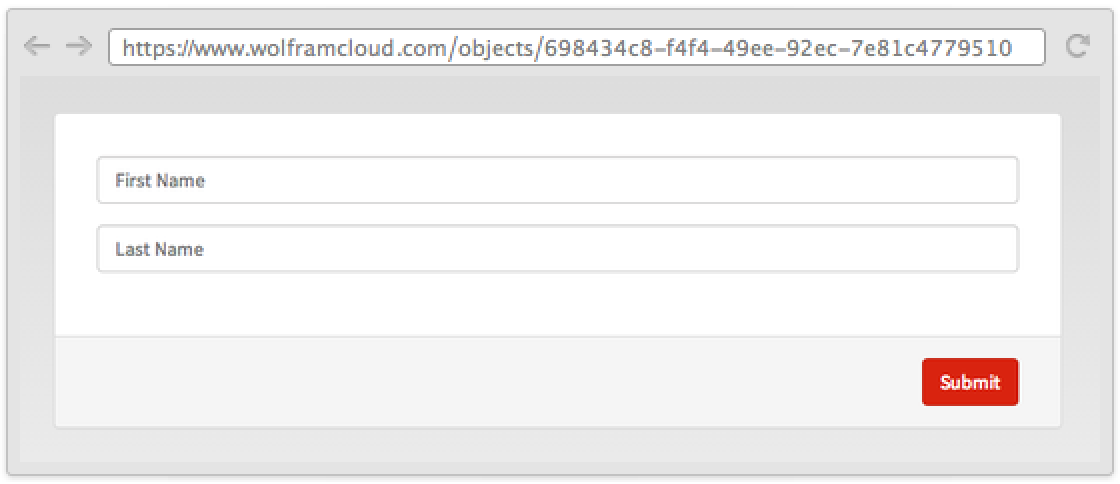
Appearance (4)
Change the default label to be something different from the key:
CloudDeploy[FormPage[{"key", "Label"} -> "Integer", g]]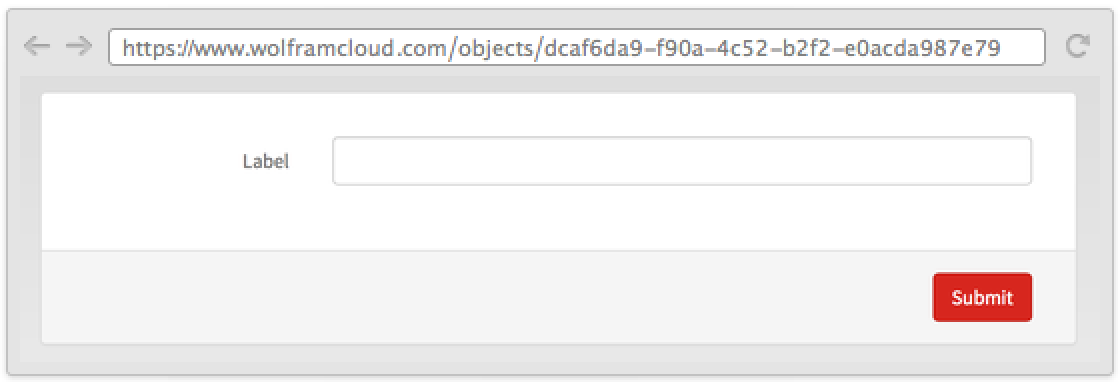
CloudDeploy[FormPage[{"Number", [image]} -> "Number", g]]
Change the appearance of single fields:
CloudDeploy[FormPage[{"x" -> <|"Interpreter" -> Restricted["Integer", {1, 10}], "Control" -> InputField, "Help" -> "help text", "Hint" -> "write something"|>}, func]]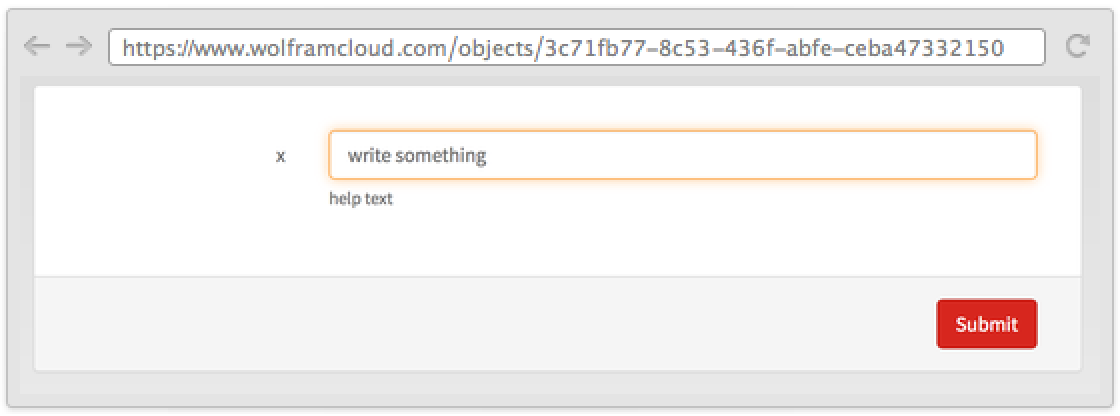
Use RuleDelayed to evaluate an expression in the cloud:
CloudDeploy[FormPage[{"x" -> <|"Label" -> "Where are you?", "Help" :> GeoGraphics[$GeoLocation]|>}, func]]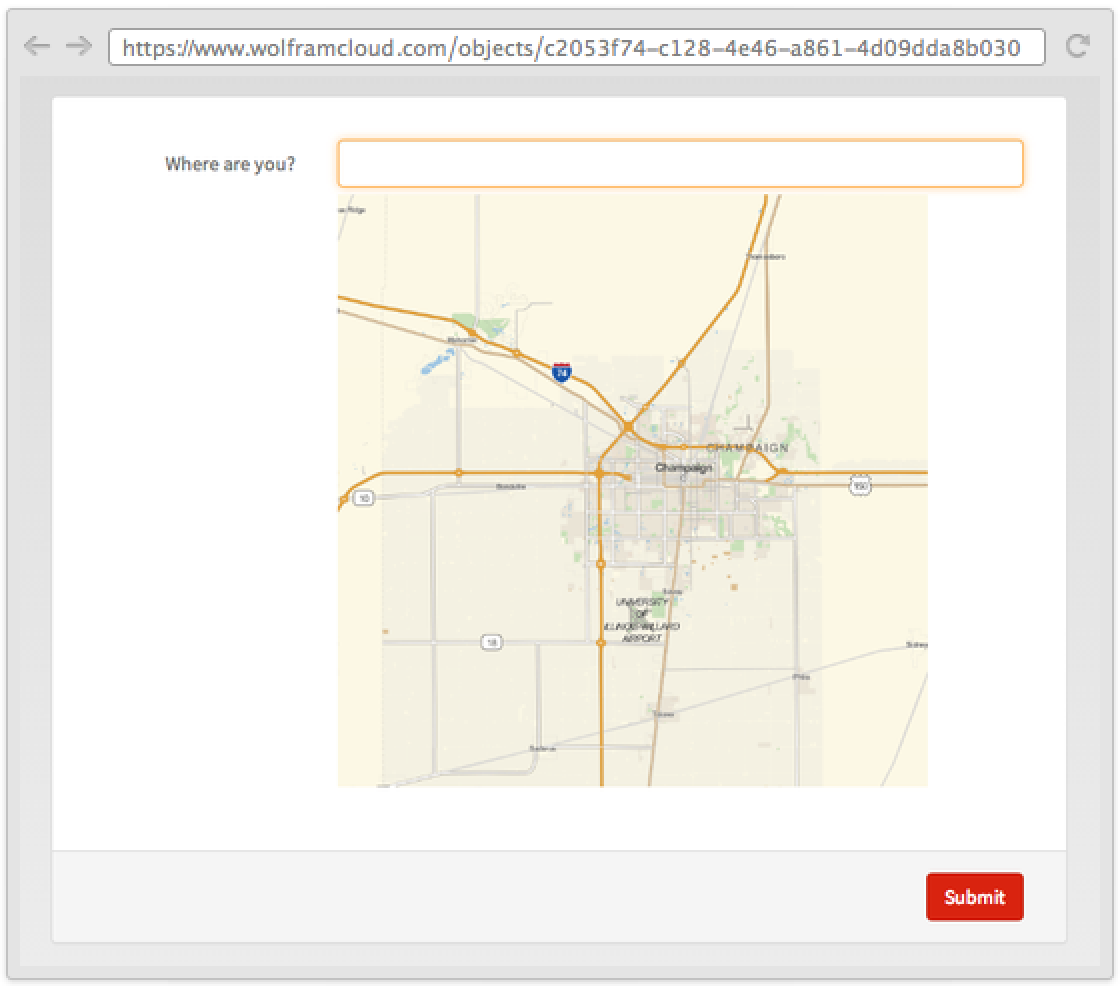
Use non-rule elements to change the default appearance:
CloudDeploy[FormPage[{"x" -> "String", "text", Graphics3D[Sphere[]], "y" -> "Integer"}, func]]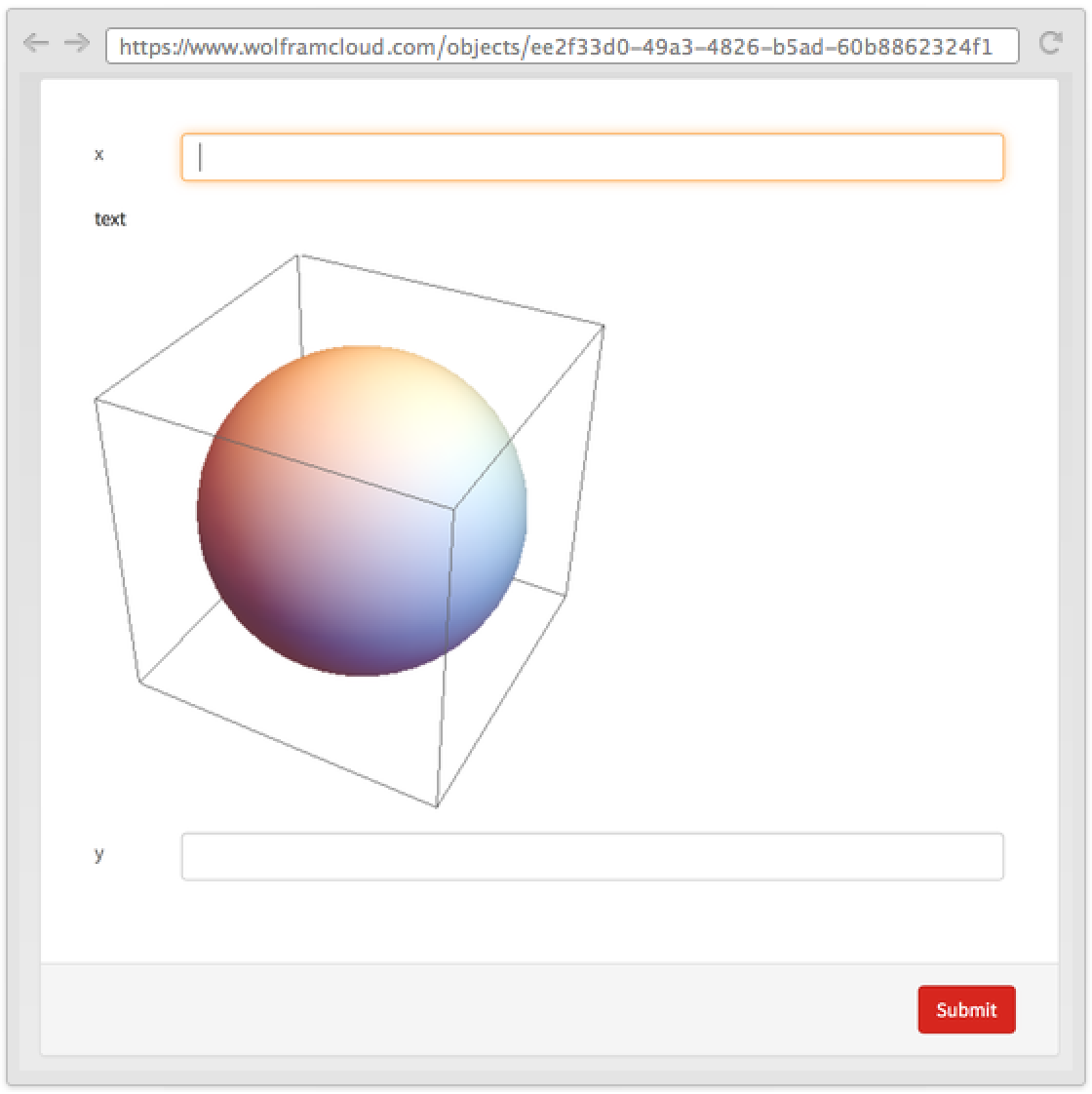
Controls (7)
Different types have different controllers. Color pickers for "Color":
CloudDeploy[FormPage[{"x" -> "Color"}, func]]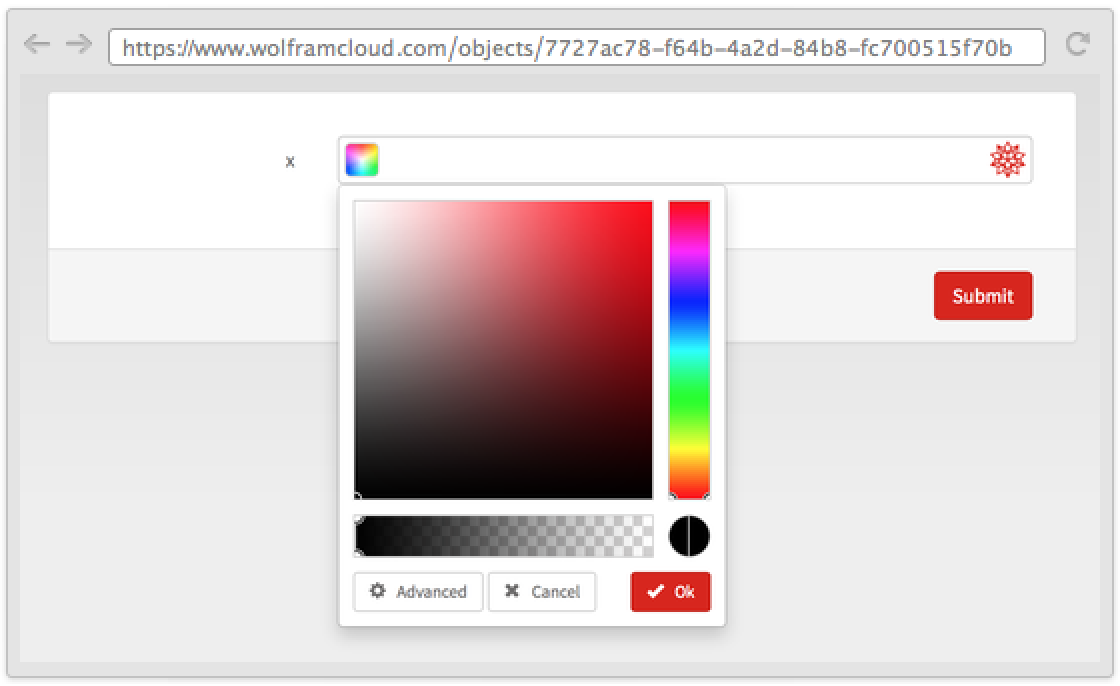
Or file pickers for file formats:
CloudDeploy[FormPage[{"x" -> "Image"}, func]]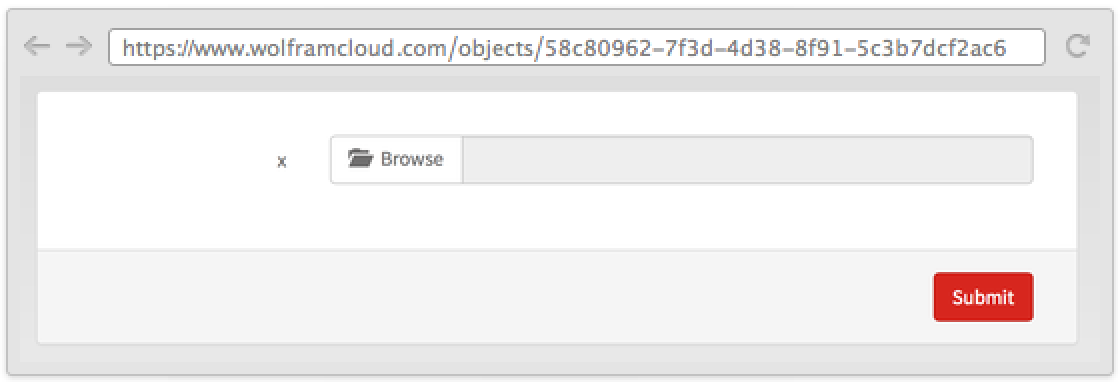
CloudDeploy[FormPage[{"x" -> "Boolean"}, func]]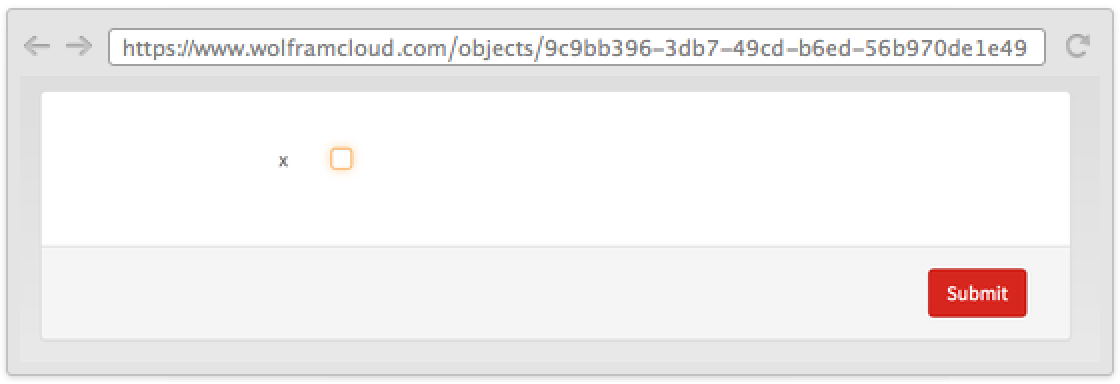
Change the default controller:
CloudDeploy[FormPage[{"x" -> <|"Interpreter" -> Restricted["Integer", {1, 10}], "Control" -> Slider|>}, func]]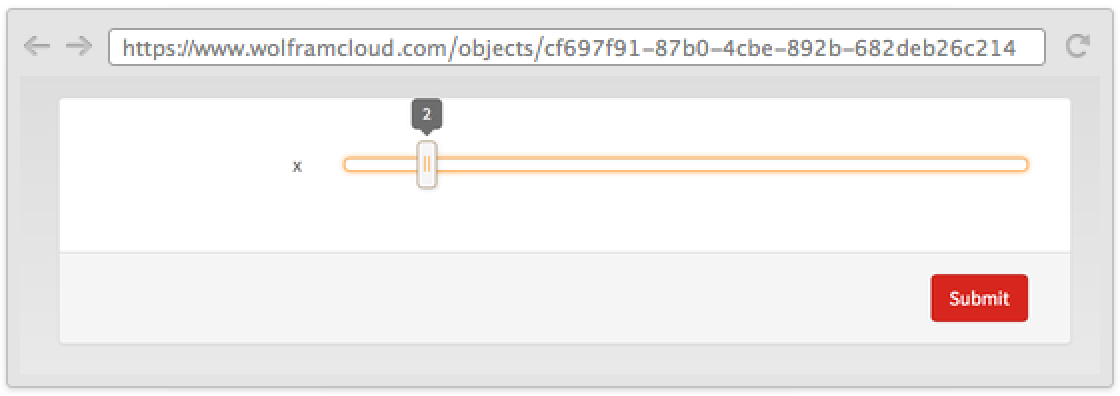
Multiple choices support various types of controllers:
CloudDeploy[FormPage[FormObject[<|"x" -> <|"Interpreter" -> {"A" -> 1, "B" -> 2, "C" -> 3}, "Control" -> RadioButtonBar|>|>], func]]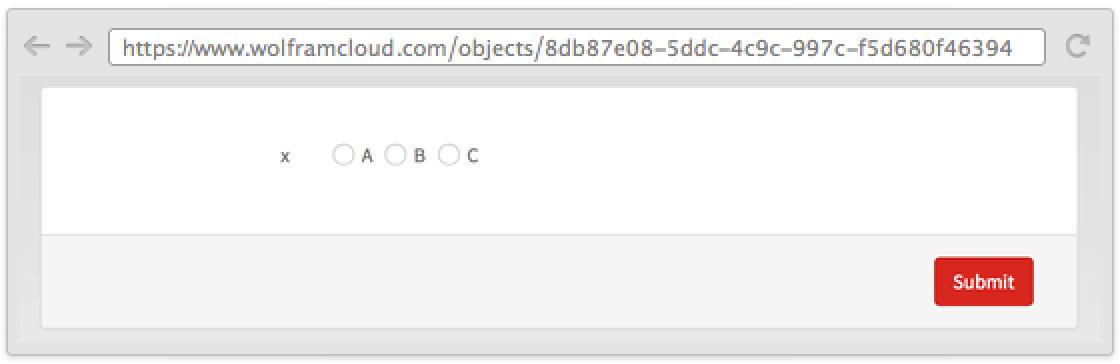
Labels for radio buttons can be anything you want:
CloudDeploy[FormPage[FormObject[<|"x" -> <|"Interpreter" -> {Plot[Sin[x], {x, 0, 10}] -> 1, Graphics3D[Sphere[]] -> 2, EntityValue[Entity["Species", "Species:FelisCatus"], EntityProperty["Species", "Image"]] -> 3}, "Control" -> RadioButtonBar|>|>], func]]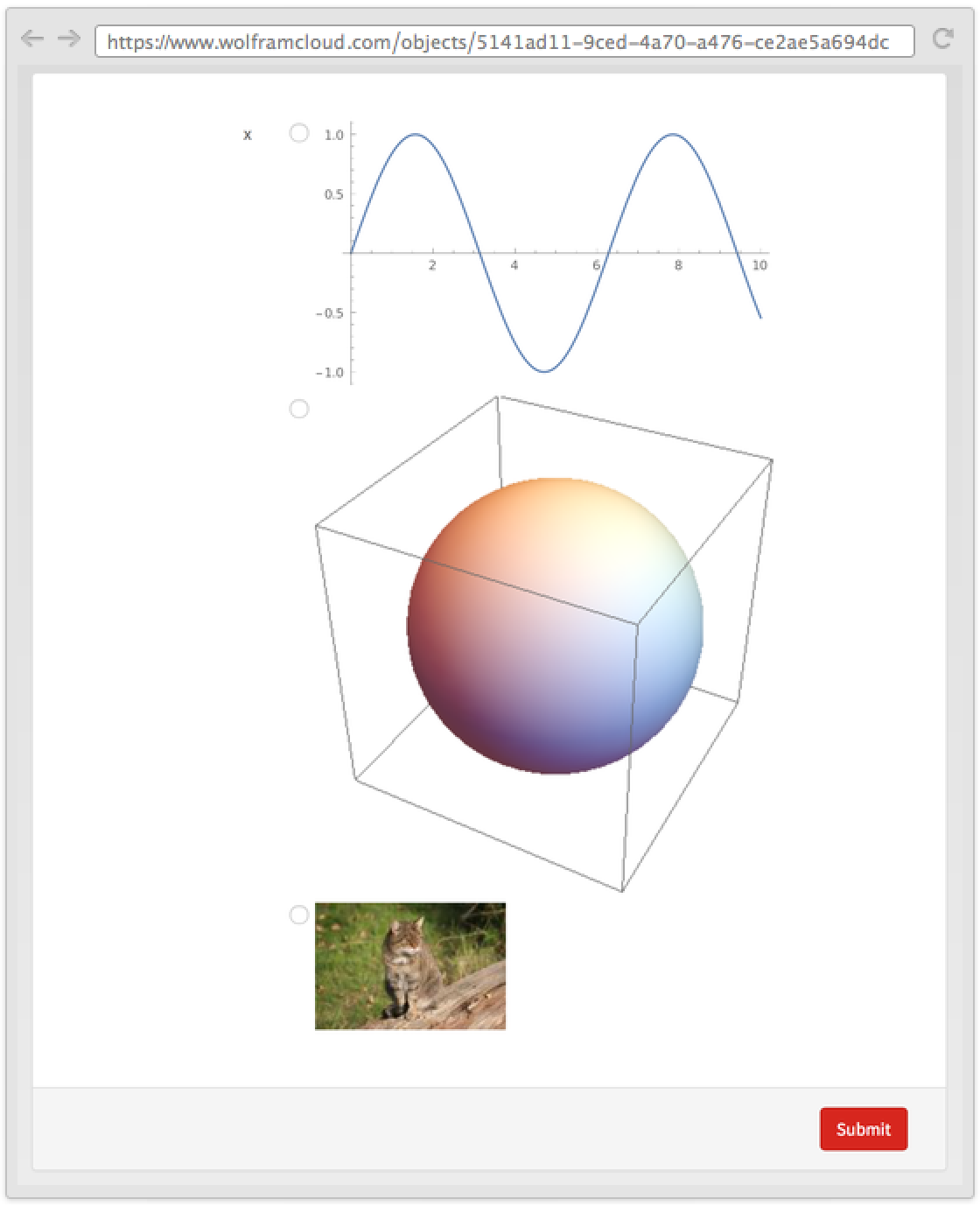
The control specification also accepts pure functions:
CloudDeploy[FormPage[{"x" -> <|"Interpreter" -> "String", "Control" -> Function[Tooltip[InputField[##], EntityValue[Entity["Species", "Species:FelisCatus"], EntityProperty["Species", "Image"]]]]|>}, func]]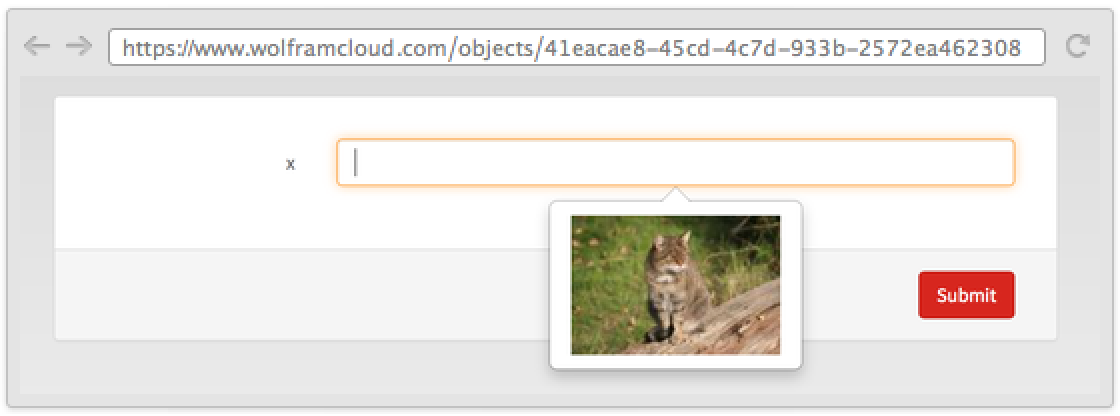
Disambiguation (3)
For strings that are interpreted from natural language in the Wolfram Cloud, sometimes results might be ambiguous:
CloudDeploy[FormPage["where" -> "City", func]["where" -> "springfield"]]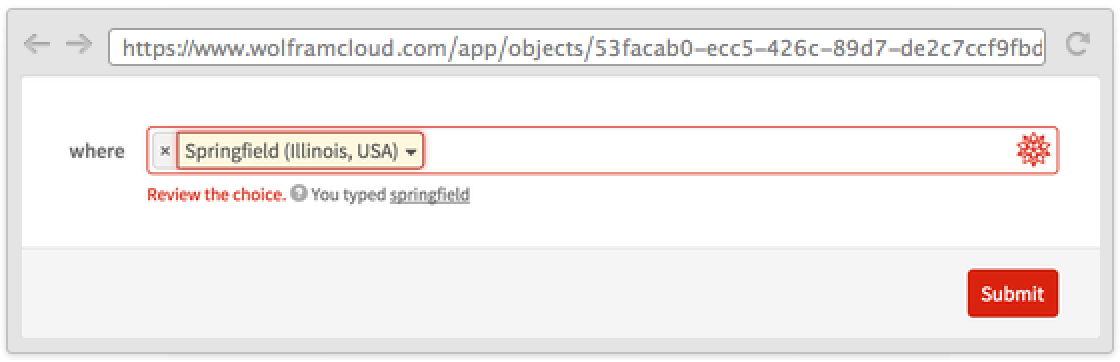
Disambiguation is off for most types by default, but it can be easily activated:
CloudDeploy[FormPage["amount" -> <|"Interpreter" -> "Quantity", "Disambiguation" -> All|>, func]["amount" -> "2 ounces"]]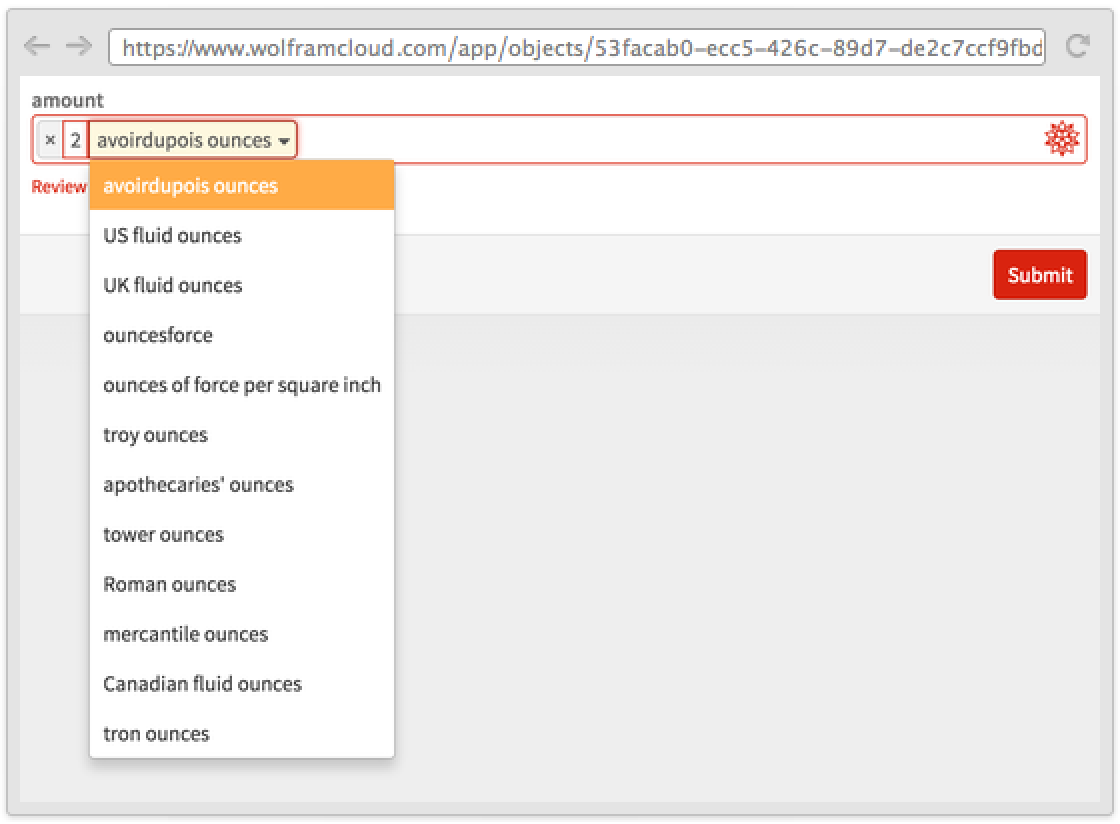
Sometimes several parts of the expression are ambiguous:
CloudDeploy[FormPage["expr" -> <|"Interpreter" -> "SemanticExpression", "Disambiguation" -> All|>, func]["expr" -> "log log 3"]]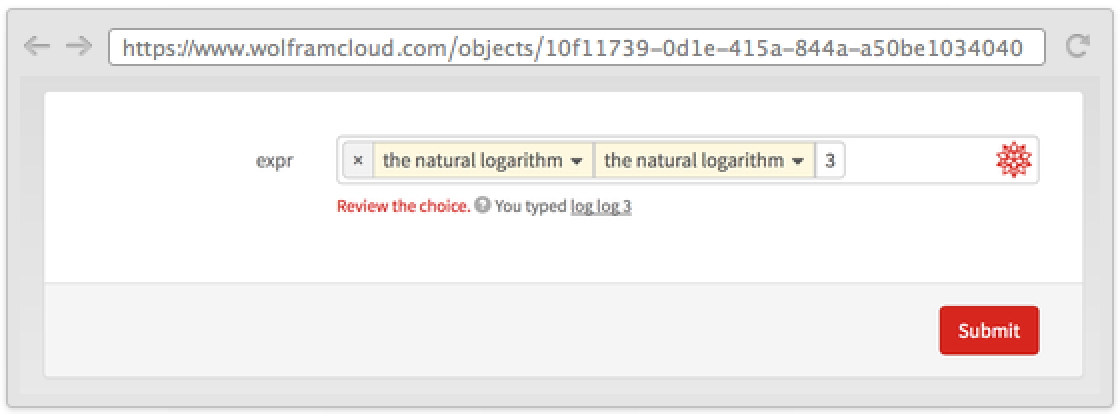
Dynamic Forms (1)
Parts of forms that contain TemplateSlot are not evaluated until the keys mentioned in TemplateSlot[key] are bound to a proper value:
FormPage[{{"name", "what's your name?"} -> "GivenName", "gender" -> <|"Interpreter" -> {"Male", "Female"}, "Input" -> TemplateIf[TemplateSlot["name"][[-1, -1]] == "male", "Male", "Female"]|>}]Layout (4)
Put the result below the form:
CloudDeploy[FormPage["x" -> "Integer", #x!&, "ResultBelow"]]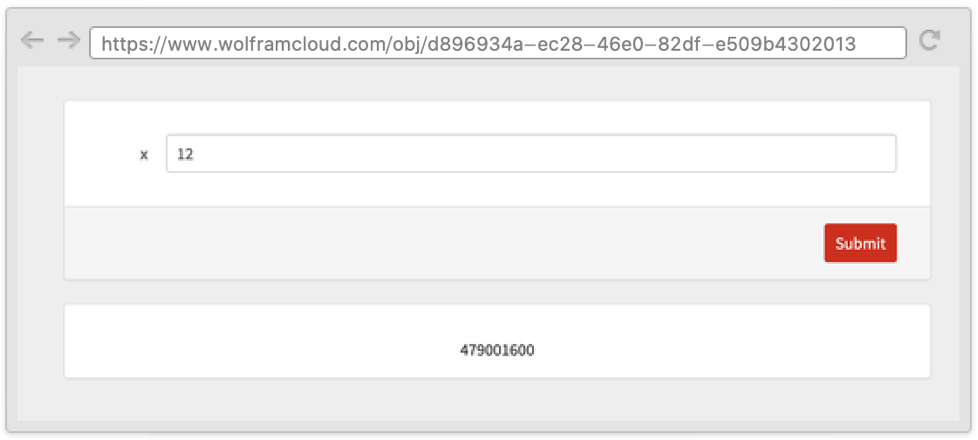
Put the result above the form:
CloudDeploy[FormPage["x" -> "Integer", #x!&, "ResultAbove"]]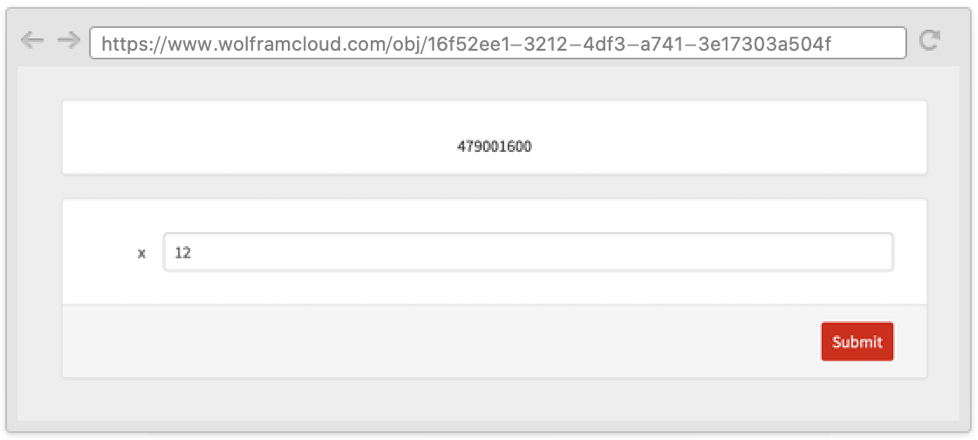
CloudDeploy[FormPage["x" -> "Integer", #x!&, {"Button", "Form", "Result"}]][image]Specify a different order for the initial form and the results:
CloudDeploy[FormPage["x" -> "Integer", #x!&, {"Form", "Button"} -> {"Button", "Form", "Result"}]]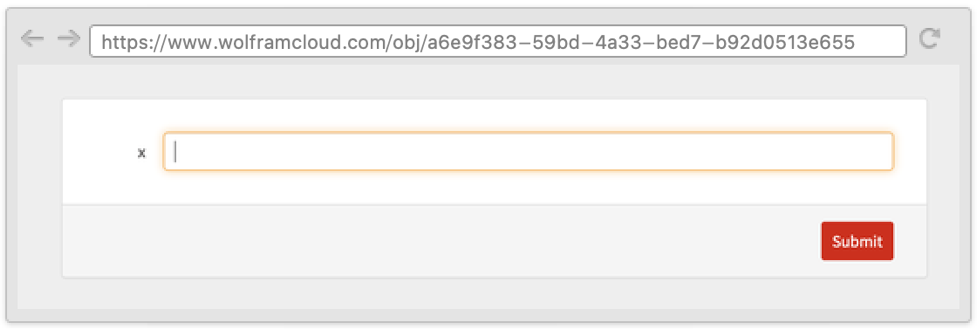
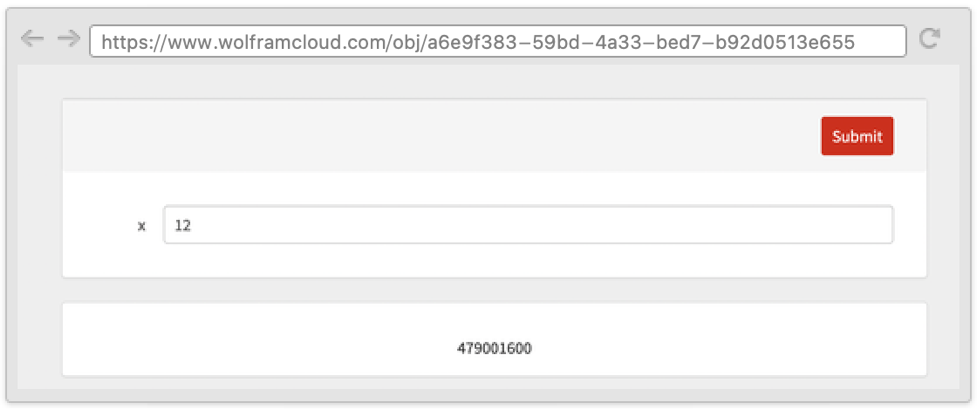
Options (6)
AppearanceRules (1)
Write a custom title and description:
CloudDeploy[FormPage["Start" -> "Country", func, AppearanceRules -> <|"Title" -> "Where do you want to go?", "Description" -> "Enter a country and we will find you an accomodation"|>]]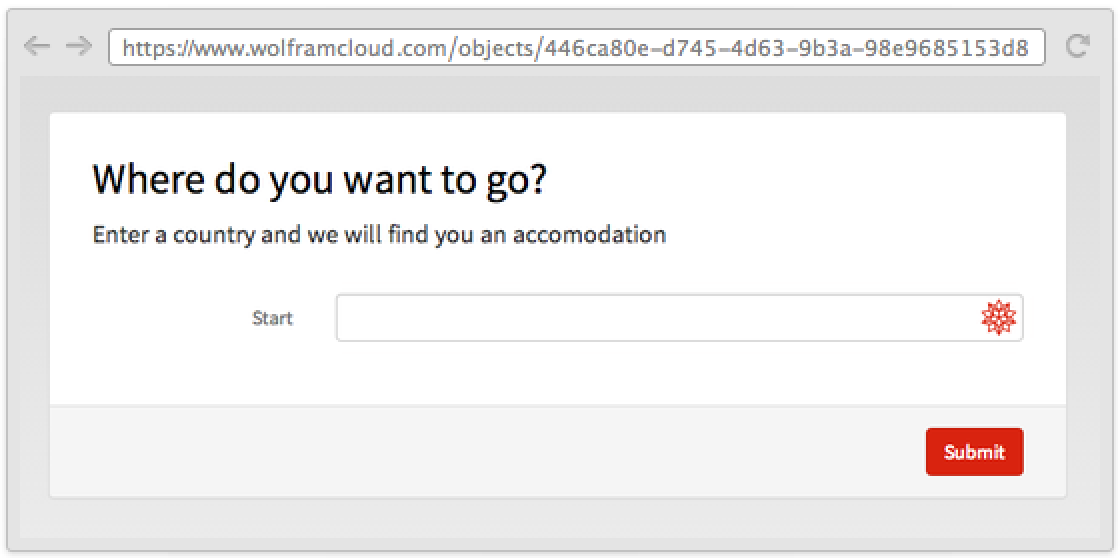
CloudDeploy[FormPage["Product" -> {"Flyers", "Business cards", "Leflets"}, func, AppearanceRules -> <|"Title" -> [image], "Description" -> "What do you want to print today?"|>]]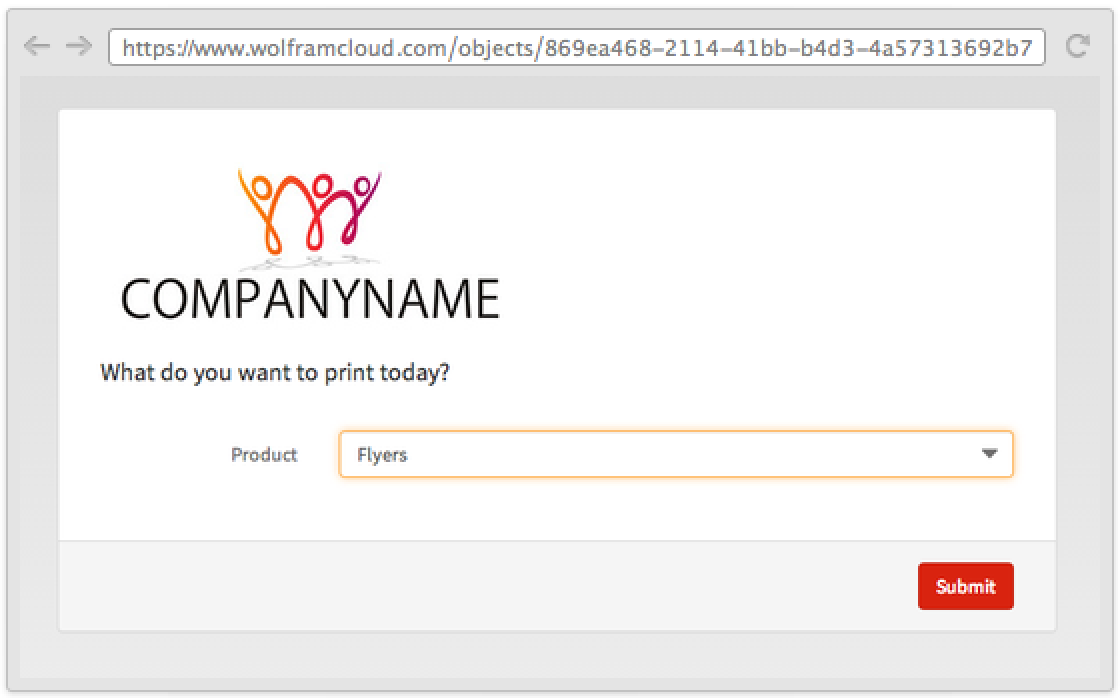
Use an "ItemLayout" to change form fields' appearance:
CloudDeploy[FormPage[{"First" -> "String", "Second" -> "String"}, func, AppearanceRules -> <|"ItemLayout" -> "Vertical"|>]]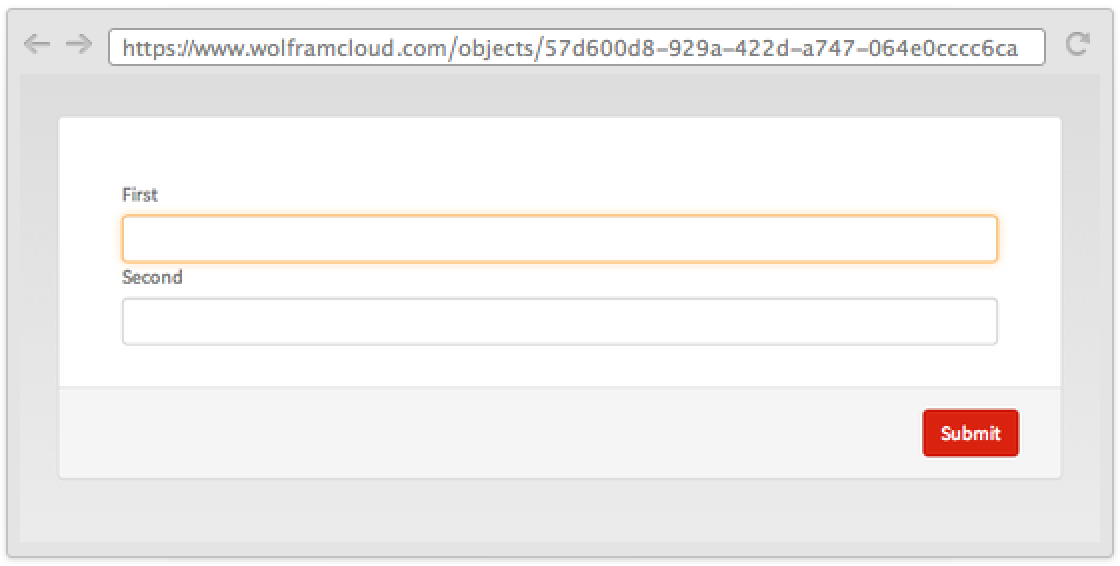
CloudDeploy[FormPage[{"First" -> <|"Help" -> "Insert a value"|>, "Second" -> <|"Help" -> "Insert a value"|>}, func, AppearanceRules -> <|"ItemLayout" -> "Inline"|>]]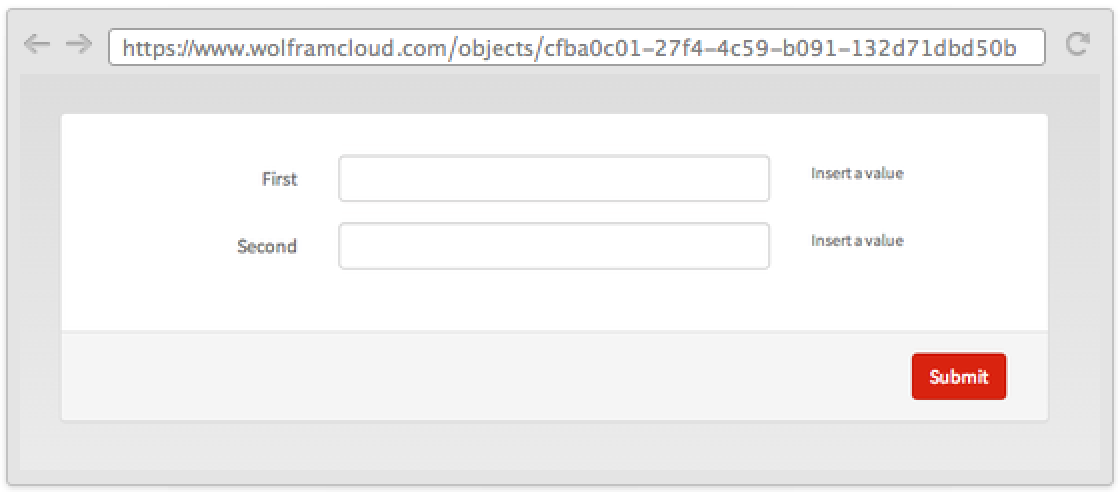
CloudDeploy[FormPage["Product" -> {"Flyers", "Business cards", "Leflets"}, func, AppearanceRules -> <|"SubmitLabel" -> "Buy now!"|>]]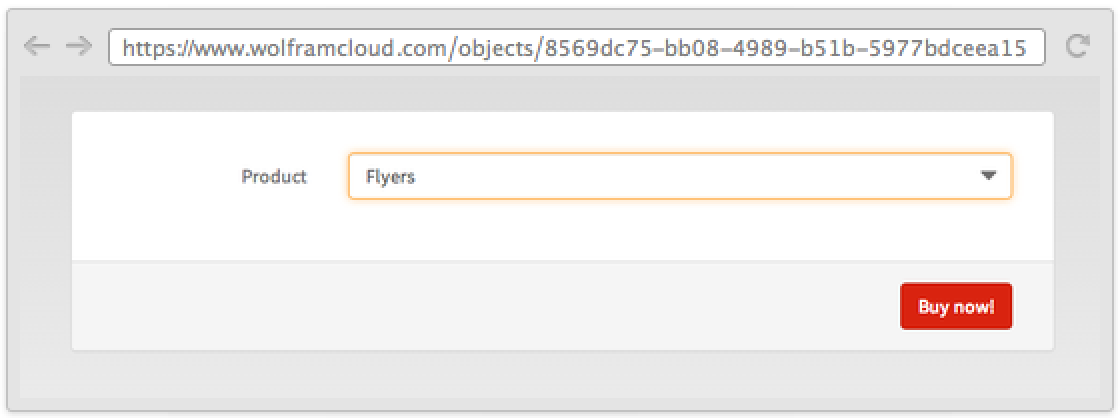
FormLayoutFunction (1)
PageTheme (4)
Deploy a form with a white theme:
CloudDeploy[FormPage[{"age" -> "Number"}, First, PageTheme -> "White"]]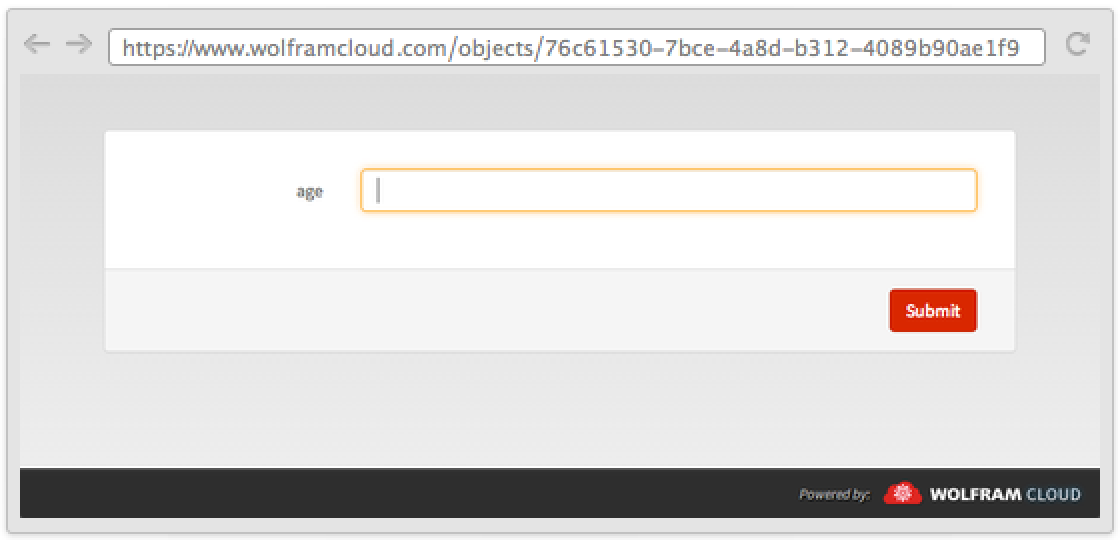
Deploy a form with a blue theme:
CloudDeploy[FormPage[{"age" -> "Number"}, First, PageTheme -> "Blue"]]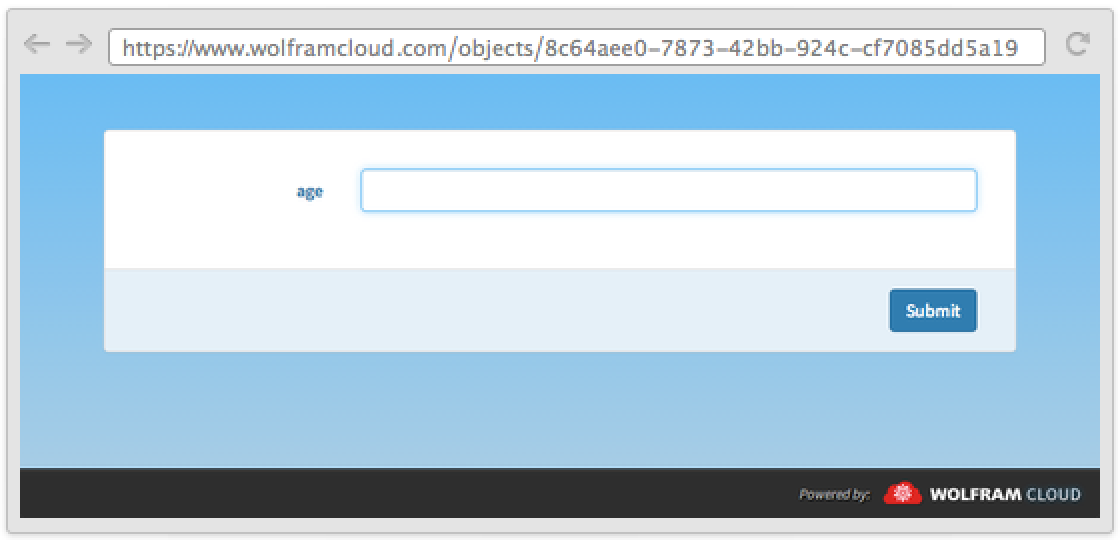
Deploy a form with a black theme:
CloudDeploy[FormPage[{"age" -> "Number"}, First, PageTheme -> "Black"]]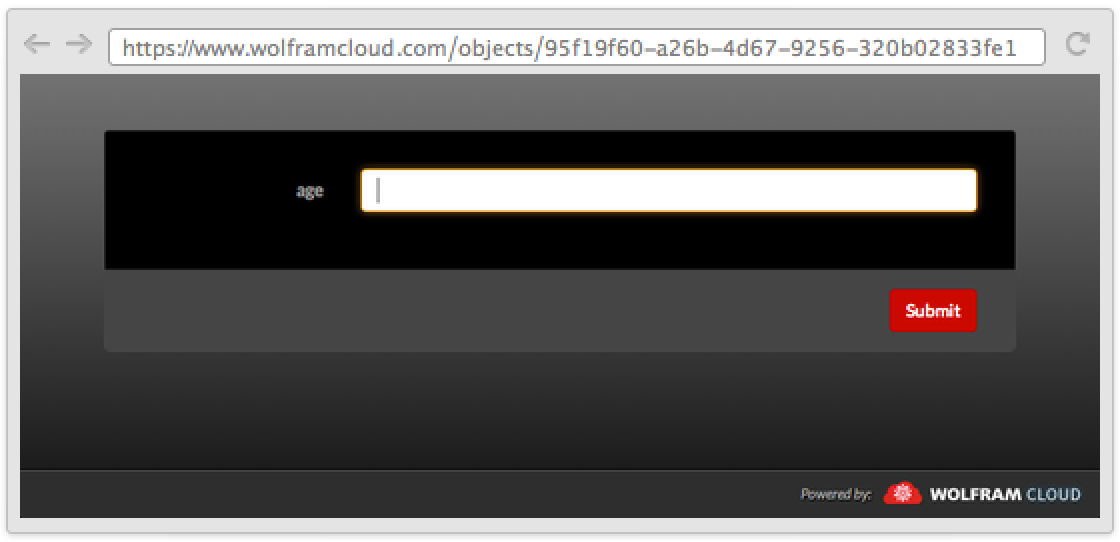
Deploy a form with a red theme:
CloudDeploy[FormPage[{"age" -> "Number"}, First, PageTheme -> "Red"]]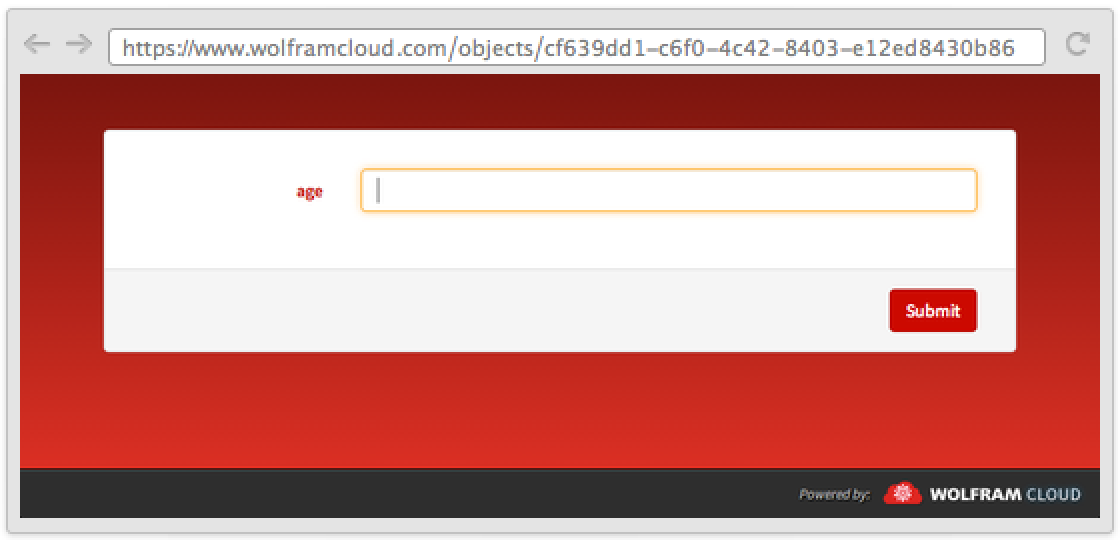
Applications (2)
Draw the flight path between two airports:
CloudDeploy[FormPage[{"from" -> "Airport", "to" -> "Airport"}, GeoGraphics[GeoPath[{GeoPosition[#from], GeoPosition[#to]}]]&]]Get demographic data for a city:
CloudDeploy @ FormPage[{
	"city" -> <|"Interpreter" -> "City", "Input" -> "NYC"|>,
	"years" -> <|
	"Input" -> "2000 - 2010",
	"Interpreter" -> Restricted[
	DelimitedSequence[
	Restricted["Integer", {1900, 2014}],
	"-"
	],
	{1, 2}
	]|>
	},
	Module[{data, range},
	range = Range @@ PadRight[Sort[#years], 2, First[#years]];
	data  =   EntityValue[
	#city,
	Table[
	EntityProperty[
	"City",
	"Population",
	{"Date" -> DateObject[{year}]}
	],
	{year, range}
	]
	];
	Grid @ Transpose[{range, data}]
	]
	&,
	AppearanceRules -> <|
	"Title" -> "Demographic data",
	"Description" -> "Enter any city and a date range."
	|>
	]
Properties & Relations (9)
FormPage is designed to be interchangeable with FormFunction:
CloudDeploy[FormPage @@ FormFunction["x" -> "String", Identity]]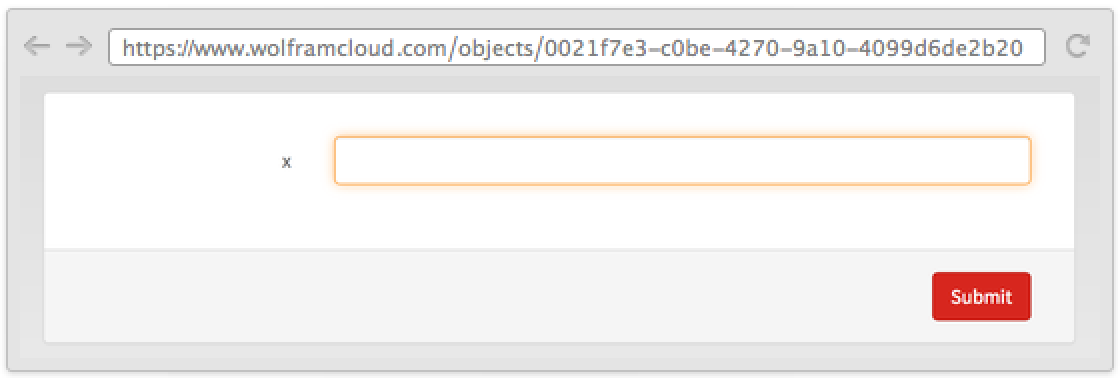
FormPage is designed to be interchangeable with APIFunction:
CloudDeploy[FormPage @@ APIFunction["x" -> "String", Identity]]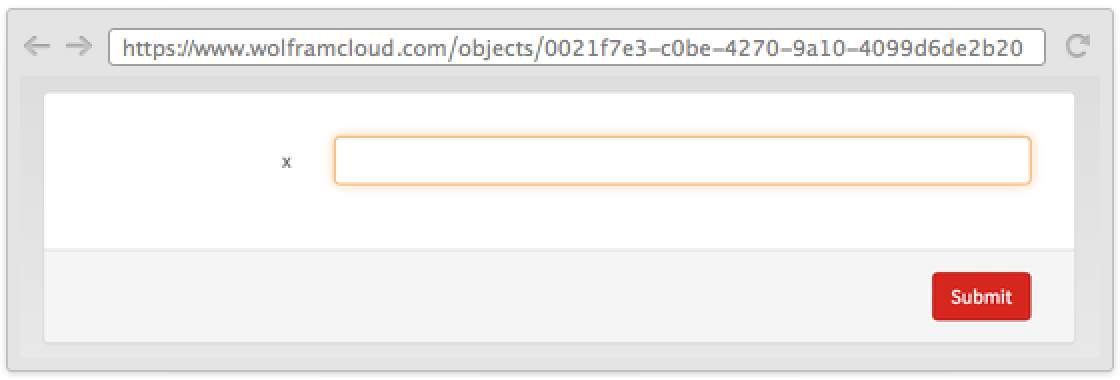
CloudDeploy[APIFunction @@ FormPage["x" -> "String", Identity]]
The first argument of FormPage can be given as a full FormObject:
FormPage[FormObject["x" -> "Integer"], Identity]FormPage evaluates so that the first argument becomes a full FormObject:
FormPage["x" -> "String", Identity]//InputFormThe single fields of a FormPage use Interpreter to transform the input in Wolfram Language expressions:
f1 = FormPage["x" -> "Country", #x&]This is effectively the same as:
f2 = FormPage["x" -> Interpreter["Country"], #x&]AnySubset can be used to generate a controller where more than one choice can be picked:
CloudDeploy[FormPage[
	{"choose one or more" -> AnySubset[{1, 2, 3}]}]]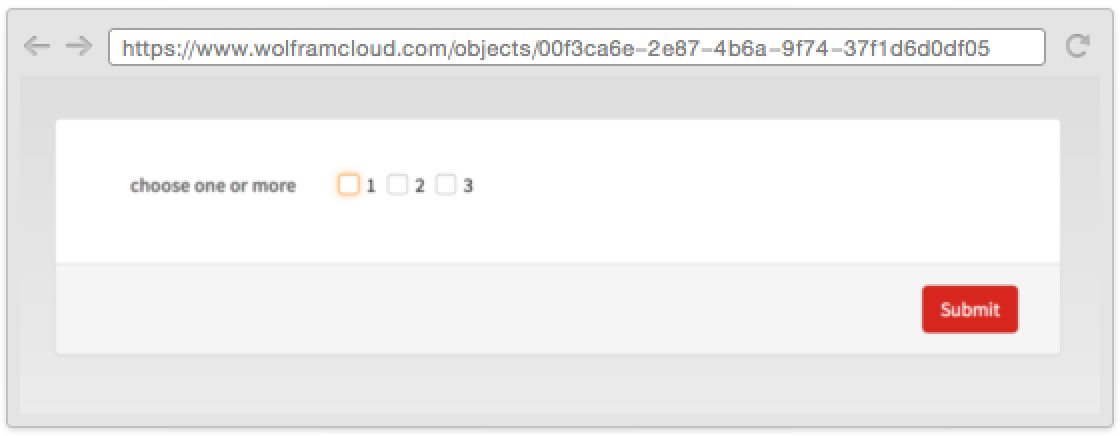
RepeatingElement can be used to create a group of fields that can be added and deleted:
CloudDeploy[FormPage["field" -> RepeatingElement["String", {2, {1, 5}}]]]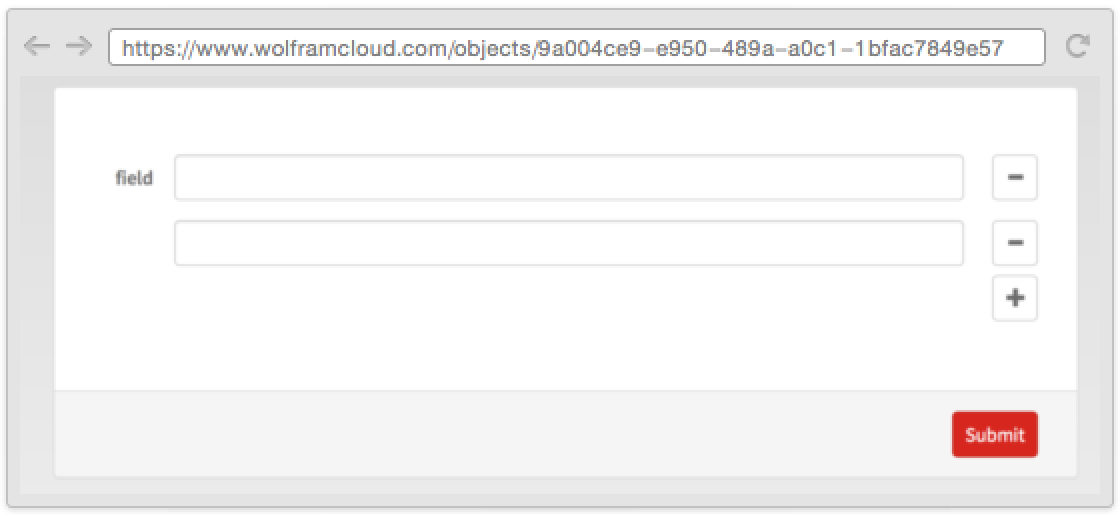
CompoundElement can be used to create an extensible table of fields:
CloudDeploy[FormPage["names" -> RepeatingElement[CompoundElement[<|"first" -> "String", "last" -> "String"|>]]]]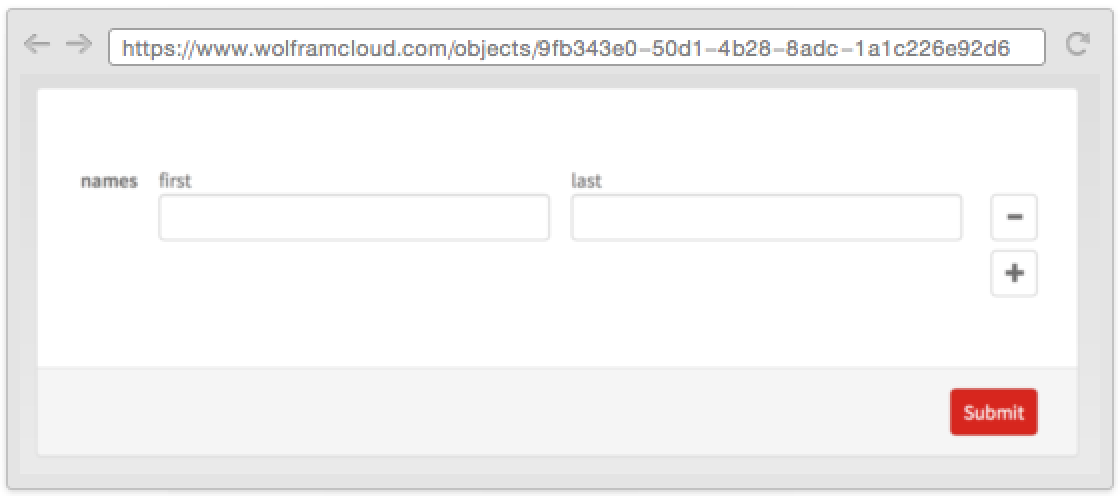
Possible Issues (2)
Interpreter["String"] accepts an empty string. This is not true for FormPage, where the empty string and an empty field are considered equivalent:
Interpreter["String"][""]FormPage[{"a string" -> "String"}, f][{"a string" -> ""}]Cloud evaluations have restrictions on memory usage and evaluation time. The limitations for FormPage are determined by your cloud plan, and the specific amounts can be found in CloudAccountData as the "DeployedMemoryLimit" and "DeployedEvaluationTimeLimit":
CloudAccountData /@ {"DeployedMemoryLimit", "DeployedEvaluationTimeLimit"}
 An Elementary Introduction to the Wolfram Language
Text
Wolfram Research (2015), FormPage, Wolfram Language function, https://reference.wolfram.com/language/ref/FormPage.html.
CMS
Wolfram Language. 2015. "FormPage." Wolfram Language & System Documentation Center. Wolfram Research. https://reference.wolfram.com/language/ref/FormPage.html.
APA
Wolfram Language. (2015). FormPage. Wolfram Language & System Documentation Center. Retrieved from https://reference.wolfram.com/language/ref/FormPage.html