Markdown (.md)
Background & Context
-
- Registered MIME types: text/markdown, text/x-markdown
- A markup language allowing formatting text documents.
- Plain text format.
Import & Export
- Import["file.md"] imports a Markdown file as plaintext.
- Import["file.md",elements] imports the specified elements.
- The import format can be specified with Import["file","Markdown"] or Import["file",{"Markdown",elem,…}].
- Export["file.md",expr] creates a Markdown file from expr.
- Expressions representing table data are exported as Markdown tables.
- Image and Graphics objects are converted to PNG images when exporting to Markdown.
- Supported expressions expr include:
-
nb a Notebook or NotebookObject expression text plain or styled text table a Tabular, Dataset or other table data image an Image, Graphics, Graph and other visual data video a Video, Manipulate and other dynamic visual data hyperlink a Hyperlink expression - See the following reference pages for full general information:
-
Import, Export import from or export to a file CloudImport, CloudExport import from or export to a cloud object ImportString, ExportString import from or export to a string ImportByteArray, ExportByteArray import from or export to a byte array
Import Elements
- General Import elements:
-
"Elements" list of elements and options available in this file "Summary" summary of the file "Rules" list of rules for all available elements - Data representation elements:
-
"FormattedText" a sequence of formatted text for the whole document "Hyperlinks" a list of Hyperlink objects "Images" a list of Image objects "Notebook" a Notebook expression "NotebookObject" a NotebookObject expression "Plaintext" a string giving the textual content of the whole document "Tables" a list of Tabular objects - Metadata elements:
-
"Title" document title
Import Options
- Import options include:
-
ByteOrdering Automatic ordering of bytes CharacterEncoding "UTF8ISOLatin1" raw character encoding used in the file "ImportImages" True whether to import images - By default, Import attempts to interpret the data as "UTF8"-encoded text. If any sequence of bytes stored in the file cannot be represented in "UTF8", Import uses "ISOLatin1" instead.
Export Options
- Export options include:
-
"ExpressionFormattingFunction" Automatic how expressions stored in a Tabular object are converted to strings "SnippetRowCount" Infinity number of rows taken from the beginning and the end of table data during conversion to strings GeneratedAssetFormat Automatic the file format of asset files GeneratedAssetLocation Automatic the location of asset files "WolframLanguageTag" "wl" tag used for Wolfram Language code blocks - GeneratedAssetFormat can be set to the following values:
-
Automatic automatic setting <"Image"fmt1,"AnimatedImage"fmt2> use different formats for static and animated images "fmt" use format "fmt" for static images - The following image formats are supported as the value of GeneratedAssetFormat option: "AVIF", "BMP", "GIF", "JPEG", "JPEG2000", "PNG", "TIFF", "WebP".
- GeneratedAssetLocation can be set to the following values:
-
Automatic automatic setting "CloudObject" storing asset files in cloud objects "CloudObjectPublic" storing asset files in cloud objects with permission set to public "LocalObject" storing asset files in local objects "dir/" storing asset files under the directory dir None storing asset files as data URLs - In GeneratedAssetLocation"dir/", if the directory "dir" already exists then the trailing path name separator is optional.
- "ExpressionFormattingFunction" can be set to the following values:
-
Automatic default conversion to string form any form supported by Format such as InputForm f arbitrary function that converts an expression to a string - "SnippetRowCount" can be set to the following values:
-
Infinity all rows are exported n only the first n rows are exported {n} the first and the last n rows are exported {m,n} the first m and and the last n rows are exported
Examples
open all close allBasic Examples (3)
Import a Markdown file as plain text:
Import["ExampleData/geese.md"]Import summary of a Markdown file:
Import["ExampleData/geese.md", "Summary"]Export a mathematical expression to Markdown:
Export["formula.md", Sqrt[a - b / 4]]Import the rasterized expression:
Import["formula.md", "FormattedText"]Scope (10)
Import (2)
Import a Markdown file as formatted text:
Import["ExampleData/geese.md", "FormattedText"]Import a Markdown file as a NotebookObject:
Import["ExampleData/geese.md", "NotebookObject"]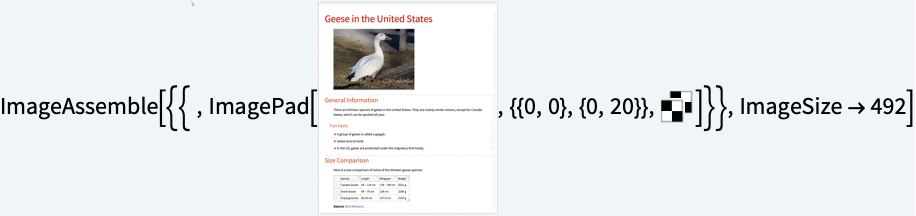
Export (8)
ExportString[Style["Hello", FontWeight -> Bold], "Markdown"]ExportString[Row[{Style["Hello", Bold], " ", Style["World!", Italic]}], "Markdown"]Export a Hyperlink expression:
ExportString[Hyperlink["hello", "www.wolfram.com"], "Markdown"]Export an Image object:
ExportString[RandomImage[], "Markdown"]Export a Video object:
ExportString[Video["ExampleData/fish.mp4"], "Markdown"]Export a Tabular object:
tabular = Import["ExampleData/USstates.arrow", {"Tabular", 1 ;; 3}]markdown = ExportString[tabular, "Markdown"]ImportString[markdown, {"Markdown", "FormattedText"}]Export a QuantityArray:
qa = QuantityArray[{{1.4, 2.3}, {2.8, 2.7}, {4.2, 3.5}}, {"Seconds", "Meters"}]markdown = ExportString[qa, "Markdown"]Import it back as a Tabular object:
ImportString[markdown, {"Markdown", "FormattedText"}]Export a Notebook expression including item cells:
nb = Notebook[{Cell["This is my todo list.", "Title"], Cell["Today", "Item"],
Cell["item 1", "SubitemNumbered"],
Cell["item 2", "SubitemNumbered"]}]ExportString[nb, "Markdown"]ImportString[%, {"Markdown", "FormattedText"}]Import a notebook file as a NotebookObject:
nb = Import["ExampleData/document.nb", "NotebookObject"]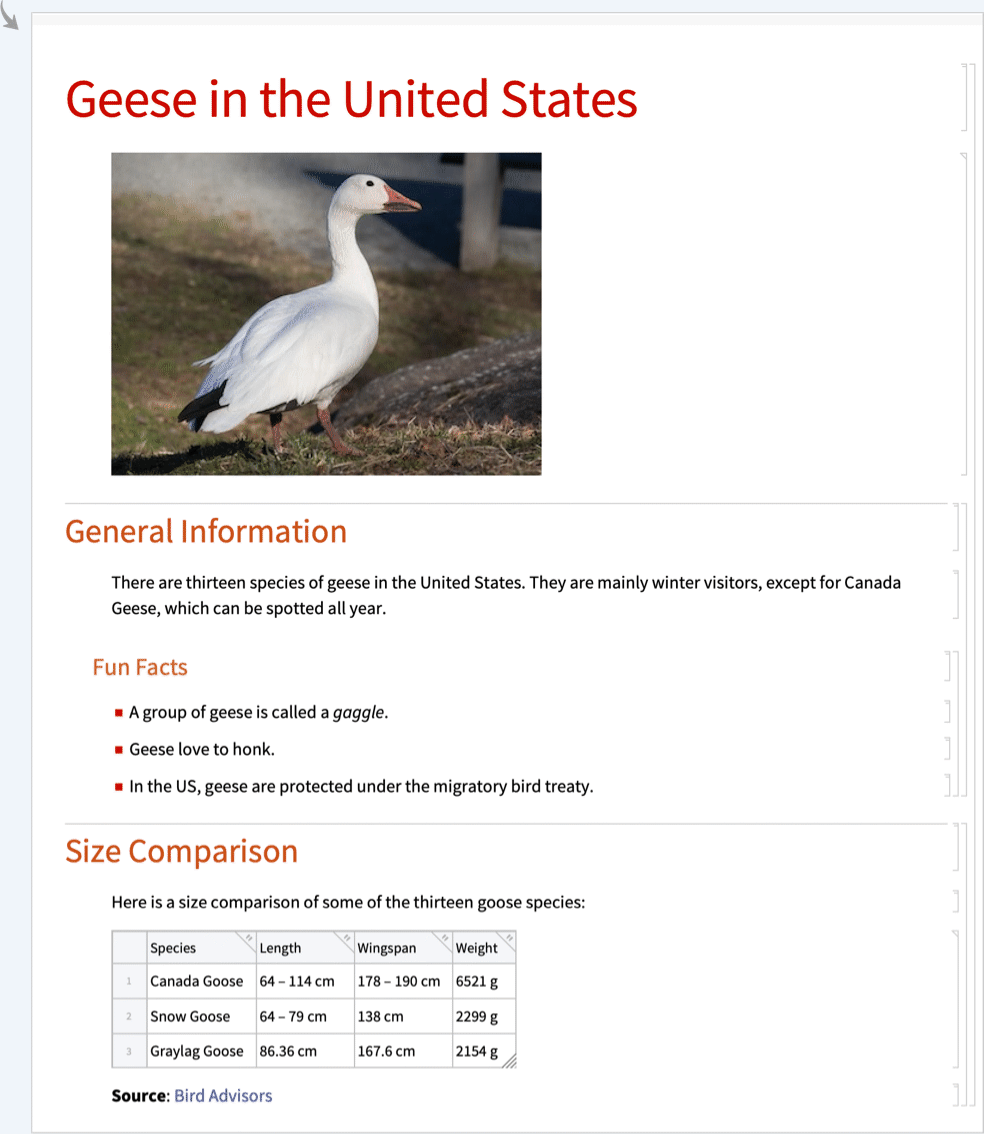
Export to Markdown while the notebook is open:
ExportString[nb, "Markdown"]//IconizedObject[«Pane»]Import Elements (9)
Available Elements (1)
"FormattedText" (1)
"Hyperlinks" (1)
"Notebook" (1)
"NotebookObject" (1)
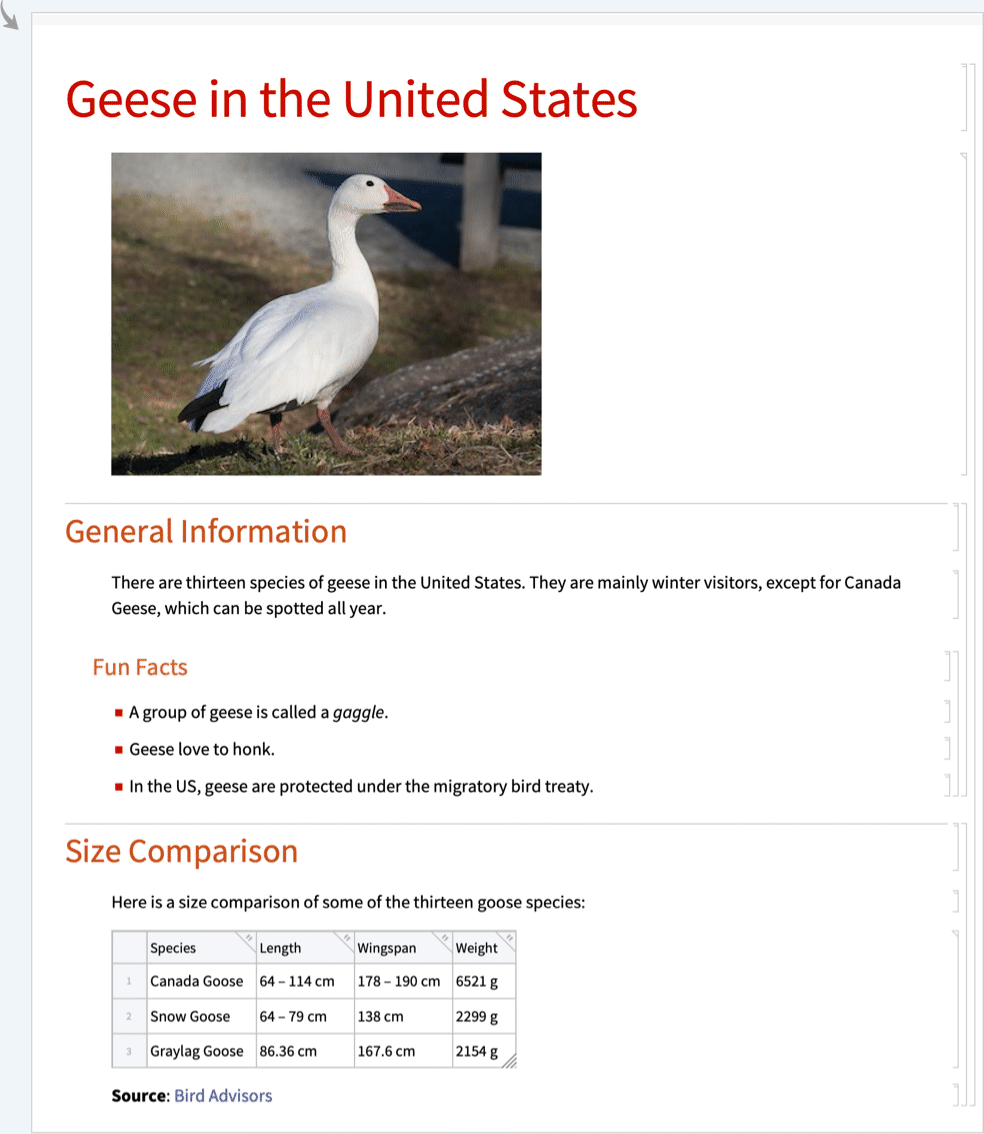
"Plaintext" (1)
Import Options (3)
CharacterEncoding (1)
The character encoding can be set to any value from $CharacterEncodings:
input = "é";ImportString[input, "Markdown", CharacterEncoding -> "UTF8"]ImportString[input, "Markdown", CharacterEncoding -> "ISOLatin1"]"ImportImages" (2)
By default, images are imported:
Import["ExampleData/geese.md", "FormattedText"]With "ImportImages"False, images are not imported:
Import["ExampleData/geese.md", "FormattedText", "ImportImages" -> False]Export Options (10)
"ExpressionFormattingFunction" (1)
By default, Export uses different conversion to string depending on column types:
tabular = Import["ExampleData/USstates.arrow", {"Tabular", 1 ;; 3}]ColumnTypes[tabular]ExportString[tabular, "Markdown"]Use "ExpressionFormattingFunction"->InputForm to get string versions of expressions suitable for input to the Wolfram Language:
ExportString[tabular, "Markdown", "ExpressionFormattingFunction" -> InputForm]//Short[#, 5]&Use an arbitrary function that converts expressions to strings:
ExportString[tabular, "Markdown", "ExpressionFormattingFunction" -> Function[x, ToString[x, CForm]]]//Short[#, 5]&GeneratedAssetFormat (2)
By default, static images are exported as "PNG":
ExportString[RandomImage[], "Markdown"]Specify different format for static images:
ExportString[RandomImage[], "Markdown", GeneratedAssetFormat -> "JPEG"]By default, animated images, Video and Manipulate objects are exported as "WebP":
ExportString[AnimatedImage["ExampleData/wave.gif"], "Markdown"]Specify different format for animated images:
ExportString[AnimatedImage["ExampleData/wave.gif"], "Markdown", GeneratedAssetFormat -> <|"AnimatedImage" -> "PNG"|>]GeneratedAssetLocation (5)
Assets are automatically generated in the "img" folder in the same directory as the .md file:
Export[FileNameJoin[{$TemporaryDirectory, "file.md"}], RandomImage[]]FileNames["*.*", FileNameJoin[{$TemporaryDirectory, "img"}]]Store each asset as a LocalObject:
ExportString[RandomImage[], "Markdown", GeneratedAssetLocation -> "LocalObject"]Store each asset as a CloudObject with permission set to private:
ExportString[RandomImage[], "Markdown", GeneratedAssetLocation -> "CloudObject"]Store each asset as a CloudObject with permission set to public:
ExportString[RandomImage[], "Markdown", GeneratedAssetLocation -> "CloudObjectPublic"]Store each asset as a data URL:
ExportString[RandomImage[], "Markdown", GeneratedAssetLocation -> None]//Short"SnippetRowCount" (1)
By default, all rows of table data are exported:
tabular = Import["ExampleData/USstates.arrow"]tabular["RowCount"]StringCount[ExportString[tabular, "Markdown"], "
"]Use the "SnippetRowCount" option to export the first 2 rows and the last 3 rows:
ExportString[tabular, "Markdown", "SnippetRowCount" -> {2, 3}]"WolframLanguageTag" (1)
By default, "wl" is used as the Wolfram Language tag:
ExportString[Notebook[{Cell["2+2", "Input"]}], "Markdown"]Use the previously supported tag on most Markdown viewers:
ExportString[Notebook[{Cell["2+2", "Input"]}], "Markdown", "WolframLanguageTag" -> "mathematica"]